Fileless Malware: Why Traditional Antivirus Fails and How to Defend
Fileless malware hides in memory and uses legitimate system tools, bypassing signature-based detection entirely.

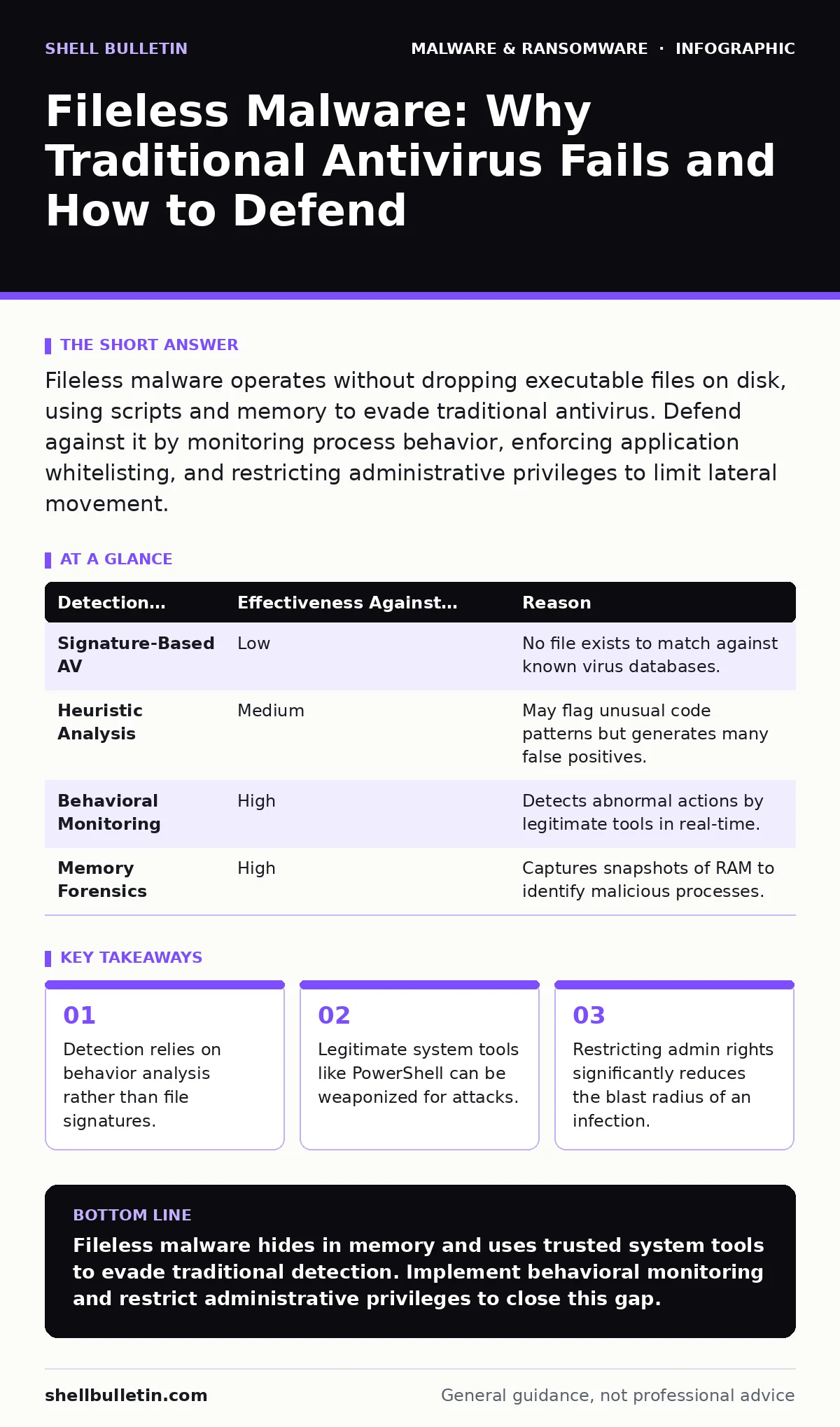
Fileless malware operates without dropping executable files on disk, using scripts and memory to evade traditional antivirus. Defend against it by monitoring process behavior, enforcing application whitelisting, and restricting administrative privileges to limit lateral movement.
What exactly is fileless malware?
Fileless malware is malicious code that executes in a computer's memory without writing a permanent executable file to the hard drive. Traditional security software scans for known file signatures, but this method fails when there is no file to scan. The threat persists only while the system is powered on, disappearing upon reboot.
How does it bypass traditional antivirus software?
It bypasses detection by using legitimate system tools that antivirus vendors must trust. Security products are tuned to ignore standard operating system utilities to prevent false positives that disrupt business operations. Attackers exploit this trust by running malicious scripts through these trusted applications, a technique known as living off the land.
Which system tools do attackers commonly abuse?
Attackers frequently abuse scripting languages and system management utilities built into the operating system. PowerShell, Windows Management Instrumentation (WMI), and Visual Basic Scripting (VBS) are common vectors because they are powerful and pre-installed. These tools allow attackers to execute commands, download payloads, and move laterally without installing new software.
Why is memory execution so difficult to detect?
Memory is volatile, meaning its contents vanish when the computer loses power or restarts. Forensic investigators cannot find evidence of the attack by scanning the file system after the fact. The malware leaves no footprint on the disk, making traditional file hashing and signature matching useless. For more on how analysts study these transient threats, see our guide on dynamic malware analysis.
| Detection Method | Effectiveness Against Fileless Malware | Reason |
|---|---|---|
| Signature-Based AV | Low | No file exists to match against known virus databases. |
| Heuristic Analysis | Medium | May flag unusual code patterns but generates many false positives. |
| Behavioral Monitoring | High | Detects abnormal actions by legitimate tools in real-time. |
| Memory Forensics | High | Captures snapshots of RAM to identify malicious processes. |
Can legitimate macros trigger fileless infections?
Yes, malicious macros in office documents can initiate fileless attacks by executing scripts in memory. The document itself may be benign, but the embedded code runs commands that download and execute malware directly in RAM. This method relies on social engineering to trick you into enabling content. Proper configuration of macro security settings is a critical defense layer.
See also: What Is Endpoint Telemetry and How It Secures Your Devices · Living Off The Land Attacks: Myths vs Reality for Detection
How does it spread within a network?
Once inside a machine, fileless malware uses built-in remote management protocols to move to other devices. It leverages credentials stolen from the initial host to authenticate with other systems. This lateral movement often goes unnoticed because it uses standard administrative channels that security tools typically whitelist. Understanding the difference between these threats and traditional computer viruses helps in recognizing this silent spread.
What is the role of PowerShell in these attacks?
PowerShell is a powerful automation tool that can also execute complex attacks with a single line of code. Attackers use it to download payloads, encrypt files, or exfiltrate data without ever touching the disk. Because PowerShell is necessary for system administration, completely disabling it is often impractical for most organizations. Instead, you must restrict its execution scope and logging capabilities.
How do I detect it if there is no file?
You must monitor for anomalous behavior rather than looking for bad files. This requires tools that inspect running processes and network connections in real time. Look for legitimate tools like PowerShell or WMI making unexpected network requests or creating new files. This approach shifts the focus from what the malware is to what the malware is doing. For deeper technical insights, refer to our resource on malware analysis.
What is the most effective prevention strategy?
The strongest defense is limiting administrative privileges and enforcing application whitelisting. If standard users cannot install software or run scripts, the malware’s ability to execute is severely constrained. Whitelisting ensures that only approved applications can run, blocking unauthorized scripts even if they use legitimate tools. This reduces the attack surface significantly.
How does ransomware use fileless techniques?
Some ransomware variants use fileless methods to encrypt data before dropping the encryption key or notification file. This delays detection until the damage is already done. Screen locker ransomware is a simpler variant that locks the user interface, but fileless ransomware targets the data itself using memory-resident encryption routines. Combining behavioral monitoring with regular backups mitigates this risk.
Can memory forensics catch past infections?
Memory forensics can identify active fileless malware but cannot recover deleted or overwritten data. It captures the state of RAM at a specific moment, revealing hidden processes and network connections. While it does not prevent future attacks, it provides evidence for incident response and helps refine detection rules. This complements the use of file hashes in malware detection for disk-based threats.
Key takeaways
- Detection relies on behavior analysis rather than file signatures.
- Legitimate system tools like PowerShell can be weaponized for attacks.
- Restricting admin rights significantly reduces the blast radius of an infection.
Fileless malware hides in memory and uses trusted system tools to evade traditional detection. Implement behavioral monitoring and restrict administrative privileges to close this gap.
Frequently asked questions
Is fileless malware permanent on my computer?
No, fileless malware resides in volatile memory and disappears when the computer is rebooted. However, attackers often leave behind persistence mechanisms like scheduled tasks to reinfect the system after a restart.
Does updating Windows protect against fileless attacks?
Updates patch known vulnerabilities but do not stop attackers from using legitimate tools like PowerShell. You must also configure security policies to restrict how these tools can be used.
Can a firewall stop fileless malware?
A firewall blocks unauthorized network traffic but cannot see malicious commands running inside the network. You need endpoint detection to monitor internal process behavior.
What is the difference between fileless malware and potentially unwanted programs?
Fileless malware is explicitly malicious and operates in memory, while potentially unwanted programs are often legitimate software with aggressive or deceptive practices. PUPs usually install files on the disk, making them easier to detect and remove.
How this guide was produced: written by the Shell Bulletin editorial team with AI assistance, checked against the public references listed below, and reviewed when the facts change. See our editorial policy or report an error.