Screen Locker Ransomware: Mechanics, Recovery, and Prevention
Screen lockers trap your data by encrypting the operating system interface, leaving files intact but inaccessible until a ransom is paid.

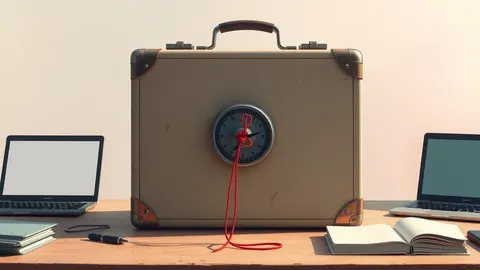
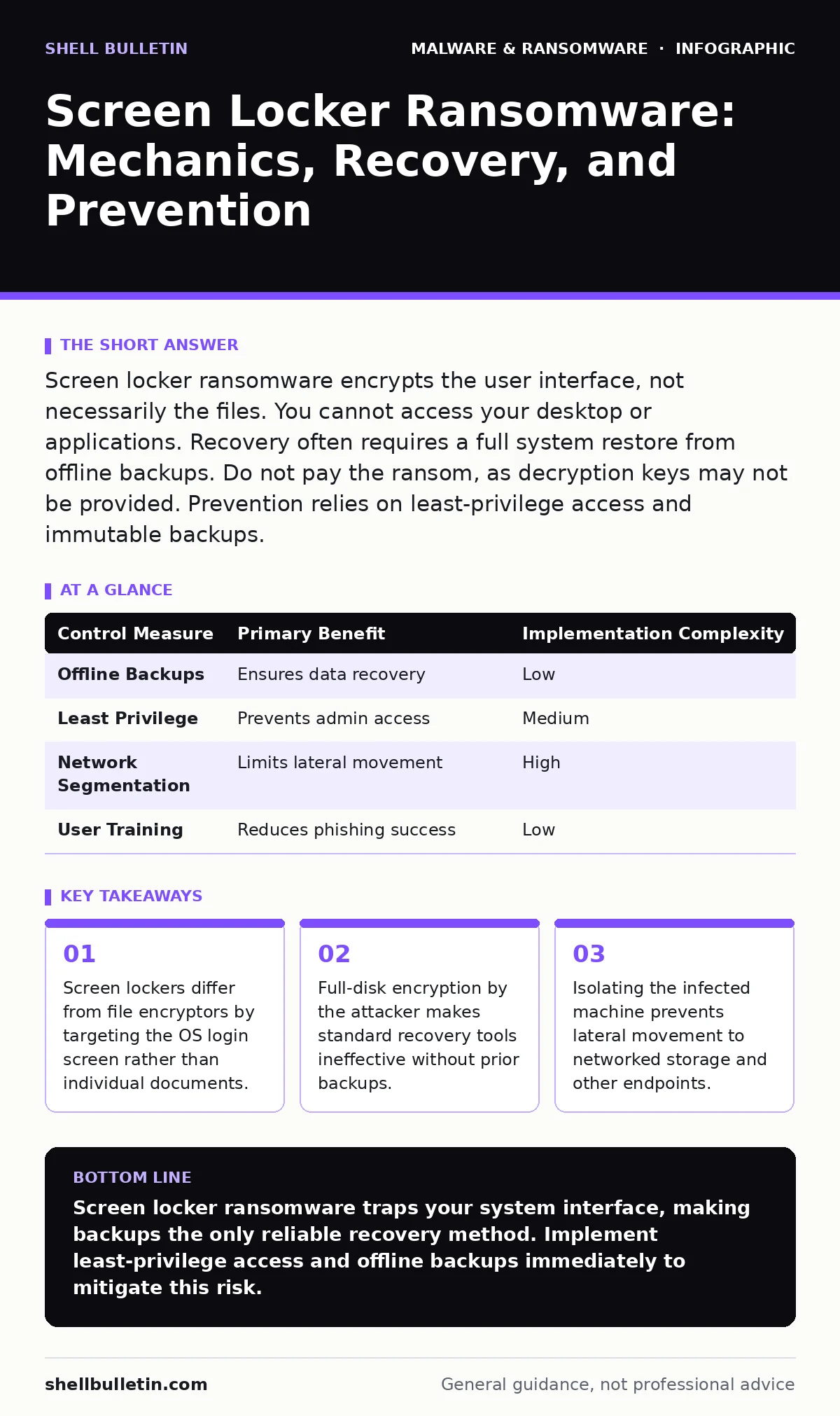
Screen locker ransomware encrypts the user interface, not necessarily the files. You cannot access your desktop or applications. Recovery often requires a full system restore from offline backups. Do not pay the ransom, as decryption keys may not be provided. Prevention relies on least-privilege access and immutable backups.
What distinguishes screen lockers from other ransomware?
Screen lockers encrypt the operating system interface, preventing you from logging in or launching applications. Unlike file encryptors that scramble documents, these variants lock the screen itself. Your files often remain intact on the hard drive but are inaccessible. This distinction matters because recovery strategies differ significantly between the two types.
How does screen locker ransomware infect a device?
Attackers typically use phishing emails or malicious downloads to gain initial access. Once executed, the malware gains administrative privileges. It then modifies system files to display the lock screen. This process often happens in seconds, before you notice any unusual behavior. The speed of execution limits your ability to intervene manually.
Can you bypass a screen locker without paying?
Bypassing a screen locker is difficult and often impossible without technical expertise. Some variants have flaws that allow forced reboots or safe mode access. However, modern versions patch these weaknesses quickly. Attempting to bypass the lock may trigger data destruction mechanisms. This risk makes professional assistance or backup restoration the safer path.
Why is paying the ransom a poor strategy?
Paying the ransom does not guarantee file recovery. Attackers may fail to provide the decryption key. They may also demand additional payments for subsequent steps. This financial uncertainty is compounded by legal and ethical concerns. You also fund the development of more sophisticated malware variants.
How do you recover from a screen locker infection?
Recovery requires restoring the operating system from a clean backup. You must identify and remove the malware before restoring data. This process involves wiping the infected drive and reinstalling the OS. If you lack backups, you may lose all data stored on the device. This outcome underscores the importance of regular, tested backup procedures.
See also: Malware Defense: Practical Steps for Small Business Security
What role does least privilege play in prevention?
Least privilege limits user accounts to only necessary permissions. This prevents malware from gaining administrative rights. Without admin rights, the malware cannot modify system files or display the lock screen. This simple control significantly reduces the attack surface. It is one of the most effective defenses against screen lockers.
How does network segmentation help contain an outbreak?
Network segmentation divides your network into smaller, isolated sections. If one device is infected, the malware cannot easily spread to others. This containment buys time for detection and response. It also limits the amount of data exposed to the attacker. Proper segmentation is a critical layer of defense-in-depth.
| Control Measure | Primary Benefit | Implementation Complexity |
|---|---|---|
| Offline Backups | Ensures data recovery | Low |
| Least Privilege | Prevents admin access | Medium |
| Network Segmentation | Limits lateral movement | High |
| User Training | Reduces phishing success | Low |
Are mobile devices also vulnerable to screen lockers?
Mobile devices can be targeted by similar malware. These variants may lock the phone or tablet interface. They often exploit vulnerabilities in operating systems or apps. Regular updates and app store hygiene reduce this risk. Mobile devices require the same vigilance as desktop computers.
How do you detect screen locker activity early?
Early detection relies on monitoring for unusual system behavior. Look for sudden changes in the login screen or performance. Security tools can alert you to unauthorized system modifications. Regular audits of user accounts and permissions help identify anomalies. Proactive monitoring is key to minimizing damage.
What is the long-term impact of a screen locker attack?
Beyond data loss, attacks damage trust and reputation. Customers may lose confidence in your security practices. Regulatory compliance issues may arise if sensitive data was exposed. The cost of remediation often exceeds the ransom amount. This financial and reputational impact is a long-term burden.
How do screen lockers relate to other malware types?
Screen lockers are distinct from computer viruses that self-replicate. They also differ from fileless malware that operates in memory without writing to disk. Understanding these differences helps in choosing the right detection tools. For instance, behavioral analysis is more effective against fileless malware. Screen lockers, however, leave clear artifacts on the system.
What steps should you take after recovery?
After recovery, conduct a thorough security audit. Identify how the initial infection occurred and patch the vulnerability. Update all software and firmware to the latest versions. Review and adjust user permissions to enforce least privilege. This post-incident analysis prevents future occurrences.
How do you educate users to avoid screen lockers?
Training users to recognize phishing attempts is vital. Teach them to verify email senders and links. Encourage reporting of suspicious activity without fear of reprimand. Regular simulations can reinforce these lessons. An informed user base is your first line of defense.
What is the role of dynamic malware analysis?
Dynamic malware analysis involves running the malware in a sandboxed environment. This allows researchers to observe its behavior without risking real systems. It helps in identifying the specific mechanisms used by screen lockers. This information feeds into detection signatures and prevention tools. It is a key method in staying ahead of evolving threats.
How do file hashes aid in detection?
File hashes provide a unique fingerprint for each file. Security tools use these hashes to identify known malware. If a file's hash matches a known threat, it is blocked. This method is effective against static malware variants. It is less effective against polymorphic malware that changes its code.
What about macro security settings?
Malicious macros in documents can deliver screen locker payloads. Tightening macro security settings prevents unauthorized execution. Disable macros by default and only enable them for trusted sources. This simple configuration change blocks a common delivery method. It is a low-cost, high-impact security measure.
How do potentially unwanted programs contribute to risk?
Potentially unwanted programs often include adware or toolbars. These can introduce vulnerabilities or disable security features. They may also serve as a delivery mechanism for ransomware. Removing PUPs reduces the overall attack surface. Regular software audits help identify and remove these programs.
What is the role of banking trojans in this context?
Banking trojans are designed to steal financial credentials. They are distinct from screen lockers in their objectives. However, the delivery methods may overlap. Phishing campaigns may distribute both types of malware. Understanding this overlap helps in comprehensive threat modeling.
How do malware payloads vary?
Malware payloads are the malicious code executed after infection. Screen locker payloads focus on system locking. File encryptor payloads focus on data encryption. Some malware combines multiple payloads for greater impact. Identifying the payload type is crucial for effective response.
Key takeaways
- Screen lockers differ from file encryptors by targeting the OS login screen rather than individual documents.
- Full-disk encryption by the attacker makes standard recovery tools ineffective without prior backups.
- Isolating the infected machine prevents lateral movement to networked storage and other endpoints.
Screen locker ransomware traps your system interface, making backups the only reliable recovery method. Implement least-privilege access and offline backups immediately to mitigate this risk.
Frequently asked questions
Can ransomware delete my files instead of locking them?
Yes, some variants use crypto-lockers that encrypt files, making them unreadable. Others may delete files entirely if the ransom is not paid. This behavior varies by malware variant.
Is cloud backup sufficient for recovery?
Cloud backups are effective if they are immutable and versioned. However, if the ransomware has access to your cloud credentials, it may encrypt or delete cloud files. Ensure cloud backups are isolated from your main network.
Does Windows Defender protect against screen lockers?
Windows Defender provides basic protection against known threats. However, it may not detect new or customized variants. It should be part of a layered security strategy, not the sole defense.
How long does recovery take?
Recovery time depends on the amount of data and the complexity of the infection. It can range from hours to days. Having a tested disaster recovery plan reduces this time significantly.
How this guide was produced: written by the Shell Bulletin editorial team with AI assistance, checked against the public references listed below, and reviewed when the facts change. See our editorial policy or report an error.