Security Regression Testing: How to Catch Fixes That Break
Most security fixes introduce new vulnerabilities because teams verify the patch but ignore the surrounding code paths that changed during the repair.

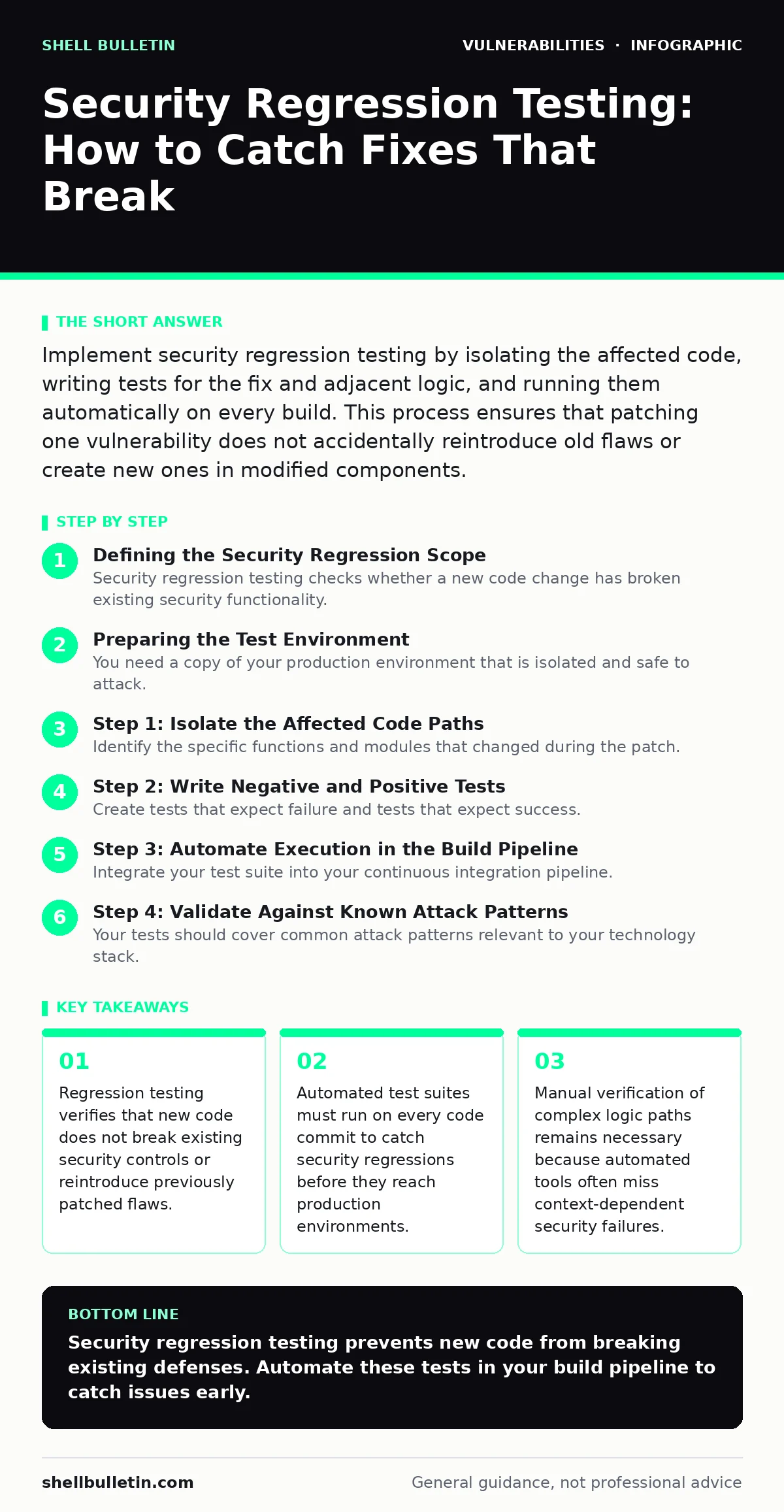
Implement security regression testing by isolating the affected code, writing tests for the fix and adjacent logic, and running them automatically on every build. This process ensures that patching one vulnerability does not accidentally reintroduce old flaws or create new ones in modified components.
Defining the Security Regression Scope
Security regression testing checks whether a new code change has broken existing security functionality. When you patch a vulnerability, you modify code. That modification changes the behavior of the system. You must verify that the new behavior is secure and that you did not accidentally remove a protection elsewhere. This process differs from initial vulnerability discovery. It focuses on stability and consistency of security controls over time.
Imagine you fix a command injection flaw by adding input validation. That same validation might block legitimate administrative commands. A regression test catches this conflict before users encounter it. Without this check, you trade one vulnerability for a denial of service or a broken feature. The scope includes the patched function and any code that calls it.
Preparing the Test Environment
You need a copy of your production environment that is isolated and safe to attack. This environment must mirror the production configuration closely. Differences in libraries, settings, or network topology can hide regressions that only appear under specific conditions. Use the same versions of dependencies and the same database schema.
Install a test suite that can run automatically. This suite should include unit tests for individual functions and integration tests for larger workflows. Ensure the suite can report failures clearly. If a test fails, the output must show exactly which security control broke and where. Ambiguous errors waste time and obscure the root cause.
Step 1: Isolate the Affected Code Paths
Identify the specific functions and modules that changed during the patch. Map out the data flow through these components. Determine where user input enters the system and where it interacts with sensitive resources. This map helps you decide which tests to run. You do not need to test the entire application for every small change. Focus on the perimeter of the change.
Step 2: Write Negative and Positive Tests
Create tests that expect failure and tests that expect success. Negative tests send malicious input to ensure the system rejects it. Positive tests send valid input to ensure the system accepts it. Both types are necessary. A fix that blocks all input is secure but useless. A fix that allows all input is useful but insecure.
For each vulnerability you patched, write at least 3 negative tests. These should cover the original attack vector and variations of it. Write 2 positive tests for normal usage. This balance ensures you catch both false positives and false negatives. Store these tests in your version control system alongside the code they protect.
Step 3: Automate Execution in the Build Pipeline
Integrate your test suite into your continuous integration pipeline. The pipeline should run the security regression tests every time a developer commits code. If any test fails, the build stops. This prevents insecure code from merging into the main branch. Automation removes the human factor of forgetting to run tests. It also provides a consistent baseline for comparison.
Configure the pipeline to report results to a central dashboard. This dashboard should track pass rates over time. A dropping pass rate indicates accumulating technical debt or fragile security controls. You can also reference guides on risk-based vulnerability management to prioritize which failures require immediate attention versus scheduled fixes.
See also: Exploitability vs Severity: Why High Scores Don't Always Mean Danger
Step 4: Validate Against Known Attack Patterns
Your tests should cover common attack patterns relevant to your technology stack. If you use a web framework, test for session fixation and cross-site scripting. If you handle files, test for path traversal. These patterns are well understood and have known signatures. Include them in your regression suite as permanent fixtures.
Do not rely solely on vulnerability scanning tools for this step. Scanners find surface-level issues but often miss logic flaws. Your custom regression tests must verify the business logic. For instance, a scanner might not see that a user can access another user's data by changing an ID parameter. Your tests must simulate this specific interaction.
Step 5: Review False Positives and Negatives
Analyze test failures carefully. A failure might indicate a broken security control or a broken test. False positives occur when the test fails but the code is secure. False negatives occur when the test passes but the code is insecure. Both types erode trust in the testing process.
When a test fails, investigate the cause immediately. Do not silence failing tests to keep the build green. This practice hides real problems. Update the test if the expected behavior changed legitimately. Document the change. This documentation helps future developers understand why the test looks the way it does.
Verification Checklist for Success
Use this checklist to verify your regression testing process works.
- Tests run automatically on every code commit.
- Build fails if any security test fails.
- Tests cover both malicious and legitimate inputs.
- Results are visible to the development team.
- Test failures are investigated within 24 hours.
Maintaining the Test Suite Over Time
Security regression tests degrade over time. Code changes, dependencies update, and attack patterns evolve. You must review and update your tests regularly. Treat tests as code. Refactor them for clarity and performance. Remove tests that no longer apply. Add tests for new vulnerabilities.
Consider the lifecycle of your software. As features are deprecated, their tests become obsolete. As new features are added, their tests must be written. This upkeep requires dedicated time. Schedule regular reviews of the test suite. Involve security engineers and developers in these reviews. This collaboration ensures the tests reflect current threats and business needs.
Related topics such as memory corruption bugs require specialized testing approaches that may not fit into standard web application regression suites. Similarly, issues like PHP object injection or firmware vulnerabilities often require hardware or environment-specific tests. Understanding privilege escalation vulnerabilities helps you design tests that verify access controls remain tight after changes.
Key takeaways
- Regression testing verifies that new code does not break existing security controls or reintroduce previously patched flaws.
- Automated test suites must run on every code commit to catch security regressions before they reach production environments.
- Manual verification of complex logic paths remains necessary because automated tools often miss context-dependent security failures.
Security regression testing prevents new code from breaking existing defenses. Automate these tests in your build pipeline to catch issues early.
Frequently asked questions
How often should I run security regression tests?
Run them on every code commit and merge request. This frequency ensures that regressions are caught immediately before they reach production.
Can automated tools replace manual regression testing?
No. Automated tools catch known patterns but miss complex logic flaws. Manual testing is needed for business logic and unusual user behaviors.
What if a regression test fails in production?
Roll back the change immediately. Investigate the failure in the staging environment. Fix the code or the test before redeploying.
How do I handle third-party library updates?
Run your full regression suite after updating any library. Library changes can alter behavior and introduce new vulnerabilities or break existing protections.
How this guide was produced: written by the Shell Bulletin editorial team with AI assistance, checked against the public references listed below, and reviewed when the facts change. See our editorial policy or report an error.