Command Injection Prevention Checklist for Secure Applications
Command injection occurs when untrusted input executes system commands, bypassing application logic to access files or control servers directly.

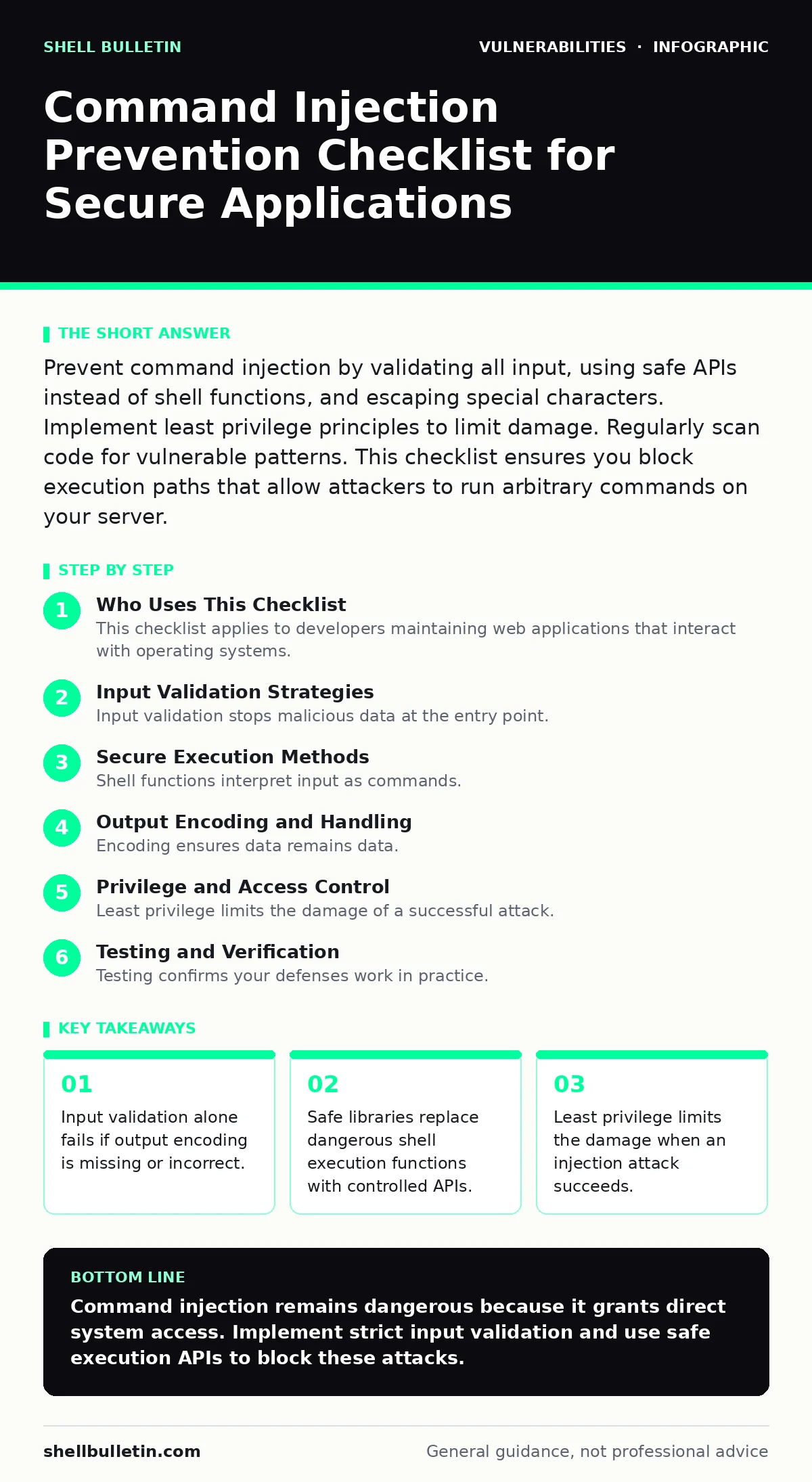
Prevent command injection by validating all input, using safe APIs instead of shell functions, and escaping special characters. Implement least privilege principles to limit damage. Regularly scan code for vulnerable patterns. This checklist ensures you block execution paths that allow attackers to run arbitrary commands on your server.
Who Uses This Checklist
This checklist applies to developers maintaining web applications that interact with operating systems. You use it during code reviews and security audits. It targets functions that pass user data to system shells. The goal is to identify weak points where an attacker could insert operating system commands. You apply these steps before deploying new features. You also apply them when refactoring legacy code. The checklist covers validation, execution methods, and privilege levels.
Input Validation Strategies
- Reject unexpected input characters: Special characters like semicolons or pipes allow command chaining.
- Validate input against a whitelist: Allow only known good values instead of blocking bad ones.
- Enforce strict data types: Ensure numbers are numeric and strings match expected formats.
- Check input length limits: Excessive length can buffer overflow or truncate validation logic.
- Normalize input before validation: Convert unicode or encoded characters to standard forms first.
Input validation stops malicious data at the entry point. Whitelisting is stronger than blacklisting because attackers find new bypasses constantly. Validation does not replace secure execution methods. It reduces the attack surface significantly. You must validate data before any processing occurs.
Secure Execution Methods
- Avoid shell execution functions: Functions like system() or exec() are high-risk for injection.
- Use safe API alternatives: Libraries often provide direct system calls without shell parsing.
- Quote all arguments properly: Unquoted arguments break command boundaries and enable injection.
- Disable command chaining characters: Block semicolons, pipes, and ampersands in input strings.
- Use parameterized commands: Pass arguments as separate parameters rather than concatenated strings.
Shell functions interpret input as commands. Safe APIs treat input as data. This distinction prevents the system from executing attacker code. Parameterized commands ensure the operating system distinguishes between the command and its arguments. You lose some flexibility but gain significant security.
Output Encoding and Handling
- Encode output before display: Prevent stored injection from affecting other users later.
- Escape special characters in logs: Log entries can become vectors for log injection attacks.
- Validate command output data: Do not trust results returned by system commands blindly.
- Sanitize error messages: Never expose system paths or command details to users.
- Use consistent encoding standards: Prevent mismatched encoding from bypassing filters.
Encoding ensures data remains data. Output handling protects downstream components. Attackers often store injected commands for later execution. Proper encoding breaks the chain of execution. You must treat all output as potentially dangerous.
Privilege and Access Control
- Run services with least privilege: Limit what the application can do on the system.
- Separate user and admin functions: Prevent users from accessing administrative commands.
- Use chroot or containers: Isolate processes from the rest of the system.
- Restrict file system access: Block access to sensitive directories and configuration files.
- Monitor system call usage: Alert on unexpected commands or file accesses.
Least privilege limits the damage of a successful attack. Even if injection occurs, the attacker has limited access. Containers and chroot environments provide additional isolation. You cannot rely on application logic alone to stop determined attackers. System-level controls provide a safety net.
See also: Security Advisory Reading: 9 FAQs on Parsing CVE Data
Testing and Verification
- Perform static code analysis: Scan source code for dangerous function calls automatically.
- Conduct dynamic testing: Test running applications with malicious input payloads.
- Review vulnerability scanning results: Address findings related to command injection patterns.
- Test edge cases explicitly: Verify behavior with unusual or malformed input data.
- Validate fixes thoroughly: Ensure patches do not introduce new vulnerabilities.
Testing confirms your defenses work in practice. Static analysis finds potential issues early. Dynamic testing reveals runtime weaknesses. You must test every input field that reaches system commands. Verification ensures your controls remain effective over time.
Maintenance and Monitoring
- Log all command executions: Record what commands run and who triggered them.
- Monitor for anomalous activity: Alert on unexpected command patterns or frequencies.
- Review security advisories regularly: Stay informed about new injection techniques and patches.
- Update frameworks and libraries: Keep components current to fix known vulnerabilities.
- Conduct periodic risk-based vulnerability management: Prioritize fixes based on actual exposure.
Maintenance keeps defenses current. New attack techniques emerge constantly. Monitoring detects successful attacks quickly. You must treat security as an ongoing process. Regular reviews ensure your controls adapt to changing threats.
Common Pitfalls to Avoid
- Trusting client-side validation: Server-side validation is the only reliable defense.
- Assuming encoding prevents injection: Encoding must match the execution context exactly.
- Ignoring indirect injection: Data stored and reused later can still be dangerous.
- Overlooking environment variables: Attackers can inject via environment settings too.
- Neglecting firmware vulnerabilities: Hardware-level flaws can bypass software controls entirely.
Pitfalls often arise from false assumptions. Client-side checks are easily bypassed. Indirect injection is harder to detect but equally dangerous. You must consider the entire data flow. Environment variables and firmware can provide alternative attack paths.
Final Review Steps
- Verify all input sources: Check forms, APIs, headers, and cookies.
- Confirm safe execution practices: Ensure no shell functions are used unnecessarily.
- Validate privilege levels: Check that services run with minimal permissions.
- Test with real-world payloads: Use known injection patterns to verify defenses.
- Document security decisions: Record why certain controls were chosen and implemented.
Final reviews catch oversights. You must verify every component that handles user input. Documentation helps future developers maintain security. This process ensures consistent protection across your application. Regular audits keep your defenses strong.
Key takeaways
- Input validation alone fails if output encoding is missing or incorrect.
- Safe libraries replace dangerous shell execution functions with controlled APIs.
- Least privilege limits the damage when an injection attack succeeds.
Command injection remains dangerous because it grants direct system access. Implement strict input validation and use safe execution APIs to block these attacks.
Frequently asked questions
Does input validation alone prevent command injection?
No, input validation reduces risk but does not eliminate it. You must also use safe execution methods and least privilege controls.
What is the difference between command injection and PHP object injection?
Command injection executes system commands, while PHP object injection abuses serialization to run arbitrary code. Both require different mitigation strategies.
How do I test for command injection vulnerabilities?
Use dynamic testing with malicious payloads and static analysis to find dangerous function calls. Verify that special characters are handled safely.
Can containers prevent command injection attacks?
Containers limit damage by isolating processes, but they do not prevent injection. You still need application-level controls to stop the attack initially.
How this guide was produced: written by the Shell Bulletin editorial team with AI assistance, checked against the public references listed below, and reviewed when the facts change. See our editorial policy or report an error.