Secure Software Development Lifecycle: Build Safety In, Not On
Treating security as an afterthought creates hidden technical debt that forces expensive rework and leaves hidden doors open for attackers.

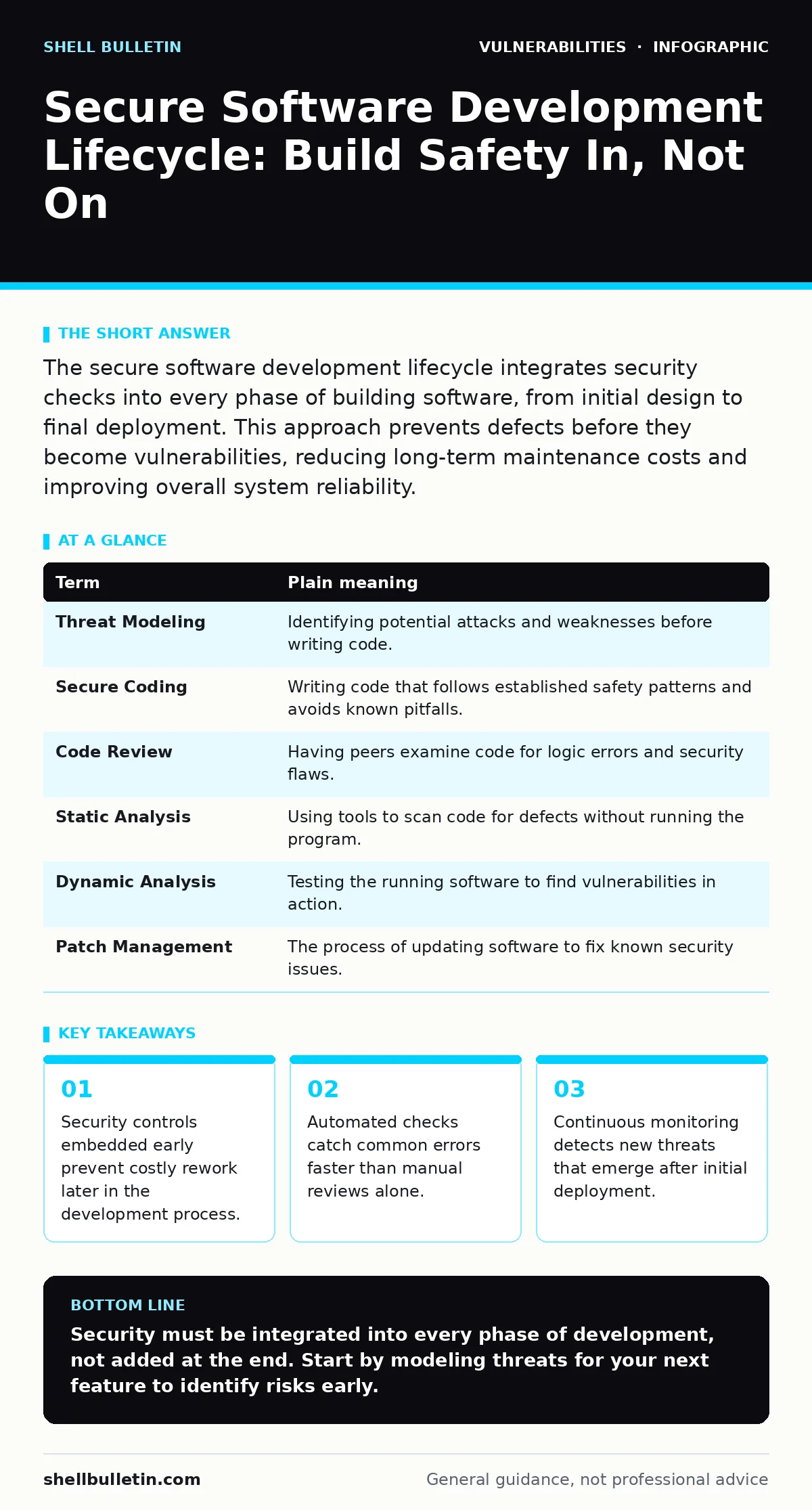
The secure software development lifecycle integrates security checks into every phase of building software, from initial design to final deployment. This approach prevents defects before they become vulnerabilities, reducing long-term maintenance costs and improving overall system reliability.
The Blueprint Analogy
Imagine you are constructing a commercial building. You would not hire an architect to design the layout, pay contractors to pour the concrete, and only then ask an engineer to check if the walls can withstand an earthquake. That approach is expensive and dangerous. Instead, you review the structural integrity at every stage, from the initial sketch to the final inspection. Software development works the same way.
Security cannot be an add-on applied after the code is written. It must be part of the foundation. When you treat security as a separate phase at the end, you often find fundamental flaws that require tearing down entire sections of work. This is known as technical debt, where shortcuts taken early create a burden of rework later.
Defining the Lifecycle Terms
To discuss this process clearly, you need a shared vocabulary. These terms describe the specific mechanisms that keep software safe from the start.
| Term | Plain meaning |
|---|---|
| Threat Modeling | Identifying potential attacks and weaknesses before writing code. |
| Secure Coding | Writing code that follows established safety patterns and avoids known pitfalls. |
| Code Review | Having peers examine code for logic errors and security flaws. |
| Static Analysis | Using tools to scan code for defects without running the program. |
| Dynamic Analysis | Testing the running software to find vulnerabilities in action. |
| Patch Management | The process of updating software to fix known security issues. |
Designing Against Attackers
The first step is threat modeling. This is a structured method for anticipating how an attacker might exploit your system. You map out the data flow and identify where sensitive information passes through untrusted boundaries. For example, if your application handles user payments, you must decide where encryption begins and ends.
This stage often reveals architectural weaknesses that are expensive to fix later. If you realize too late that your database is exposed to direct user input, you may need to rewrite the entire data layer. By identifying these risks early, you choose safer design patterns from the start. This reduces the need for complex, error-prone workarounds later.
Writing Code That Resists Exploits
Developers must follow secure coding standards. These are rules that prevent common errors, such as buffer overflows, which occur when a program writes more data to a memory block than it can hold. Memory corruption bugs are a frequent cause of crashes and security breaches.
You should integrate static analysis tools into your development environment. These tools scan your code for known vulnerability patterns as you type. They catch simple mistakes, like missing input validation, before the code is even saved. This immediate feedback helps developers learn from their errors and reinforces good habits. It is far cheaper to fix a typo in the editor than a flaw in production.
Testing Beyond Functionality
Traditional testing checks if the software works as intended. Security testing checks if it breaks under attack. You need dynamic analysis, which involves running the software and probing it for weaknesses. This reveals issues that static analysis misses, such as logic flaws that only appear when multiple systems interact.
You should also review dependencies. Most applications rely on third-party libraries. If a library has a known flaw, your application inherits that risk. This is why dependency updates are critical. You must track these components and apply patches quickly. Ignoring them leaves your system vulnerable to known exploits that attackers automate.
See also: Dependency Updates: Why Small Patches Stop Big Breaches · Potentially Unwanted Programs: What They Are and How to Stop Them
Automating the Safety Net
Manual checks are slow and inconsistent. Automation ensures that every change is tested against security standards. You can set up a pipeline that runs security scans automatically whenever code is committed. If a scan fails, the build stops. This prevents insecure code from moving forward.
This approach requires discipline. Developers may resist having their work blocked by automated tools. However, this friction is necessary. It forces the team to address security issues immediately rather than deferring them. Over time, this reduces the number of critical vulnerabilities that reach production. It also provides evidence of compliance for audits.
Maintaining Security After Launch
Deployment is not the end of security. You must monitor for new threats and apply patches. Vulnerability scanning helps identify weaknesses in your live environment. These scans compare your software against databases of known vulnerabilities.
You should also practice risk-based vulnerability management. Not all flaws are equal. Some pose immediate danger, while others are theoretical. Prioritizing fixes based on actual risk ensures you address the most dangerous issues first. This prevents burnout and keeps your team focused on what matters.
A Practical Start
You do not need to overhaul your entire process overnight. Start with these three steps to build a foundation.
- Implement a basic threat model for your next feature. Identify the assets and the potential threats.
- Integrate a static analysis tool into your code editor. Configure it to flag high-severity issues only to avoid noise.
- Schedule a monthly review of third-party dependencies. Check for security advisories and apply updates.
The Cost of Delay
Every day you delay security integration, the cost of fixing issues rises. Code becomes more complex, and dependencies grow. Fixing a flaw in design is cheap. Fixing it in production can mean downtime, data loss, and reputational damage.
By shifting security left, you make it a natural part of development. This reduces stress and improves the final product. It is not about preventing all attacks, which is impossible. It is about raising the cost for attackers and reducing your own exposure.
Key takeaways
- Security controls embedded early prevent costly rework later in the development process.
- Automated checks catch common errors faster than manual reviews alone.
- Continuous monitoring detects new threats that emerge after initial deployment.
Security must be integrated into every phase of development, not added at the end. Start by modeling threats for your next feature to identify risks early.
Frequently asked questions
How long does it take to implement a secure development lifecycle?
It depends on your current maturity. Basic integration can take weeks, while full automation may take months. Start small and expand gradually.
Do small teams need a secure development lifecycle?
Yes. Small teams are often easier targets. Automated tools and simple processes provide significant protection without large overhead.
What is the difference between static and dynamic analysis?
Static analysis checks the code without running it. Dynamic analysis tests the running application for runtime vulnerabilities.
How do I handle third-party library risks?
Track your dependencies and apply updates promptly. Use tools that alert you to known vulnerabilities in your components.
How this guide was produced: written by the Shell Bulletin editorial team with AI assistance, checked against the public references listed below, and reviewed when the facts change. See our editorial policy or report an error.