Memory Corruption Response: Stabilize, Contain and Recover Systems
Powering off a compromised server destroys the volatile evidence needed to prove how the memory corruption exploit bypassed your defenses and what data it touched.

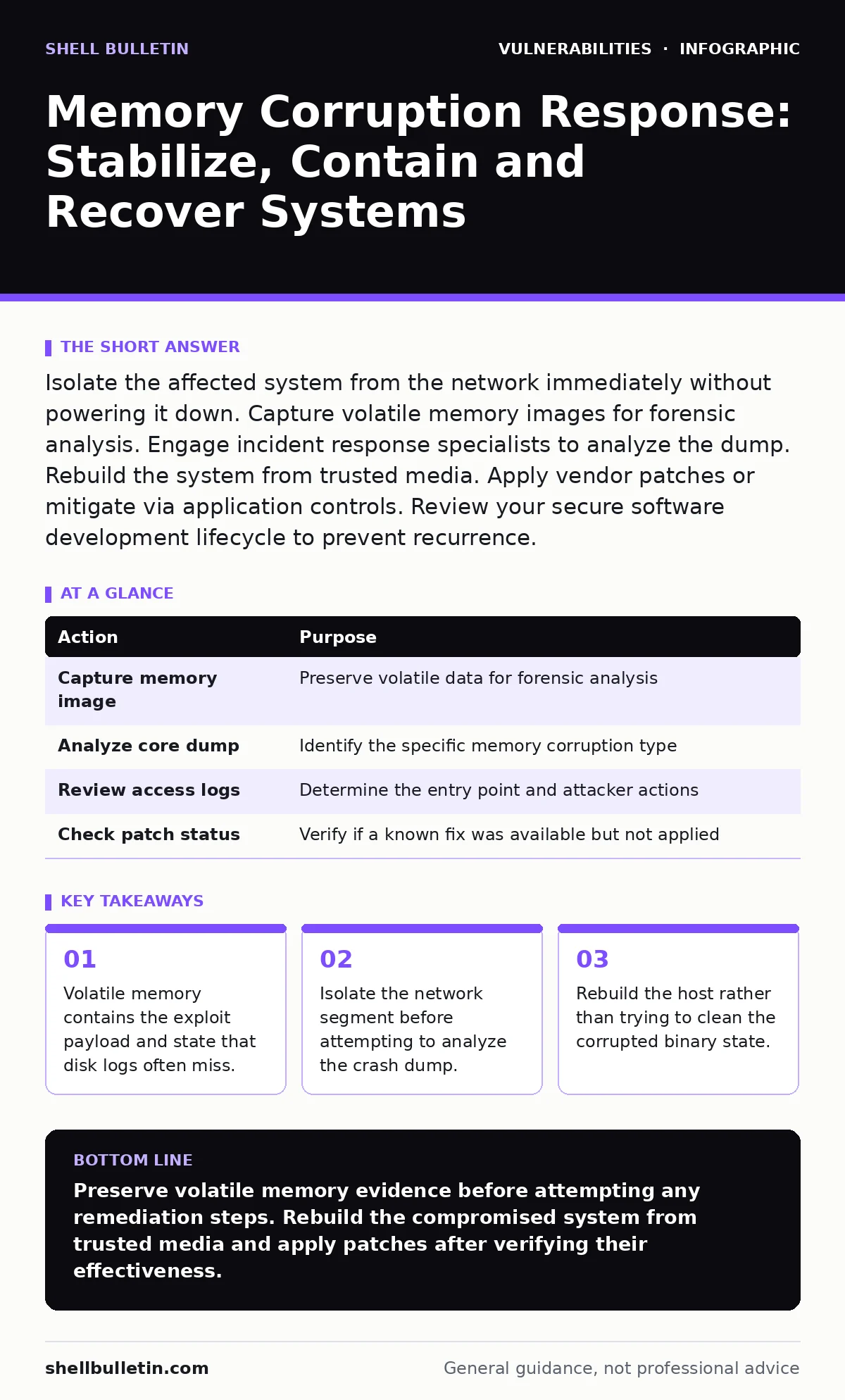
Isolate the affected system from the network immediately without powering it down. Capture volatile memory images for forensic analysis. Engage incident response specialists to analyze the dump. Rebuild the system from trusted media. Apply vendor patches or mitigate via application controls. Review your secure software development lifecycle to prevent recurrence.
First hour
A memory corruption bug occurs when a program writes data outside the boundaries of its allocated memory space. This error can overwrite critical control structures, allowing an attacker to execute arbitrary code or crash the system. When you detect signs of such an exploit, your immediate goal is to stop the spread while preserving the evidence.
- Disconnect the affected system from the network to prevent lateral movement.
- Disable wireless adapters and unplug Ethernet cables if physical access is available.
- Document the exact time and symptoms observed by any monitoring tools.
- Identify any other systems that communicated with the affected host.
- Preserve the current state of the system for forensic imaging.
You must act quickly but calmly. The attacker may be using the compromised memory to pivot to other servers in your environment. By isolating the host, you cut off their ability to use that machine as a staging ground. Do not attempt to fix the application or restart services yet. The corrupted state exists in memory, and restarting may trigger further malicious actions or destroy the evidence you need.
First day
Once the system is isolated, you need to determine what happened. This requires analyzing the core dump, which is a snapshot of the system's memory at the time of the crash. If your system did not automatically generate a core dump, you may still have partial data in the page file or swap space.
Forensic analysts use this data to reconstruct the execution flow. They look for signs of buffer overflow vulnerabilities, where an input exceeds the buffer size and overwrites adjacent memory. They also check for use-after-free errors, where a program accesses memory after it has been released. These specific patterns help identify the exact vulnerability exploited.
You should also review your vulnerability scanning logs from the past few weeks. These logs might show previous attempts to exploit the same vulnerability. This historical context helps you understand if this was a targeted attack or a opportunistic scan. It also helps you identify if other systems with the same software version are at risk.
| Action | Purpose |
|---|---|
| Capture memory image | Preserve volatile data for forensic analysis |
| Analyze core dump | Identify the specific memory corruption type |
| Review access logs | Determine the entry point and attacker actions |
| Check patch status | Verify if a known fix was available but not applied |
First week
Recovery involves more than just restoring data. You must ensure the underlying vulnerability is addressed. If a vendor has released a patch, you should apply it. However, simply patching is not enough. You need to verify that the patch actually fixes the issue and does not introduce new problems. This is where backported security fixes can be tricky. These are patches applied to older versions of software that may not have the same code structure as the latest version. They might not fully address the root cause.
You should also consider mitigations if a patch is not available. Application controls like Address Space Layout Randomization, or ASLR, can make it harder for an attacker to predict memory addresses. Data Execution Prevention, or DEP, marks certain areas of memory as non-executable. These are standard defenses that add layers of security.
Rebuilding the system from trusted media is often the safest option. Restoring from a backup might restore the malware if the backup was taken after the initial compromise. You need to ensure the backup is clean. This means validating the integrity of the backup files and comparing them to known good hashes.
Who to tell
Notifying the right people is critical. You need to involve your legal team, especially if customer data was accessed. They can guide you on regulatory requirements and liability. Your IT security team needs to know to update their detection rules and monitor for similar attacks.
If you use a managed security service provider, alert them immediately. They can help with the forensic analysis and provide additional resources. You should also notify your cyber insurance provider if you have coverage. They may have specific requirements for incident response that you must follow to maintain your coverage.
Do not disclose details to the public or customers yet. Wait until you have a clear understanding of the incident and the steps you have taken to remediate it. Premature disclosure can cause panic and damage your reputation. Coordinate your messaging with your legal and PR teams.
How to stop a repeat
Preventing future memory corruption incidents requires a shift in how you manage software. You cannot rely solely on patches. You need to implement a secure software development lifecycle. This includes code reviews, static analysis, and dynamic testing. These practices help catch memory errors before they reach production.
You should also adopt a risk-based vulnerability management approach. Not all vulnerabilities are equal. Focus on those that are actively exploited and have a high impact. This helps you prioritize your patching efforts and reduce your attack surface. Regular dependency updates are also crucial. Many applications rely on third-party libraries that may contain known vulnerabilities. Keeping these dependencies up to date reduces the risk of exploitation.
| Practice | Benefit |
|---|---|
| Secure SDLC | Catches memory errors during development |
| Risk-based management | Prioritizes patching of high-risk vulnerabilities |
| Dependency updates | Reduces risk from third-party libraries |
| Regular penetration testing | Identifies exploitable memory corruption bugs |
See also: Cloud Incident Response: 8 Critical Questions Answered
Long-term resilience
Memory corruption bugs are a persistent threat. Attackers constantly find new ways to exploit these errors. You need to stay informed about new vulnerabilities and attack techniques. Security advisories from vendors and security researchers provide valuable information. Subscribing to these advisories helps you stay ahead of emerging threats.
You should also invest in training for your development team. They need to understand the dangers of memory corruption and how to write secure code. This includes understanding buffer overflows, use-after-free, and other common memory errors. Training helps create a culture of security within your organization.
Finally, regularly test your incident response plan. Simulate a memory corruption attack to see how your team responds. This helps identify gaps in your procedures and improves your ability to handle real incidents. Practice makes perfect, and a well-rehearsed team can respond more quickly and effectively.
Key takeaways
- Volatile memory contains the exploit payload and state that disk logs often miss.
- Isolate the network segment before attempting to analyze the crash dump.
- Rebuild the host rather than trying to clean the corrupted binary state.
- Validate patches through a risk-based vulnerability management process.
Preserve volatile memory evidence before attempting any remediation steps. Rebuild the compromised system from trusted media and apply patches after verifying their effectiveness.
Frequently asked questions
Can antivirus software detect memory corruption exploits?
Traditional antivirus often misses these because they occur in memory and may not leave a file signature. Modern endpoint detection and response tools are better at spotting the anomalous behavior associated with these exploits.
How do I know if a patch fixes a memory corruption bug?
Review the vendor's security advisory for details on the fix. Look for mentions of specific vulnerability types like buffer overflows. You can also test the patched software in a sandboxed environment to verify the fix.
Is it safe to restore from a backup after a memory corruption incident?
Only if you are certain the backup was taken before the compromise. If the backup includes the compromised state, you will restore the vulnerability or malware. Verify the integrity of the backup files.
What is the difference between a buffer overflow and a use-after-free error?
A buffer overflow writes data beyond the allocated buffer size, overwriting adjacent memory. A use-after-free error accesses memory that has been freed, leading to unpredictable behavior and potential code execution.
How this guide was produced: written by the Shell Bulletin editorial team with AI assistance, checked against the public references listed below, and reviewed when the facts change. See our editorial policy or report an error.