Dependency Updates: Why Small Patches Stop Big Breaches
Updating code libraries is like replacing a rusty hinge; it stops intruders from entering through the door frame, not the lock itself.
Software depends on external code libraries. When these libraries have flaws, attackers exploit them. Updating them replaces vulnerable code with fixed versions. This simple act closes known security gaps without rewriting your application. It is the primary defense against supply-chain attacks.
The House With Borrowed Furniture
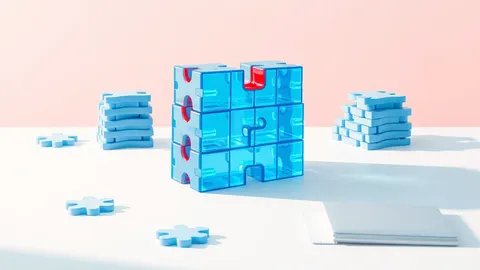
Imagine you built a house. You poured the foundation and framed the walls yourself. But you did not make the windows, the door handles, or the electrical wiring. You bought those parts from other builders. If a flaw exists in the door handle design, your house is vulnerable, even though your construction is perfect. Your application works the same way. You write the core logic, but you rely on thousands of lines of code from others. These are your dependencies.
When a builder discovers a flaw in their door handles, they issue a new design. If you do not swap out the old handles, intruders can pick them open. In software, this swap is an update. It replaces the old, flawed code with a new, patched version. The process seems simple, but the scale creates complexity. You may not even know which handles are in your house.
What Exactly Are Dependencies?
A dependency is a library or package your software uses to perform functions. Instead of writing code to process dates, you use a date-handling library. Instead of building a database connector from scratch, you use a standard driver. This saves time and reduces errors. However, it also means your software contains code you did not write, review, or test.
This creates a trust chain. You trust the developer of the library to write secure code. You also trust them to fix bugs quickly. If that developer stops maintaining the library, your software inherits a permanent risk. This is known as abandoned software risk. The code remains in your system, but no one is watching for new threats.
The Hidden Cost of Stale Code
Many organizations believe that if an application works, it is secure. This is false. A working application can still have known, exploitable flaws in its dependencies. Attackers do not need to find new bugs. They scan the internet for software running old versions of common libraries. When they find one, they use public exploit code to gain access.
This is why vulnerability scanning is a standard practice. It identifies which versions of libraries you are running and checks them against databases of known flaws. Without this visibility, you are flying blind. You might think your house is secure because the door is locked. You miss the fact that the window latch is broken.
Understanding the Jargon
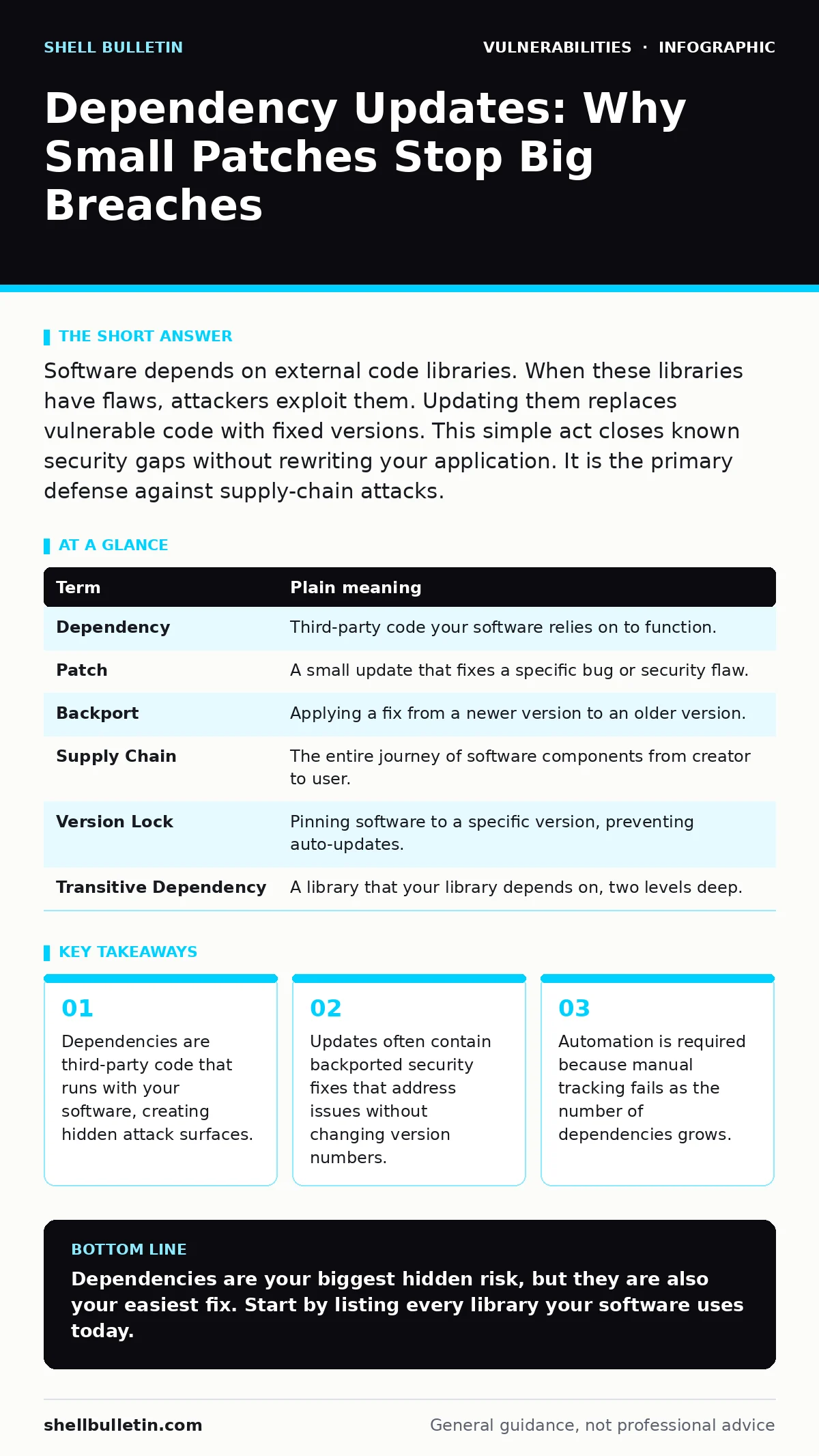
To manage updates, you must understand the terms. This mini glossary clarifies the language used in security advisories.
| Term | Plain meaning |
|---|---|
| Dependency | Third-party code your software relies on to function. |
| Patch | A small update that fixes a specific bug or security flaw. |
| Backport | Applying a fix from a newer version to an older version. |
| Supply Chain | The entire journey of software components from creator to user. |
| Version Lock | Pinning software to a specific version, preventing auto-updates. |
| Transitive Dependency | A library that your library depends on, two levels deep. |
The Problem With Manual Updates
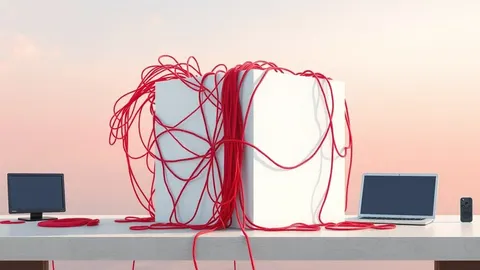
You cannot check for updates manually. The number of dependencies in modern applications is too high. A single web application might use hundreds of libraries. Each of those libraries uses more libraries. This creates a deep tree of transitive dependencies. You might know about the top-level libraries, but you are unaware of the deeper layers.
This is where automation becomes necessary. Tools can map your entire dependency tree. They can alert you when a new patch is available. They can even test the update in a staging environment before applying it. This reduces the risk of breaking your application. It also ensures you do not miss critical fixes.
See also: Potentially Unwanted Programs: What They Are and How to Stop Them · Patch Prioritization Checklist: Fix Critical Vulnerabilities First
Backports and Minor Versions
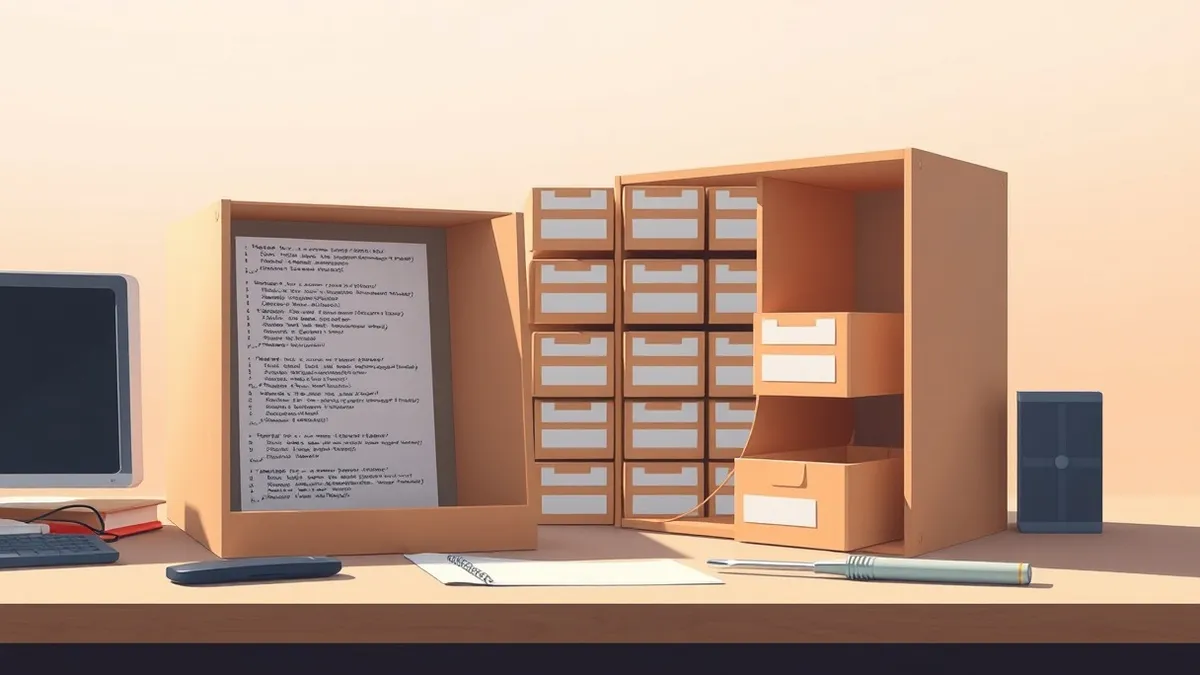
Not all updates require a major overhaul. Developers often release backported security fixes. These are patches applied to older versions of a library. They allow you to stay on a stable version while still getting security improvements. You do not need to upgrade to the latest major release, which might break your code.
This is a crucial distinction. A major version update might change how the library works. A minor version update usually just adds features or fixes bugs. A patch version update is almost always for bug fixes. Prioritize patch and minor updates. They offer the most security benefit with the least risk of disruption.
Try This Now
Take these three steps to start managing your dependencies securely.
- Generate a software bill of materials. This is a complete list of every dependency your application uses, including transitive ones. You cannot protect what you cannot see.
- Subscribe to security advisories for your top five dependencies. These are official notices from the library maintainers about known flaws.
- Automate your update process. Set up a tool to check for updates daily. Review the changes, then apply them in a controlled environment.
The Long-Term View
Managing dependencies is not a one-time task. It is a continuous process. New flaws are discovered every day. New versions are released constantly. You must integrate this into your secure software development lifecycle. This means checking for updates before every release. It means retiring libraries that are no longer maintained.
If you neglect this, you accumulate technical debt. Your software becomes a collection of known vulnerabilities. One day, an attacker will find you. It is not a matter of if, but when. By treating dependencies as critical infrastructure, you reduce your risk significantly. You keep the door handles secure, so the intruder cannot enter.
Key takeaways
- Dependencies are third-party code that runs with your software, creating hidden attack surfaces.
- Updates often contain backported security fixes that address issues without changing version numbers.
- Automation is required because manual tracking fails as the number of dependencies grows.
Dependencies are your biggest hidden risk, but they are also your easiest fix. Start by listing every library your software uses today.
Frequently asked questions
How often should I update my dependencies?
Update critical security patches immediately. Schedule routine updates for minor versions monthly or quarterly, depending on your release cycle.
Do updates break my application?
They can. Always test updates in a staging environment before deploying to production. Minor and patch updates are less likely to cause breaks.
What is a transitive dependency?
It is a library that your library depends on. You do not call it directly, but your code runs it. These are often overlooked in security reviews.
Should I use a vulnerability scanner?
Yes. Manual checks are impossible for complex applications. Scanners automate the detection of known flaws in your dependency tree.
How this guide was produced: written by the Shell Bulletin editorial team with AI assistance, checked against the public references listed below, and reviewed when the facts change. See our editorial policy or report an error.