Prevent Trojanized Software Attacks: A Prevention Checklist
Legitimate software often carries hidden malicious code that bypasses standard antivirus tools, requiring verification of digital signatures and file integrity before installation.

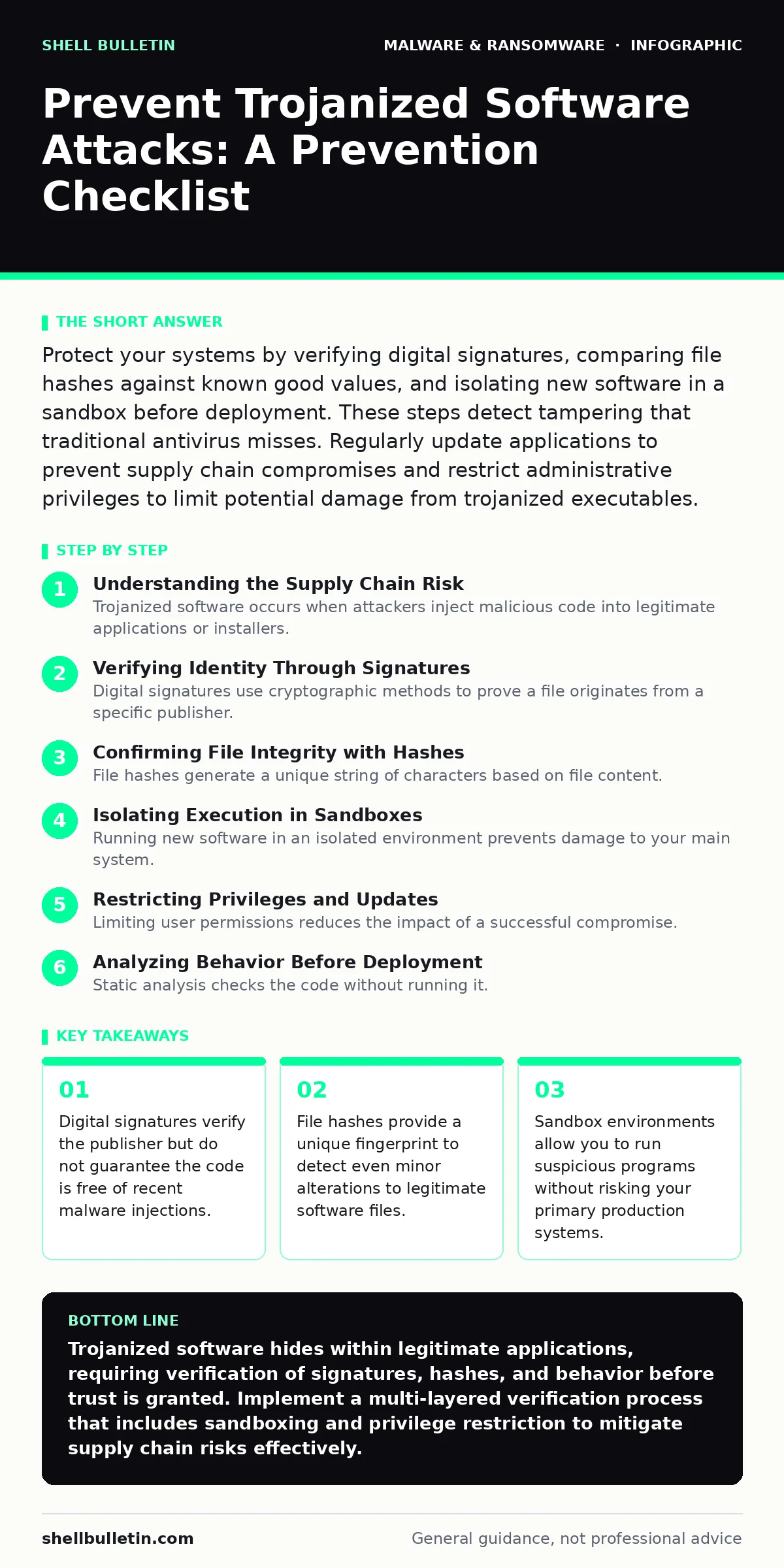
Protect your systems by verifying digital signatures, comparing file hashes against known good values, and isolating new software in a sandbox before deployment. These steps detect tampering that traditional antivirus misses. Regularly update applications to prevent supply chain compromises and restrict administrative privileges to limit potential damage from trojanized executables.
Understanding the Supply Chain Risk
Trojanized software occurs when attackers inject malicious code into legitimate applications or installers. This differs from standard trojans because the outer layer appears trustworthy. Users expect the software to perform its advertised function, lowering their guard. The malicious payload often remains dormant until specific conditions are met. This stealth approach allows the code to bypass initial security checks. You must treat every download as a potential vector, regardless of the source reputation. The attack surface expands when software relies on third-party components.
Verifying Identity Through Signatures
Digital signatures use cryptographic methods to prove a file originates from a specific publisher. This process ensures the file has not been altered since signing. However, a valid signature does not prove the code is safe. Attackers can steal legitimate certificates or sign their own malware. You must verify the certificate details, not just its presence. Check the issuer name and expiration dates carefully. A mismatched issuer indicates immediate danger. This step confirms identity but does not analyze behavior.
- Verify the digital signature issuer matches the expected vendor: confirms the publisher identity and detects certificate theft attempts.
- Check the signature timestamp for validity: ensures the certificate was valid when the software was originally signed.
- Inspect certificate details for revocation status: identifies compromised certificates that are no longer trusted by authorities.
Confirming File Integrity with Hashes
File hashes generate a unique string of characters based on file content. Even a single bit change alters the hash completely. You compare the hash of your downloaded file against the official hash provided by the vendor. This method detects tampering that signatures might miss. It is a definitive check for file integrity. If the hashes do not match, the file has been modified. This could indicate injection of malicious code or corruption. Always obtain the official hash from a trusted source. See our guide on file hashes in malware detection for deeper technical details.
- Calculate the SHA-256 hash of the downloaded file: creates a unique fingerprint to compare against the vendor's published value.
- Compare the calculated hash with the official vendor hash: identifies any alteration, whether accidental or malicious, in the file content.
- Store baseline hashes for critical system files: allows you to detect future modifications to essential operating system components.
Isolating Execution in Sandboxes
Running new software in an isolated environment prevents damage to your main system. A sandbox mimics your operating system but keeps changes contained. You can observe the software's behavior without risking data loss. Look for unexpected network connections or file modifications. This step reveals hidden behaviors that static analysis misses. It is particularly effective against fileless malware that operates in memory. The isolation ensures that any malicious activity remains trapped. This method adds a layer of safety before full deployment.
- Run new applications in a virtual machine sandbox: isolates the execution environment to prevent direct interaction with host systems.
- Monitor network traffic during sandboxed execution: detects attempts to communicate with command and control servers.
- Observe file system changes in the sandbox: identifies unauthorized modifications or creation of new files by the application.
Restricting Privileges and Updates
Limiting user permissions reduces the impact of a successful compromise. Standard users cannot install system-wide software or modify critical settings. This containment limits what trojanized software can achieve. Enforce regular updates to patch known vulnerabilities. Attackers often exploit outdated software to gain entry. Automatic updates ensure you receive security fixes promptly. However, verify the update source before installing. Supply chain attacks can compromise update mechanisms. Maintain a strict policy for software installation. Refer to our section on macro security settings for related configuration advice.
- Disable administrative privileges for daily user tasks: limits the ability of malware to install persistent components or change system settings.
- Enable automatic updates for operating systems and applications: ensures timely application of security patches that address known vulnerabilities.
- Verify update sources before installation: prevents attackers from injecting malicious code through compromised update channels.
See also: Potentially Unwanted Programs: What They Are and How to Stop Them
Analyzing Behavior Before Deployment
Static analysis checks the code without running it. Dynamic analysis observes the program while it executes. Combining both methods provides a thorough security assessment. You can use automated tools to scan for known malicious patterns. Manual review adds a human element to catch sophisticated threats. Look for obfuscated code or unusual permissions requests. This process takes time but significantly reduces risk. It complements the checks in our dynamic malware analysis guide. Understanding how malware payloads operate helps in identifying suspicious behavior early.
- Perform static analysis on new software binaries: scans the code structure for known malicious signatures and suspicious patterns.
- Conduct dynamic analysis in a controlled environment: observes runtime behavior to detect actions that static scans might miss.
- Review requested permissions against expected functionality: identifies excessive access requests that may indicate malicious intent.
Maintaining Continuous Vigilance
Security is an ongoing process, not a one-time fix. Regularly review installed software and remove unused applications. This reduces the attack surface available to adversaries. Monitor system logs for unusual activity. Establish a baseline of normal behavior for your systems. Deviations from this baseline may indicate a compromise. Educate users on recognizing suspicious software behavior. Human awareness remains a critical defense layer. Integrate these practices into your routine operations. Read about computer viruses and general malware analysis to broaden your defensive knowledge base.
- Audit installed software quarterly: removes unused applications that could serve as entry points for attackers.
- Monitor system logs for anomalous activity: helps identify subtle signs of compromise that automated tools might overlook.
- Train users to recognize suspicious software behavior: empowers staff to report unusual activities that could indicate a trojanized application.
Key takeaways
- Digital signatures verify the publisher but do not guarantee the code is free of recent malware injections.
- File hashes provide a unique fingerprint to detect even minor alterations to legitimate software files.
- Sandbox environments allow you to run suspicious programs without risking your primary production systems.
Trojanized software hides within legitimate applications, requiring verification of signatures, hashes, and behavior before trust is granted. Implement a multi-layered verification process that includes sandboxing and privilege restriction to mitigate supply chain risks effectively.
Frequently asked questions
Can antivirus software detect trojanized software?
Traditional antivirus may miss trojanized software if the malicious code is new or well-hidden within legitimate functions. Behavior-based detection improves chances but is not foolproof.
How do digital signatures prevent software tampering?
Digital signatures use cryptography to link a file to its publisher. Any change to the file breaks the signature, alerting users to potential tampering or corruption.
What is the difference between a trojan and trojanized software?
A trojan is a standalone malicious program disguised as legitimate software. Trojanized software is a genuine application that has been modified to include malicious code.
Why are file hashes important for security?
File hashes provide a unique identifier for a file. Comparing hashes ensures the file has not been altered, helping to detect unauthorized modifications or injections.
How this guide was produced: written by the Shell Bulletin editorial team with AI assistance, checked against the public references listed below, and reviewed when the facts change. See our editorial policy or report an error.