File Hashes in Malware Detection: Why Cryptographic Fingerprints Matter
File hashes provide a deterministic method to identify known threats, yet they fail against code that changes its appearance without altering its function.

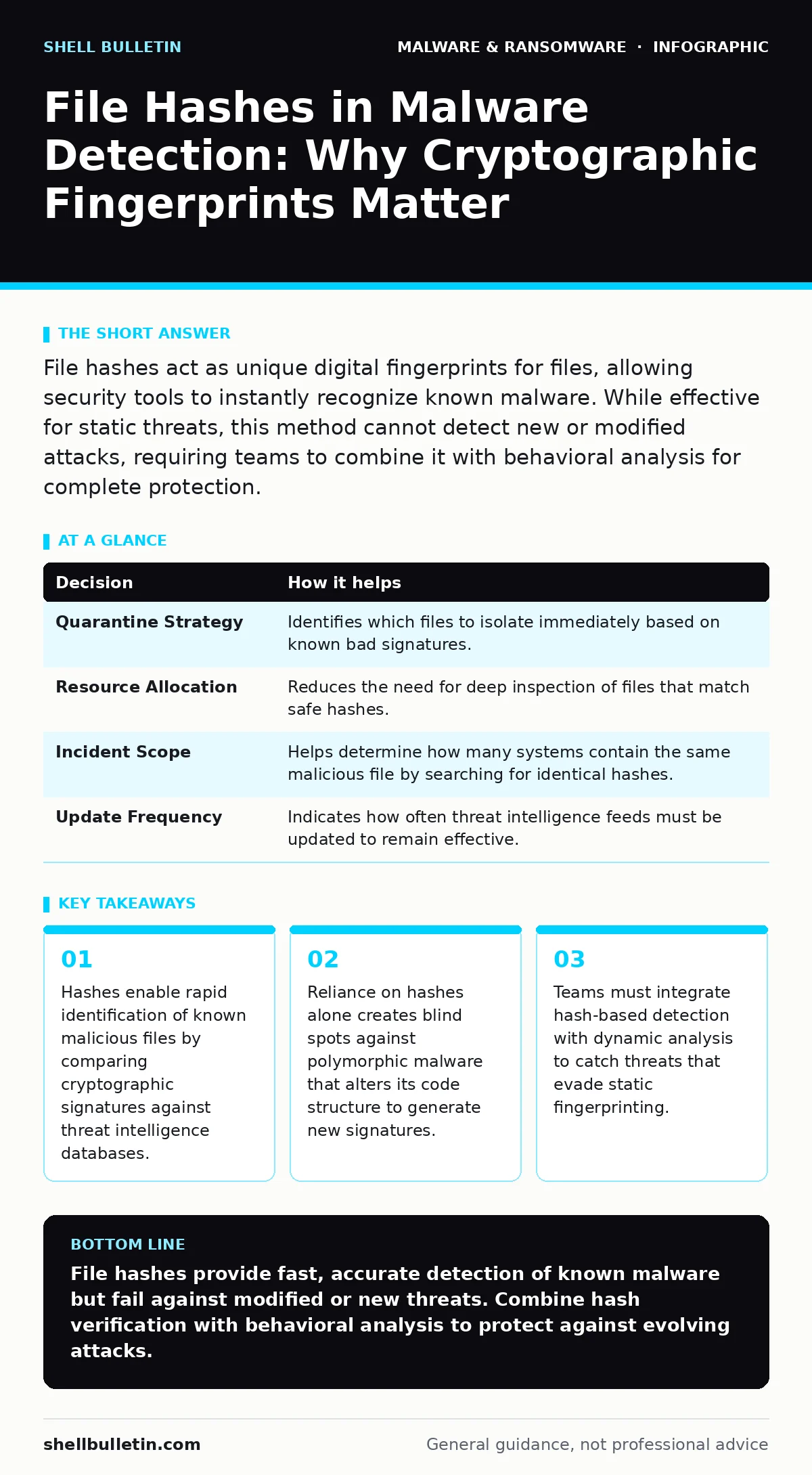
File hashes act as unique digital fingerprints for files, allowing security tools to instantly recognize known malware. While effective for static threats, this method cannot detect new or modified attacks, requiring teams to combine it with behavioral analysis for complete protection.
The Mechanics of Digital Fingerprints
A file hash is a fixed-length string of characters generated by applying a mathematical algorithm to the contents of a file. This process creates a unique identifier for that specific file. If you change even a single bit of data within the file, the resulting hash changes completely. Security teams use this property to verify file integrity and identify known threats.
The most common algorithms used for this purpose are SHA-256 and MD5. SHA-256 produces a longer, more complex string, making it significantly harder to create two different files with the same hash. MD5 is older and faster but is now considered cryptographically broken for security purposes. You should rely on SHA-256 or stronger algorithms for any security-related verification.
When a security tool encounters a file, it calculates its hash and checks it against a global database of known malicious hashes. If there is a match, the tool blocks the file immediately. This process happens in milliseconds, allowing for real-time protection without deep inspection of the file’s internal logic.
Decisions Informed by Hash Analysis
Using file hashes informs several critical operational decisions for your security posture. It determines how quickly you can respond to a confirmed breach. It also dictates the resources required for threat hunting and incident response.
| Decision | How it helps |
|---|---|
| Quarantine Strategy | Identifies which files to isolate immediately based on known bad signatures. |
| Resource Allocation | Reduces the need for deep inspection of files that match safe hashes. |
| Incident Scope | Helps determine how many systems contain the same malicious file by searching for identical hashes. |
| Update Frequency | Indicates how often threat intelligence feeds must be updated to remain effective. |
This table highlights the operational efficiency gained through hash usage. By automating the identification of known threats, you free up human analysts to focus on ambiguous cases that require manual review.
The Blind Spot of Static Detection
The primary limitation of hash-based detection is its inability to handle novel or modified threats. Attackers understand this limitation well. They use techniques to alter the code of a malware sample without changing its behavior. This process generates a new hash that does not exist in any known database.
Imagine a threat actor takes a known ransomware variant and adds a few random bytes to the beginning of the file. The malware still encrypts your data, but its SHA-256 hash is now completely different. Your security tool sees a new, unknown file. It cannot block it based on previous knowledge.
This is why relying solely on hashes leaves you vulnerable to polymorphic malware. These threats change their appearance with each iteration. You might also encounter malware payloads that are packed or encrypted. Until the file is unpacked, its hash does not match the underlying malicious code.
Contrast in Operational Response
Consider two hypothetical organizations facing the same initial infection. Team A relies exclusively on hash-based detection. Team B uses hashes as one layer within a broader strategy that includes behavioral monitoring.
Team A receives an alert when a known banking trojan enters their network. They quarantine the file and update their blocklist. However, the attacker sends a slightly modified version of the trojan the next day. Team A’s tools do not recognize the new hash. The malware executes, steals credentials, and moves laterally.
Team B also detects the initial trojan via hash. But their system also monitors file behavior. When the modified version arrives, it triggers an alert because it attempts to access sensitive directories. Team B blocks the file despite the unknown hash. They contain the threat before it causes damage.
Integration with Advanced Techniques
To overcome the limitations of static hashes, you must integrate them with other detection methods. One effective approach is combining hashes with dynamic malware analysis. This involves running the file in a safe, isolated environment to observe its actions.
Another critical area is DLL sideloading. Attackers often use legitimate system files to load malicious code. The legitimate file has a known good hash, but the loaded module is malicious. Checking the hash of the main executable does not reveal the threat. You must monitor which libraries are loaded and verify their hashes individually.
You should also consider macro security settings in document files. A malicious Word document may have a unique hash, but the danger lies in the embedded macro code. The hash identifies the document, but only code analysis reveals the malicious intent.
See also: Log Retention Strategy: How to Keep Evidence Without Hoarding Data
Managing Hash Intelligence
Maintaining an effective hash-based defense requires constant updating of your threat intelligence feeds. These feeds contain lists of hashes associated with known malware, computer viruses, and other threats. You must ensure your security tools pull these updates frequently.
However, hash databases can become large and slow to query. You need to balance the size of your database with performance. Storing hashes for every file on your network is impractical. Instead, focus on high-risk directories and user-uploaded files.
Be aware of potentially unwanted programs. These applications are not strictly malicious but may degrade system performance or privacy. Their hashes often appear in grey-lists. You must decide whether to block, warn, or allow these based on your specific risk tolerance.
The Role in Incident Response
When a breach occurs, file hashes become a critical tool for containment. You can use hashes to search your entire network for other copies of the malicious file. This helps you determine the scope of the infection.
You can also use hashes to verify the integrity of critical system files. If a file’s hash does not match the known good value, it may have been tampered with. This is particularly relevant for screen locker ransomware that modifies system settings.
Do not rely on hashes to restore infected systems. A matching hash confirms the file is identical to the known threat, but it does not remove the damage. You must restore from clean backups.
Beyond Static Signatures
File hashes are a necessary but insufficient component of modern security. They provide speed and accuracy for known threats. They reduce the noise in your security alerts by filtering out benign files.
However, they cannot predict new attacks. You must layer them with behavioral detection, network monitoring, and user education. This multi-layered approach ensures that even if a new hash evades detection, its malicious behavior will be caught.
Remember that macro security settings can prevent many document-based attacks before they execute. Combining this with hash verification creates a strong barrier against common entry points.
Key takeaways
- Hashes enable rapid identification of known malicious files by comparing cryptographic signatures against threat intelligence databases.
- Reliance on hashes alone creates blind spots against polymorphic malware that alters its code structure to generate new signatures.
- Teams must integrate hash-based detection with dynamic analysis to catch threats that evade static fingerprinting.
File hashes provide fast, accurate detection of known malware but fail against modified or new threats. Combine hash verification with behavioral analysis to protect against evolving attacks.
Frequently asked questions
Can attackers easily change a file hash?
Yes, changing even one byte of a file produces a completely different hash, allowing attackers to evade static detection.
Is MD5 still safe for malware detection?
No, MD5 is vulnerable to collision attacks where different files produce the same hash. Use SHA-256 or stronger algorithms.
How often should I update my hash database?
Update your threat intelligence feeds as frequently as possible, ideally in real-time, to catch newly identified threats.
Do hashes protect against zero-day malware?
No, zero-day malware has never been seen before, so it has no known hash. You need behavioral detection for these threats.
How this guide was produced: written by the Shell Bulletin editorial team with AI assistance, checked against the public references listed below, and reviewed when the facts change. See our editorial policy or report an error.