Log Retention Strategy: How to Keep Evidence Without Hoarding Data
Keeping logs forever creates a liability trap because old records often contain outdated security controls and stale personal data that attract attackers.

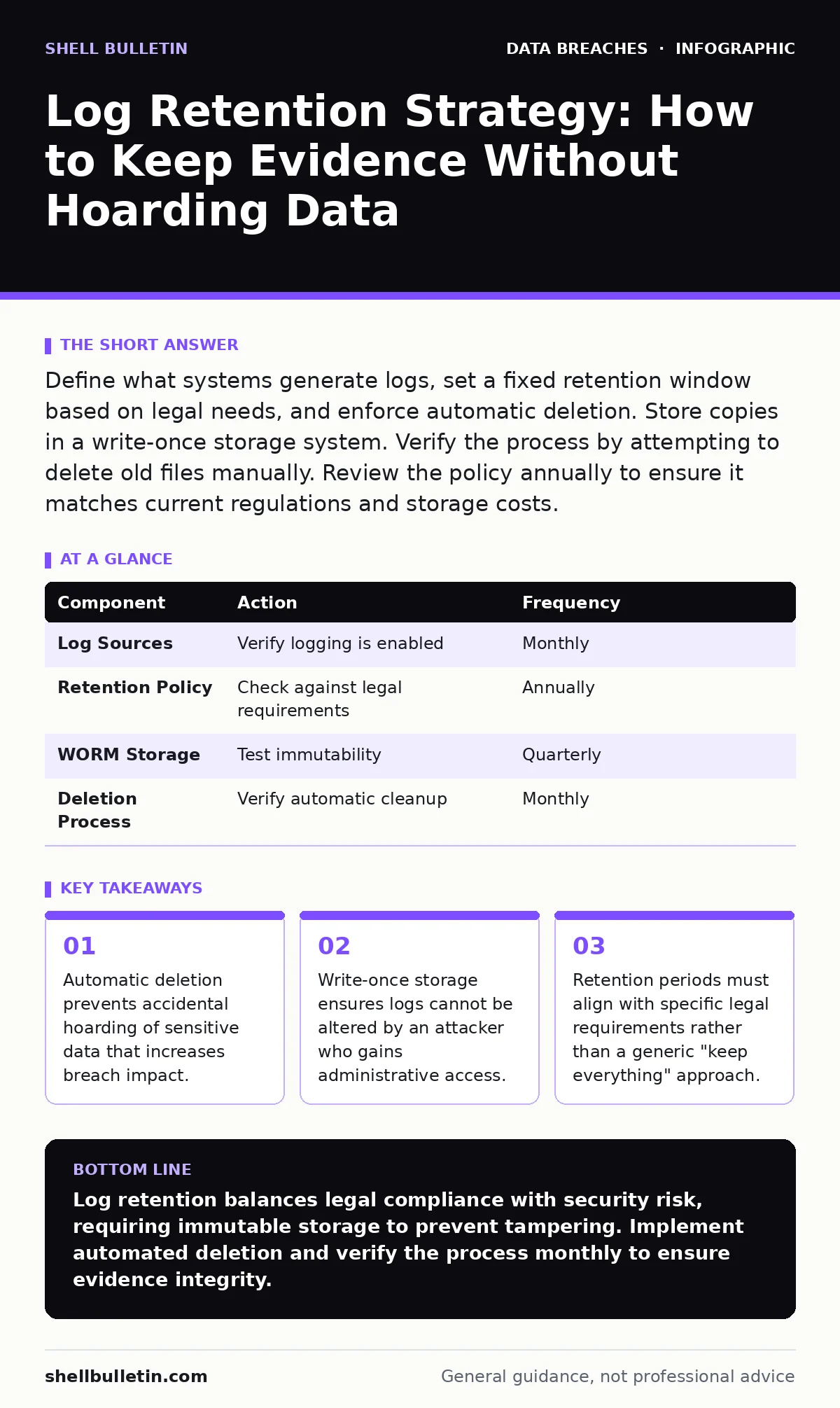
Define what systems generate logs, set a fixed retention window based on legal needs, and enforce automatic deletion. Store copies in a write-once storage system. Verify the process by attempting to delete old files manually. Review the policy annually to ensure it matches current regulations and storage costs.
Define the Scope of Log Generation
You cannot manage what you do not track. Start by identifying every system that produces event records. This includes firewalls, servers, application servers, and even some network switches. Each source generates different data types, from successful logins to failed authentication attempts.
Not all logs hold equal value. A firewall log showing blocked traffic is useful for detecting scanning activity. An application log showing a user clicking "submit" is rarely useful for security investigations. You must distinguish between security-relevant events and operational noise.
Focus on events that indicate a change in state or access. These records help you reconstruct what happened during a security incident. If a system does not generate these specific events, you may not need to retain its logs at all.
Align Retention with Legal Obligations
Your retention period is not a technical choice; it is a legal constraint. Different regulations require different timeframes for keeping specific data. The PCI DSS standard requires you to keep audit trail history for at least one year, with the most recent three months immediately available.
The HIPAA Security Rule mandates a six-year retention period for certain documentation and policies. However, it does not explicitly dictate log retention for all technical events. You must map your data types to these requirements.
Failing to align with these rules creates compliance gaps. Keeping data longer than required increases your exposure to breach notification laws. If you hold more data than necessary, a breach affects more records, triggering stricter reporting requirements.
Configure Write-Once Storage Infrastructure
Attackers often delete logs to cover their tracks. If your logs are stored on a writable server, an attacker with administrative access can erase the evidence of their intrusion. You must store logs in a system that prevents modification after creation.
Use a Write Once, Read Many (WORM) storage architecture. This technology allows you to write data once and then only read it. It prevents deletion or alteration for a specified period. This ensures the integrity of your evidence.
Cloud providers and local hardware vendors offer WORM capabilities. Verify that the storage solution supports immutable backups. If the storage allows administrators to delete old logs, it is not truly immutable. This distinction is critical for forensic validity.
Step 1: Identify Critical Sources
List every device and application that generates security events. Prioritize systems that handle sensitive data or have external-facing interfaces. Include identity management systems, databases, and network perimeter devices.
Verify this step by reviewing the configuration of each listed source. Ensure that logging is enabled for the specific events you identified earlier. If a system is not logging, it is a blind spot.
Step 2: Set Retention Policies per Source
Assign a specific retention period to each source based on its legal and operational needs. Do not use a single blanket policy for all systems. A firewall might need nine months of logs, while a development server might need only thirty days.
Verify this step by checking the configuration of your log management tool. Ensure that each source is tagged with its specific retention tag. The system should automatically apply the correct expiration date to incoming logs.
Step 3: Implement Automated Deletion
Configure your log management system to automatically delete logs that exceed their retention period. Manual deletion is error-prone and often forgotten. Automation ensures consistency and reduces the risk of human error.
Verify this step by waiting for the shortest retention period to expire. Check if the old logs are actually removed from the primary storage. If they remain, your automation is broken.
Step 4: Archive to Immutable Storage
Before deletion, move logs that are still required for compliance to WORM storage. This step separates active logs from archived evidence. Active logs are used for real-time monitoring; archived logs are used for long-term compliance and forensics.
Verify this step by attempting to modify a log file in the archive. The system should reject the change. If you can alter the file, the storage is not immutable.
Validate the Retention Process
Implementation is only half the battle. You must verify that the system works as intended.
Create a test log entry with a known timestamp. Wait for the retention period to expire. Check if the log is deleted from the active store and moved to the archive if required.
Document the results of this test. If the log remains in the active store, your deletion policy is not working. If it is missing from the archive, your archiving process is failing.
Maintain and Review the Strategy
Log retention is not a set-and-forget task. Systems change, regulations update, and new threats emerge. You must review your strategy annually.
Check if new systems have been added to your environment. Ensure they are included in your logging scope. Review any changes to relevant laws, such as updates to breach notification requirements or data privacy statutes.
If your storage costs are rising, review your retention periods. You may be keeping data longer than necessary. Shortening the retention period for low-value logs can reduce costs without impacting security.
| Component | Action | Frequency |
|---|---|---|
| Log Sources | Verify logging is enabled | Monthly |
| Retention Policy | Check against legal requirements | Annually |
| WORM Storage | Test immutability | Quarterly |
| Deletion Process | Verify automatic cleanup | Monthly |
See also: Data Loss Prevention: What It Is and How to Stop Leaks · Data Retention Policies: Step-by-Step Implementation Plan
Handle Sensitive Data Carefully
Logs often contain personally identifiable information (PII) by accident. Usernames, IP addresses, and search queries are common examples. This data increases the impact of a breach.
Mask or hash sensitive fields before storing logs. This reduces the risk if the logs are compromised. Ensure that your masking process does not destroy the usefulness of the log for investigation.
Review your data retention policies to ensure they cover log data. If your general policy says "delete after three years," but your log policy says "keep for six months," there is a conflict. Resolve these conflicts to avoid compliance issues.
Prepare for Incident Response
When a breach occurs, you need access to logs quickly. Ensure your team knows where archived logs are stored and how to retrieve them.
Practice retrieving logs from WORM storage. This process may be slower than accessing active logs. Your incident response plan should account for this delay.
Ensure that only authorized personnel can access archived logs. Unauthorized access to logs can be a privacy violation. Limit access to security investigators and legal counsel.
Key takeaways
- Automatic deletion prevents accidental hoarding of sensitive data that increases breach impact.
- Write-once storage ensures logs cannot be altered by an attacker who gains administrative access.
- Retention periods must align with specific legal requirements rather than a generic "keep everything" approach.
Log retention balances legal compliance with security risk, requiring immutable storage to prevent tampering. Implement automated deletion and verify the process monthly to ensure evidence integrity.
Frequently asked questions
How long should I keep logs if no law specifies a timeframe?
Keep them for at least one year to cover most forensic investigation windows and insurance requirements.
Can I store logs in the cloud?
Yes, if the provider offers WORM capabilities and you control the encryption keys.
What if I accidentally delete logs?
Restore them from backup immediately, but note that this may indicate a security incident.
Do I need to log every user action?
No, focus on security-relevant events like logins, permissions changes, and data access.
How this guide was produced: written by the Shell Bulletin editorial team with AI assistance, checked against the public references listed below, and reviewed when the facts change. See our editorial policy or report an error.