Data Retention Policies: Step-by-Step Implementation Plan
Keeping data longer than necessary increases your attack surface and legal liability, while deleting it too soon violates compliance requirements.

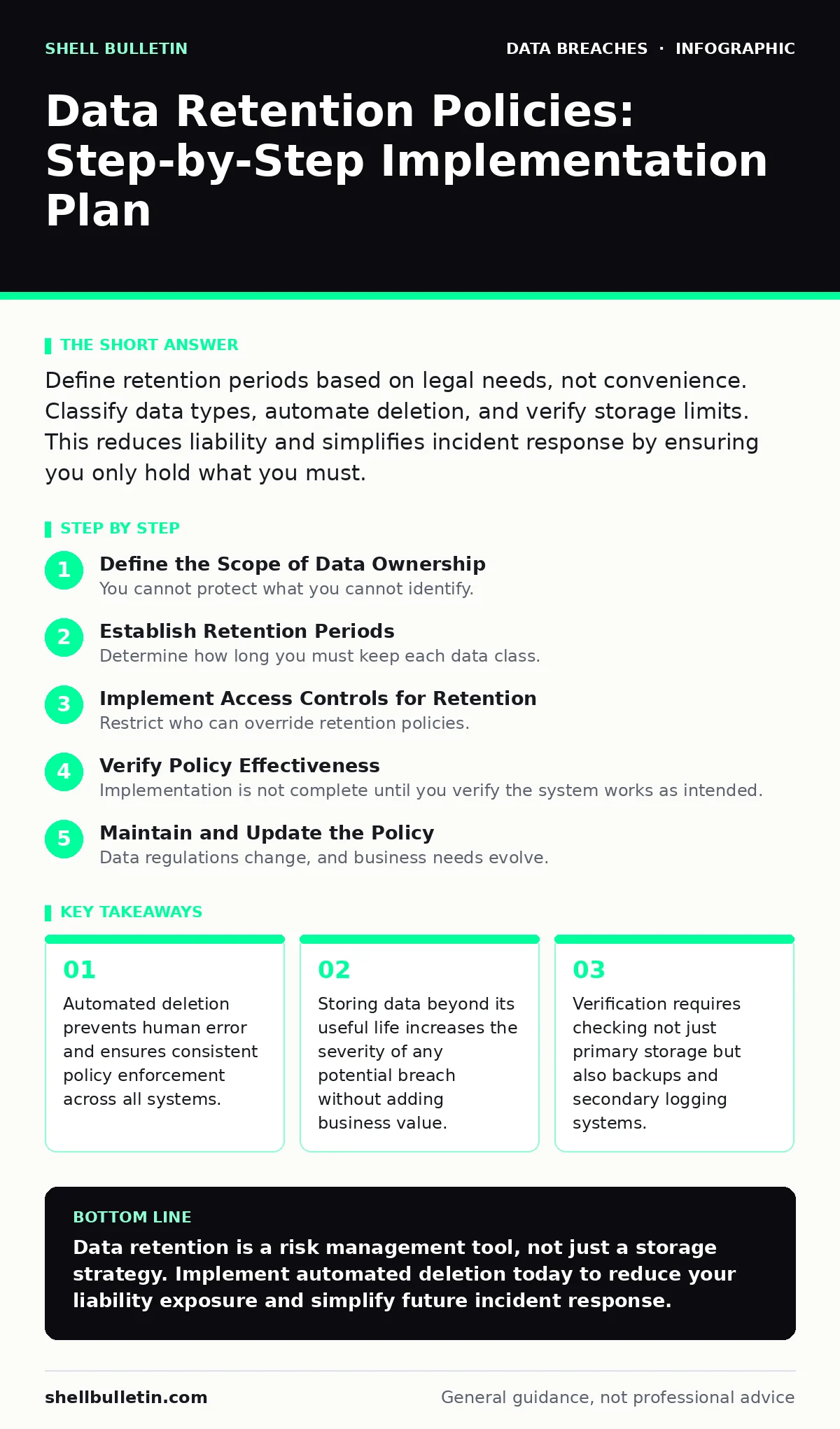
Define retention periods based on legal needs, not convenience. Classify data types, automate deletion, and verify storage limits. This reduces liability and simplifies incident response by ensuring you only hold what you must.
Define the Scope of Data Ownership
You cannot protect what you cannot identify. The first phase of implementation requires a complete inventory of every data type your organization creates, receives, or processes. This includes customer records, financial documents, employee files, and system logs. Many organizations overlook metadata, which reveals when and how data was accessed, even if the content itself is deleted.
Classify this data by sensitivity and regulatory requirement. Some data types have strict legal holding periods, while others lose value quickly. Align your classification with the CIA triad, ensuring that confidentiality measures match the data's sensitivity level. This alignment prevents over-securing low-value data, which wastes resources, and under-securing critical assets.
Establish Retention Periods
Determine how long you must keep each data class. Base these periods on legal obligations and business necessity, not on storage cost. If a law requires seven years of financial records, set the retention period to seven years. If a customer support ticket has no legal standing after one year, delete it after one year.
Avoid the temptation to keep data "just in case." This mindset creates a hidden liability. In the event of a breach, you must disclose everything you hold. Minimizing the volume of stored data directly limits the scope of potential disclosure. Refer to breach notification laws to understand the minimum holding periods for specific jurisdictions and industries.
Step 1: Map Data Flows and Storage Locations
Identify where each data type resides. This includes primary databases, file servers, cloud storage buckets, and employee laptops. You must also account for email archives and instant messaging platforms. Map the flow of data from creation to destruction. If you cannot locate a data type, you cannot enforce a retention policy on it.
Verification: Create a matrix listing each data class and its storage location. Confirm that every entry has a corresponding retention period. If a location lacks a defined period, pause operations for that data type until defined.
Step 2: Configure Automated Deletion Rules
Manual deletion is unreliable and rarely auditable. Configure your storage systems to automatically purge data when its retention period expires. Most modern database and cloud storage platforms support lifecycle policies that move data to cheaper storage or delete it entirely. Set these rules at the system level, not the user level.
Verification: Test the rule on a non-production dataset. Create a file, wait for the simulated retention period to pass, and confirm the file is gone. Check that the deletion is irreversible or requires high-level authorization to restore.
Step 3: Address Backup and Archive Exceptions
Backups often retain data longer than the primary system. If you delete a record from your primary database but it remains in a backup tape for three years, you are still holding that data. Configure your backup rotation schedule to align with your retention policies. Shorten backup retention windows for data that expires quickly.
Verification: Audit your backup logs. Ensure that backups older than the maximum retention period for any data type are overwritten or securely erased. This step is critical for maintaining compliance with PCI DSS or the HIPAA Security Rule, which require strict control over data lifecycle.
Implement Access Controls for Retention
Restrict who can override retention policies. Only designated administrators should have the ability to extend retention periods or restore deleted data. This prevents users from keeping data for personal reasons or due to forgetfulness. Implement audit logging for all retention-related actions. You need to know who extended a record and why.
Verify Policy Effectiveness
Implementation is not complete until you verify the system works as intended. Regular audits are necessary to ensure that automated rules have not been bypassed and that new data types are being captured. Use random sampling to check files in various storage locations. Confirm that files older than their retention period are absent.
Include log retention in your verification process. Logs that track access and modification must also have a defined lifespan. If you keep logs indefinitely, you create a massive target for attackers. Align log retention with your incident response needs, typically keeping them long enough to investigate a breach but not so long that they become a liability.
- Confirm all data classes have defined retention periods.
- Verify automated deletion rules trigger correctly.
- Check that backups do not retain data beyond policy limits.
- Audit access logs to ensure only authorized personnel override policies.
- Validate that deleted data is securely erased, not just marked for deletion.
See also: How Breach Notification Laws Work: A Step-by-Step Analysis · Breach Notification Best Practices for Compliance and Trust
Maintain and Update the Policy
Data regulations change, and business needs evolve. Review your retention policy annually. Add new data types as your services expand. Adjust periods if laws change. Document every change and communicate it to relevant staff. A static policy becomes obsolete quickly, exposing you to gaps in compliance and security.
Integrate retention reviews into your broader security program. Refer to combo lists to understand how retention intersects with other security controls like encryption and access management. Ensure that your data retention strategy supports the overall goal of minimizing risk. Regular upkeep ensures that your protection measures remain effective against evolving threats.
Key takeaways
- Automated deletion prevents human error and ensures consistent policy enforcement across all systems.
- Storing data beyond its useful life increases the severity of any potential breach without adding business value.
- Verification requires checking not just primary storage but also backups and secondary logging systems.
Data retention is a risk management tool, not just a storage strategy. Implement automated deletion today to reduce your liability exposure and simplify future incident response.
Frequently asked questions
How do I handle data that has no clear legal retention period?
Set a reasonable business-based limit, typically one to three years, and document the justification. If the data has no ongoing business value, delete it immediately.
Can I keep data longer than required for historical analysis?
Yes, but you must anonymize or pseudonymize the data first. Removing personally identifiable information reduces legal risk while allowing you to retain trends and patterns.
What happens if I accidentally delete data that should have been kept?
Implement a secure recovery process for accidental deletions. This requires maintaining a short-term, isolated backup that is not part of the standard rotation, accessible only by senior administrators.
Does data retention apply to deleted emails?
Yes. Emails containing business data are subject to the same retention rules as formal documents. Configure email archiving systems to enforce these policies automatically.
How this guide was produced: written by the Shell Bulletin editorial team with AI assistance, checked against the public references listed below, and reviewed when the facts change. See our editorial policy or report an error.