OpenSSH Vulnerabilities: Risks, Protections, and Provider Checks
Default configurations leave remote access points wide open, turning a standard utility into a direct pathway for lateral movement within your network.

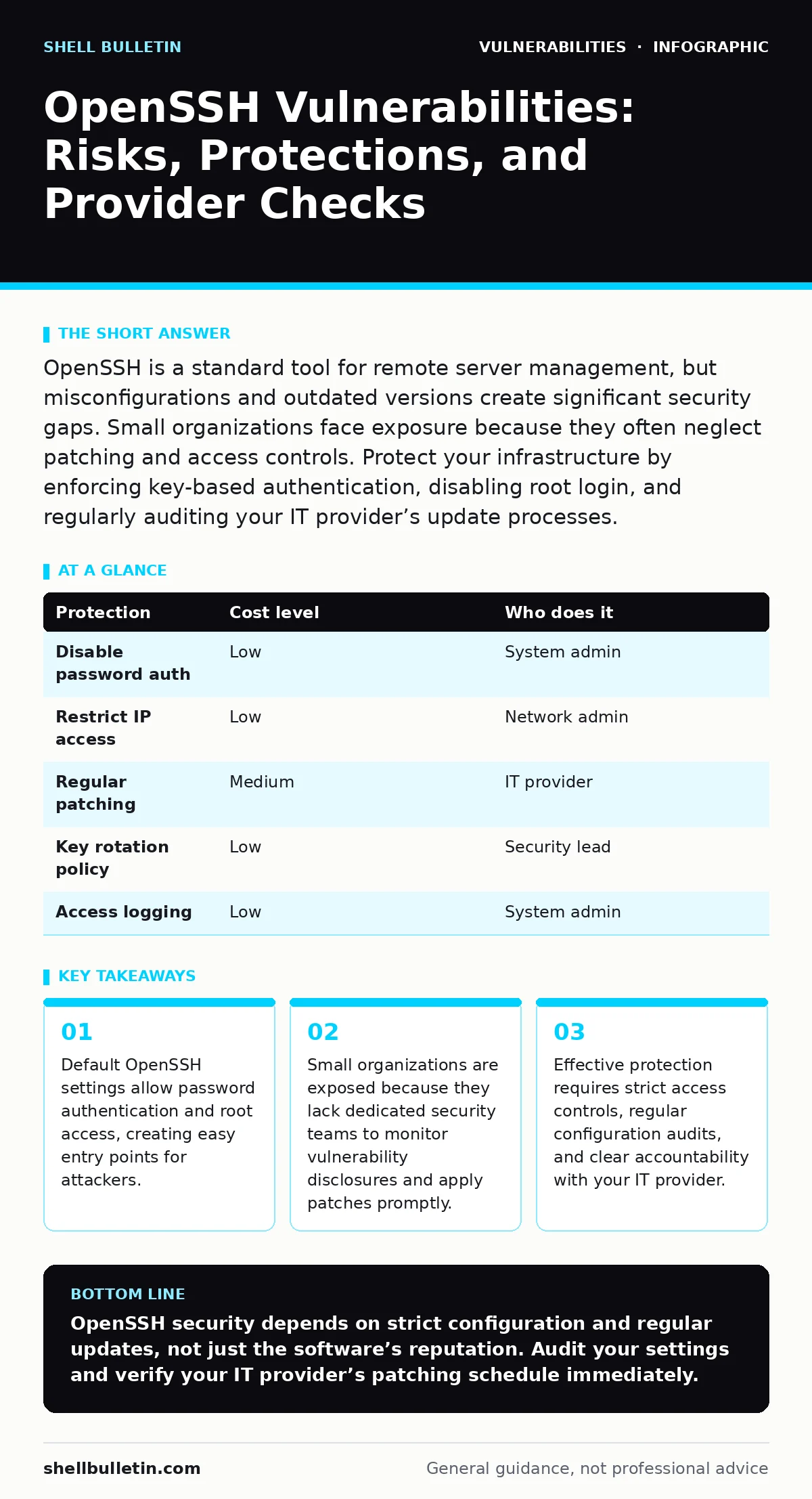
OpenSSH is a standard tool for remote server management, but misconfigurations and outdated versions create significant security gaps. Small organizations face exposure because they often neglect patching and access controls. Protect your infrastructure by enforcing key-based authentication, disabling root login, and regularly auditing your IT provider’s update processes.
Why Small Organizations Face Disproportionate Risk
OpenSSH is the industry standard for secure remote login and other secure network services over an insecure network. It encrypts all traffic, including passwords, preventing eavesdropping, connection hijacking, and other attacks. Despite its widespread adoption and reputation for security, the software itself is often deployed with insecure defaults. Small organizations are particularly vulnerable because they rarely have dedicated security engineers. They rely on generalist IT support or managed service providers who may prioritize uptime over security hardening.
The primary risk is not usually a zero-day exploit in the OpenSSH code itself. The risk is misconfiguration. Many administrators accept default settings to save time. These defaults often permit password authentication, which is susceptible to brute-force attacks. They may also allow direct root login, meaning an attacker who compromises one account gains full system control immediately. This lack of defense in depth makes the entire network segment accessible once a single endpoint is breached.
Another hidden cost is the complexity of dependency management. OpenSSH relies on cryptographic libraries like OpenSSL. When a vulnerability is discovered in these underlying libraries, the SSH daemon must be updated. If your organization does not have a structured approach to risk-based vulnerability management, these updates are delayed. Delays create a window of exposure where known exploits can be used against your infrastructure.
The Mechanics of SSH Exploitation
Attackers do not need to break the encryption algorithm. They need to bypass the authentication mechanism or exploit a flaw in how the server processes connections. One common method is credential stuffing. Attackers use lists of usernames and passwords leaked from other breaches to try logging in. If you reuse passwords across services, a breach elsewhere compromises your server access.
Even with unique passwords, brute-force attacks remain a threat. Automated tools can attempt thousands of login combinations per minute. Without rate limiting or account lockout policies, these tools can eventually guess weak credentials. Once inside, attackers often move laterally. They use the compromised server as a foothold to scan the internal network for other vulnerable services. This is why isolating SSH access is critical.
Low-Cost Protections for Remote Access
You can significantly reduce your attack surface without purchasing expensive security appliances. The most effective step is disabling password authentication entirely. Instead, use public key cryptography. This mechanism uses a pair of keys: a private key kept secret by the user and a public key stored on the server. Authentication succeeds only if the private key matches the public key. This eliminates the risk of password guessing.
Implementing key-based authentication requires generating key pairs and distributing the public keys to authorized users. You should also disable root login. Administrators should log in as regular users and elevate privileges using sudo. This adds a layer of accountability and allows for command-level auditing. If a user’s key is compromised, the attacker cannot immediately become root.
Another low-cost measure is restricting access by IP address. If your team works from fixed locations, configure the firewall to allow SSH connections only from those specific IP ranges. This blocks the vast majority of automated internet scans. Combine this with a fail2ban-like service that temporarily blocks IPs after failed login attempts. These measures add friction for attackers while maintaining ease of use for legitimate users.
| Protection | Cost level | Who does it |
|---|---|---|
| Disable password auth | Low | System admin |
| Restrict IP access | Low | Network admin |
| Regular patching | Medium | IT provider |
| Key rotation policy | Low | Security lead |
| Access logging | Low | System admin |
What to Ask Your IT Provider
Many small businesses outsource their IT infrastructure to managed service providers. This relationship shifts the responsibility for security, but it does not eliminate the need for oversight. You must verify that your provider follows security best practices. Do not assume that because they manage the servers, they secure them.
Ask about their patching cadence. How quickly do they apply critical security updates to OpenSSH and its dependencies? There should be a defined service level agreement for critical patches. Ask if they perform regular configuration audits. Do they check for insecure defaults like root login or empty passwords? Request a sample report of these audits to verify their thoroughness.
Inquire about their incident response plan. If an SSH compromise is detected, what are the first steps? Do they have a process for isolating the affected server and rotating credentials? Ask if they use automated tools for vulnerability scanning to identify misconfigurations before attackers do. These questions reveal whether security is a proactive practice or a reactive afterthought.
- How do you handle critical security patches for remote access services?
- What is your process for auditing SSH configurations for insecure defaults?
- Do you monitor for failed login attempts and block suspicious IPs?
- How do you ensure that only authorized personnel have access to production servers?
- Can you provide a recent sample of your security audit reports?
Beyond Basic Configuration: Advanced Risks
While configuration errors are the most common issue, software vulnerabilities do exist. Memory corruption bugs in network services can allow remote code execution. These bugs are often complex and require specific conditions to trigger. However, when they are discovered, they can be exploited without any authentication. This is why keeping software up to date is non-negotiable.
Another risk area is the integration of SSH with other systems. If your SSH server is part of a larger authentication ecosystem, flaws in that ecosystem can undermine SSH security. For example, a SAML authentication bypass in a connected identity provider could allow attackers to generate valid SSH tokens. You must consider the security of the entire chain, not just the SSH daemon.
Firmware vulnerabilities in network devices that route SSH traffic can also expose your infrastructure. If a firewall or router has a compromised firmware, traffic inspection and logging may be bypassed. Ensure that all network devices are updated and configured securely. Regular security regression testing can help identify if new updates introduce configuration errors or weaken existing security controls.
Maintaining Security Over Time
Security is not a one-time setup. It is a continuous process. You must regularly review access lists. Employees leave, contractors finish projects, and roles change. Remove access credentials that are no longer needed. Stale accounts are a common entry point for attackers who gain access to old credentials.
Rotate SSH keys periodically. While key-based authentication is strong, keys can be lost or stolen. A rotation policy ensures that compromised keys are quickly invalidated. Combine this with logging and monitoring. Review logs for unusual activity, such as logins from unexpected locations or at unusual times. Automated alerts can help detect breaches early.
Consider the broader context of your application security. If your server hosts web applications, vulnerabilities like broken object level authorization (BOLA) can allow attackers to access sensitive data. While this is an application-layer issue, it often leads to server compromise. Ensure that your development team follows secure coding practices and that your infrastructure supports strong security headers and access controls.
Integrating with Broader Security Strategies
SSH security does not exist in a vacuum. It must be part of a holistic security strategy. Integrate SSH monitoring with your overall security information and event management system. This allows you to correlate SSH events with other security alerts. For instance, a failed SSH login followed by a successful login from a different IP address may indicate a compromise.
Educate your staff about the risks of sharing credentials. Even with key-based authentication, users may be tempted to share keys or store them insecurely. Training helps reinforce security policies. Encourage the use of password managers for any remaining password-based access, and ensure that multi-factor authentication is enabled wherever possible.
By addressing configuration, patching, and access control, you create a strong defense against SSH-related threats. Regular audits and provider oversight ensure that these defenses remain effective. Stay informed about emerging vulnerabilities and adjust your security posture accordingly. A proactive approach reduces the likelihood of a breach and minimizes the impact if one occurs.
Key takeaways
- Default OpenSSH settings allow password authentication and root access, creating easy entry points for attackers.
- Small organizations are exposed because they lack dedicated security teams to monitor vulnerability disclosures and apply patches promptly.
- Effective protection requires strict access controls, regular configuration audits, and clear accountability with your IT provider.
OpenSSH security depends on strict configuration and regular updates, not just the software’s reputation. Audit your settings and verify your IT provider’s patching schedule immediately.
Frequently asked questions
Is OpenSSH safe if I use a strong password?
Strong passwords help, but they are not enough. Attackers use automated tools to guess passwords. You should disable password authentication and use key-based login instead.
How often should I update OpenSSH?
Update immediately when critical security patches are released. Regularly check for updates to ensure you have the latest security fixes and features.
Can I use SSH without a firewall?
You can, but it is risky. A firewall restricts access to trusted IP addresses, reducing the attack surface. Always use a firewall to limit who can attempt to connect.
What is the biggest mistake small businesses make with SSH?
The biggest mistake is leaving default settings unchanged. This often includes allowing root login and password authentication, which are major security risks.
How this guide was produced: written by the Shell Bulletin editorial team with AI assistance, checked against the public references listed below, and reviewed when the facts change. See our editorial policy or report an error.