DMARC vs DKIM: How Email Authentication Protocols Protect Your Domain
DKIM proves the message content is intact, while DMARC dictates policy for messages that fail authentication checks, preventing domain spoofing.
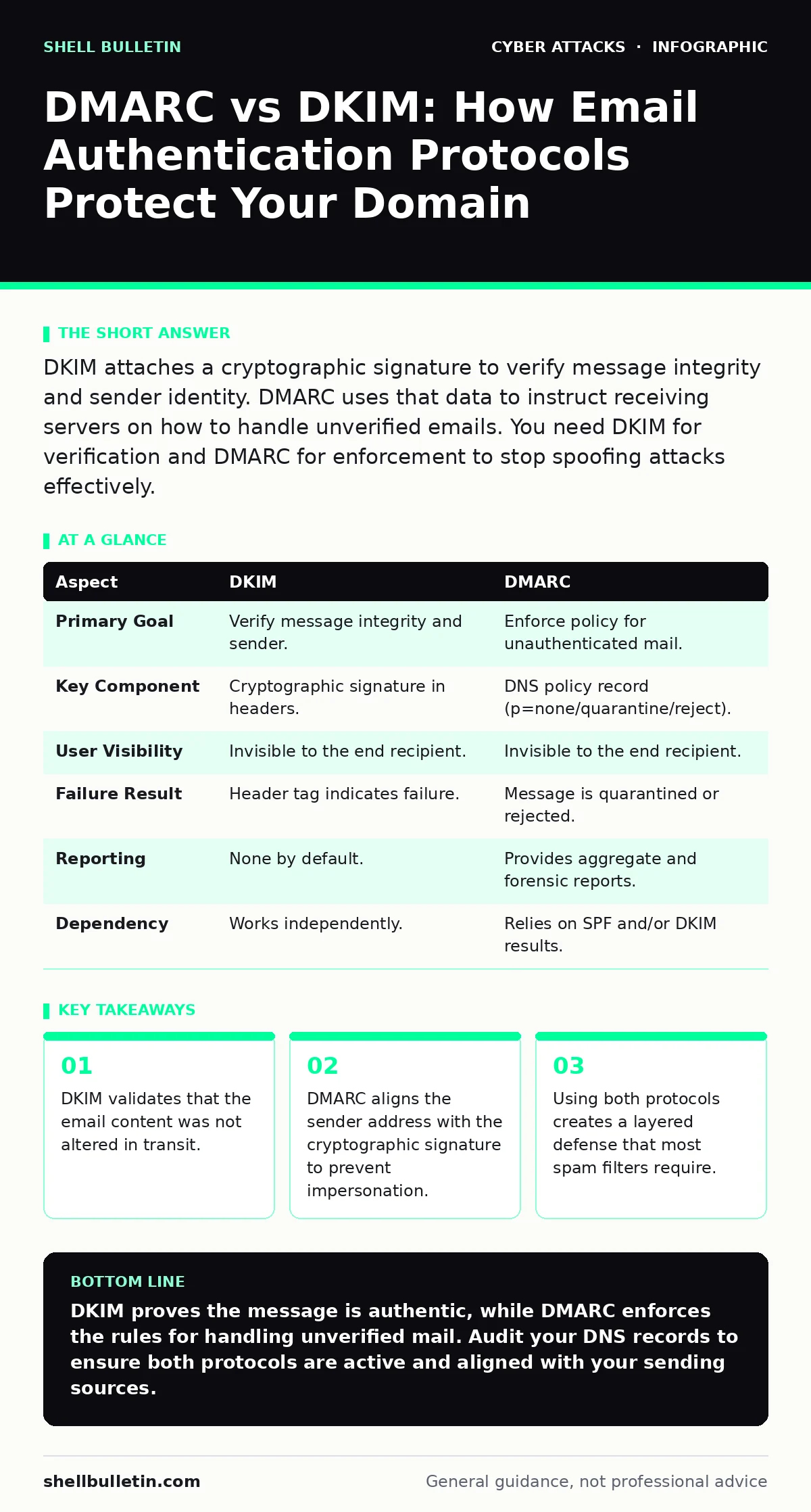
DKIM attaches a cryptographic signature to verify message integrity and sender identity. DMARC uses that data to instruct receiving servers on how to handle unverified emails. You need DKIM for verification and DMARC for enforcement to stop spoofing attacks effectively.
The Core Difference in Function
DKIM and DMARC serve distinct purposes in the email delivery pipeline. DKIM focuses on the integrity of the message body and headers. It ensures that the content you sent matches the content the recipient receives. DMARC focuses on policy and alignment. It tells the receiving server what to do when an email claims to come from your domain but fails authentication.
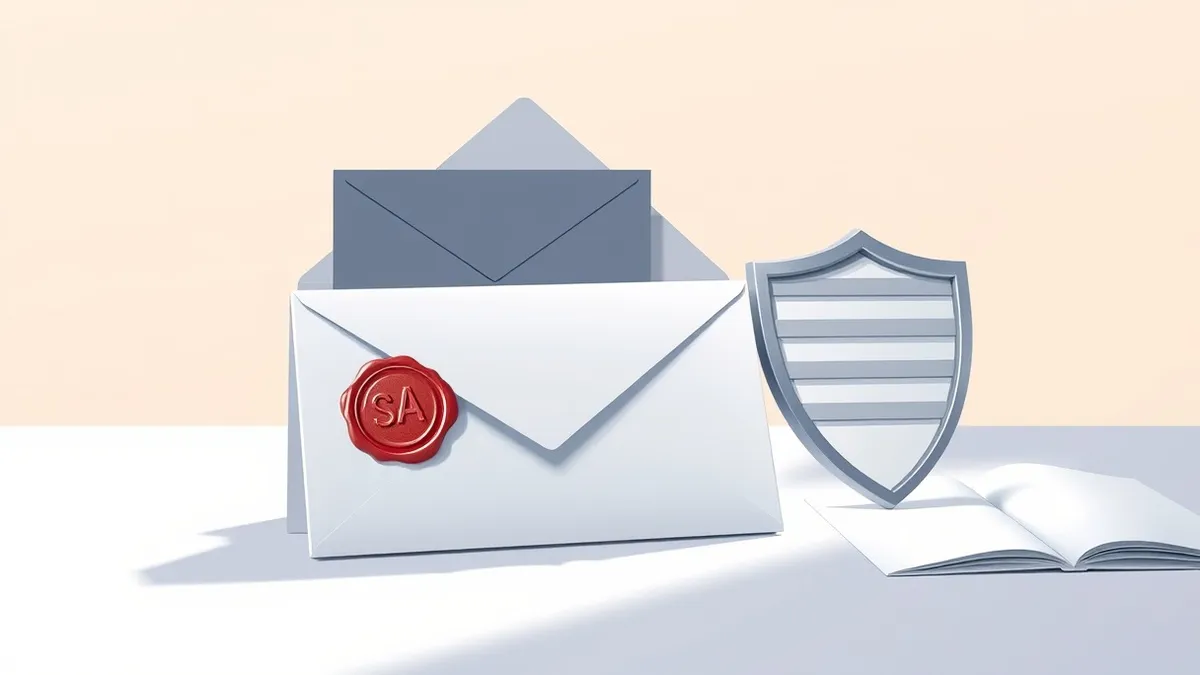
Think of DKIM as a wax seal on a letter. If the seal is broken, you know someone tampered with it. DMARC is the postal rule that says if the seal is missing or broken, do not deliver the letter to the main inbox. One verifies the content; the other enforces the consequence of verification failure.
What DKIM Actually Does
DomainKeys Identified Mail, or DKIM, adds a digital signature to outgoing emails. This signature is generated using a private key held by your mail server. The corresponding public key is published in your domain’s DNS records. When a recipient’s server receives an email, it retrieves the public key to verify the signature.
If the signature matches, the server knows the email came from an authorized source and the content was not modified. This prevents attackers from altering the message after it left your outbox. It also helps prove that the message originated from your domain. However, DKIM alone does not tell the receiver what to do if the check fails. It simply reports the result.
What DMARC Actually Does
Domain-based Message Authentication, Reporting, and Conformance, or DMARC, builds on top of SPF and DKIM. It requires that the domain in the "From" header aligns with the domain authenticated by DKIM or SPF. Alignment is critical because attackers often sign emails with a subdomain while displaying a different domain in the address the user sees.
DMARC allows you to set a policy for misaligned messages. You can choose to monitor only, send such messages to spam, or reject them entirely. It also generates reports. These reports detail which emails passed or failed authentication. This data helps you identify legitimate services sending email on your behalf and adjust your records accordingly. Without DMARC, failed DKIM checks often result in no action.
Direct Comparison of Mechanisms
| Aspect | DKIM | DMARC |
|---|---|---|
| Primary Goal | Verify message integrity and sender. | Enforce policy for unauthenticated mail. |
| Key Component | Cryptographic signature in headers. | DNS policy record (p=none/quarantine/reject). |
| User Visibility | Invisible to the end recipient. | Invisible to the end recipient. |
| Failure Result | Header tag indicates failure. | Message is quarantined or rejected. |
| Reporting | None by default. | Provides aggregate and forensic reports. |
| Dependency | Works independently. | Relies on SPF and/or DKIM results. |
Where They Overlap and Interact
These protocols do not work in isolation. DMARC cannot function without underlying authentication mechanisms. It requires either SPF or DKIM to provide the initial verification data. If you disable DKIM, DMARC loses one of its two pillars for verifying sender identity.
The overlap occurs in the concept of domain trust. Both protocols contribute to the reputation of your sending domain. Email providers use signals from both to decide whether to place your email in the inbox or the spam folder. Proper configuration of both reduces the likelihood of your legitimate business emails being marked as spam.
See also: Detect Clone Phishing: Log Signals, Tool Gaps and Blind Spots · 7 Email Filtering Mistakes That Let Threats Through Your Inbox
Strategic Implementation Choices
Choose DKIM when:
- You need to ensure email content has not been altered during transit.
- You want to improve deliverability with major email providers.
- You are setting up a new mail server and need basic authentication.
- You want to protect against simple header forgery attacks.
Choose DMARC when:
- You want to prevent attackers from spoofing your domain name.
- You need visibility into who is sending email on your behalf.
- You have already configured SPF and DKIM correctly.
- You want to enforce strict handling of unverified messages.
Common Pitfalls in Configuration
A frequent mistake is assuming that DKIM signatures cover the entire email. They often exclude certain headers that can be modified by transit servers. This is why DMARC alignment is necessary. It checks the visible "From" address against the authenticated domain.
Another issue is key rotation. DKIM private keys should be changed periodically. If a key is compromised, an attacker can sign malicious emails that pass verification. DMARC reports help you monitor this. If you see a sudden spike in failures, it may indicate a key issue or a configuration error in a third-party service.
The Bigger Picture of Email Security
Email authentication is a layer of defense, not a complete solution. It stops domain spoofing but does not protect against social engineering. An attacker can use a real, authenticated email account to send malicious content. This is why email filtering is necessary to scan for malware and phishing links.
Understanding these protocols helps you reduce account takeover risks. If an attacker compromises a user account, they can send emails that pass DKIM because they are coming from a legitimate user. DMARC cannot stop this because the authentication passes. You must combine authentication with strong access controls and cyber hygiene training.
Protecting Beyond the Inbox
While DMARC and DKIM secure the email channel, other vectors require different defenses. Attackers often use smishing to bypass email filters entirely. They send SMS messages that look like bank alerts or delivery notifications. These messages do not use email headers, so DKIM is irrelevant.
Similarly, vishing relies on voice calls to extract credentials. No email protocol can stop a phone call. You must educate users to verify unexpected requests through a separate channel. Eavesdropping attacks on networks can intercept unencrypted data. This is why end-to-end encryption for data in transit is necessary, independent of email authentication.
Network segmentation limits the damage if an attacker does gain access via email. By isolating critical systems, you prevent lateral movement. Email authentication keeps the door locked, but segmentation ensures that if someone breaks in, they cannot reach the vault.
Key takeaways
- DKIM validates that the email content was not altered in transit.
- DMARC aligns the sender address with the cryptographic signature to prevent impersonation.
- Using both protocols creates a layered defense that most spam filters require.
DKIM proves the message is authentic, while DMARC enforces the rules for handling unverified mail. Audit your DNS records to ensure both protocols are active and aligned with your sending sources.
Frequently asked questions
Can I use DMARC without DKIM?
Yes, DMARC can rely solely on SPF for authentication. However, using both DKIM and SPF provides redundancy. If one fails, the other may still pass, keeping your emails out of spam folders.
Does DKIM prevent phishing emails?
DKIM prevents attackers from altering email content and helps verify the sender domain. It does not stop phishing if the attacker uses a legitimate account or a domain that also passes authentication. DMARC helps block spoofed domains more effectively.
How long does it take to set up DKIM and DMARC?
Setup involves updating DNS records, which can take minutes to hours to propagate. Testing and adjusting DMARC policy based on reports may take weeks to ensure no legitimate mail is blocked.
Do free email providers support these protocols?
Most major providers support DKIM and SPF. DMARC support depends on the receiving server. Most large providers respect DMARC policies, but smaller or legacy systems may ignore them.
How this guide was produced: written by the Shell Bulletin editorial team with AI assistance, checked against the public references listed below, and reviewed when the facts change. See our editorial policy or report an error.