How Eavesdropping Attacks Work and How to Stop Data Leaks
Your unencrypted data travels in plain text, allowing anyone on the same network to read your messages and credentials without breaking into your device.

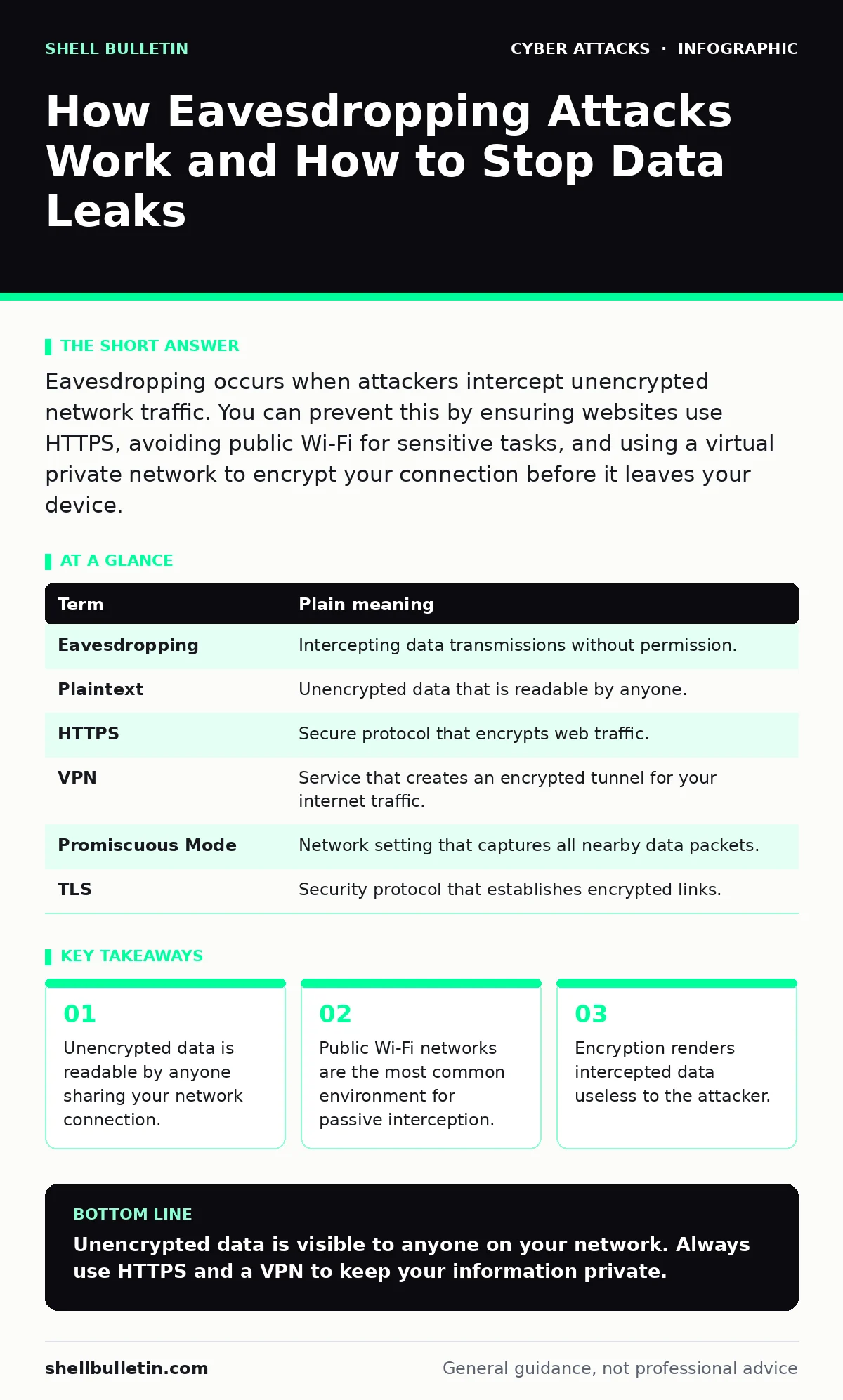
Eavesdropping occurs when attackers intercept unencrypted network traffic. You can prevent this by ensuring websites use HTTPS, avoiding public Wi-Fi for sensitive tasks, and using a virtual private network to encrypt your connection before it leaves your device.
The Open Office Problem
Imagine you are shouting your bank PIN across a crowded, open-plan office. You believe you are speaking only to your colleague at the next desk. In reality, everyone in the room can hear you. This is exactly what happens when you send data over an unencrypted network connection.
The attacker does not need to break into your computer or trick you into clicking a link. They simply listen to the digital traffic flowing through the shared airwaves. This passive observation is known as eavesdropping, or a sniffing attack.
Why Your Data Travels Plain Text
When you type a URL or send an email, your device breaks that information into small packets. These packets travel through routers and switches to reach their destination. If the connection is not encrypted, these packets contain your data in plaintext.
Plaintext is human-readable information that has not been scrambled. An attacker with basic software can capture these packets and read their contents. This includes login credentials, search queries, and messages.
The mechanism is simple. The attacker connects to the same local area network as you. They put their network interface card into promiscuous mode. This setting allows the card to accept all packets passing through the network, not just those addressed to it.
The Public Wi-Fi Trap
Public Wi-Fi hotspots in cafes, airports, and hotels are prime targets for eavesdropping. These networks are often open, meaning no password is required to join. Even when a password is required, it is often shared publicly.
Suppose you check your email on a cafe Wi-Fi. Your device sends your username and password to the email server. If the email site does not use encryption, your credentials float across the network in plain text. An attacker sitting at the next table can capture them.
This is distinct from vishing or smishing, where attackers actively trick you into revealing information. Eavesdropping requires no interaction from you. It is a silent theft of data in transit.
Encryption as Your Shield
Encryption scrambles your data so that only the intended recipient can read it. When you see HTTPS in the browser address bar, the connection is encrypted using TLS (Transport Layer Security).
TLS creates a secure tunnel between your device and the website. Even if an attacker captures the packets, they see only random gibberish. They cannot reverse-engineer the original content without the encryption key.
The Hidden Cost of Convenience
Using your home network is safer because you control who connects to it. However, eavesdropping can still occur if your home Wi-Fi is misconfigured. Using weak encryption protocols like WEP makes it easy for attackers to decrypt your traffic.
Modern routers use WPA3 or WPA2 with strong passwords. These protocols encrypt traffic between your device and the router. They do not encrypt traffic beyond the router. Once your data leaves your home, it travels over the internet.
This is where DNS hijacking becomes a risk. Attackers can redirect your traffic to fake sites. If you do not use HTTPS, you may enter data into a fraudulent site believing it is legitimate.
See also: Lateral Movement Meaning: How Attackers Spread Inside Your Network
Simple Safety Habits
You can protect yourself with three specific actions. These steps address the most common vectors for eavesdropping in everyday use.
- Use a Virtual Private Network: A VPN encrypts all traffic from your device to the VPN server. This protects you on public Wi-Fi. The attacker sees only encrypted data heading to the VPN provider.
- Verify HTTPS: Never enter data on HTTP sites. Modern browsers often warn you, but do not ignore these warnings. If a site only offers HTTP, it is not ready for secure transactions.
- Avoid Public Networks for Banking: Do not access financial accounts or corporate systems on public Wi-Fi. If you must, use a mobile data connection instead. Mobile networks are harder to intercept than open Wi-Fi.
Beyond Basic Protection
Good cyber hygiene includes more than just passwords. It involves understanding how your data moves. Email filtering helps block malicious messages, but it does not protect data already in transit.
Email authentication protocols like SPF and DKIM verify that an email is from the claimed sender. This prevents clone phishing attacks where attackers mimic trusted entities. However, these measures do not stop eavesdropping on the network level.
OAuth consent phishing is a different threat where attackers trick you into granting access to your accounts. While distinct from eavesdropping, both rely on your trust in the interface. Always check the domain name carefully.
A Quick Reference Glossary
| Term | Plain meaning |
|---|---|
| Eavesdropping | Intercepting data transmissions without permission. |
| Plaintext | Unencrypted data that is readable by anyone. |
| HTTPS | Secure protocol that encrypts web traffic. |
| VPN | Service that creates an encrypted tunnel for your internet traffic. |
| Promiscuous Mode | Network setting that captures all nearby data packets. |
| TLS | Security protocol that establishes encrypted links. |
Try This Now
- [ ] Check your current website. Does the address bar show HTTPS? If not, do not enter any data.
- [ ] Locate your mobile device’s Wi-Fi settings. Turn off "Auto-join" for public networks to prevent accidental connections.
- [ ] Install a reputable VPN client. Connect to it whenever you are on a public Wi-Fi network.
Key takeaways
- Unencrypted data is readable by anyone sharing your network connection.
- Public Wi-Fi networks are the most common environment for passive interception.
- Encryption renders intercepted data useless to the attacker.
Unencrypted data is visible to anyone on your network. Always use HTTPS and a VPN to keep your information private.
Frequently asked questions
Can eavesdropping happen on my home Wi-Fi?
Yes, if your router uses weak security settings or if an attacker has physical access to your network hardware.
Is a VPN enough to stop all attacks?
No, a VPN protects data in transit but does not protect against malware or phishing attacks on your device.
Why do some public Wi-Fi networks ask for my email?
They use a captive portal for access control, but this does not encrypt your other internet traffic.
Does HTTPS protect my entire device?
No, HTTPS only protects the connection between your browser and the specific website you are visiting.
How this guide was produced: written by the Shell Bulletin editorial team with AI assistance, checked against the public references listed below, and reviewed when the facts change. See our editorial policy or report an error.