Detect OAuth Consent Phishing: Log Signals and Blind Spots
Attackers bypass traditional filters by using legitimate authentication servers to steal access tokens, making log analysis the primary defense against this invisible threat.

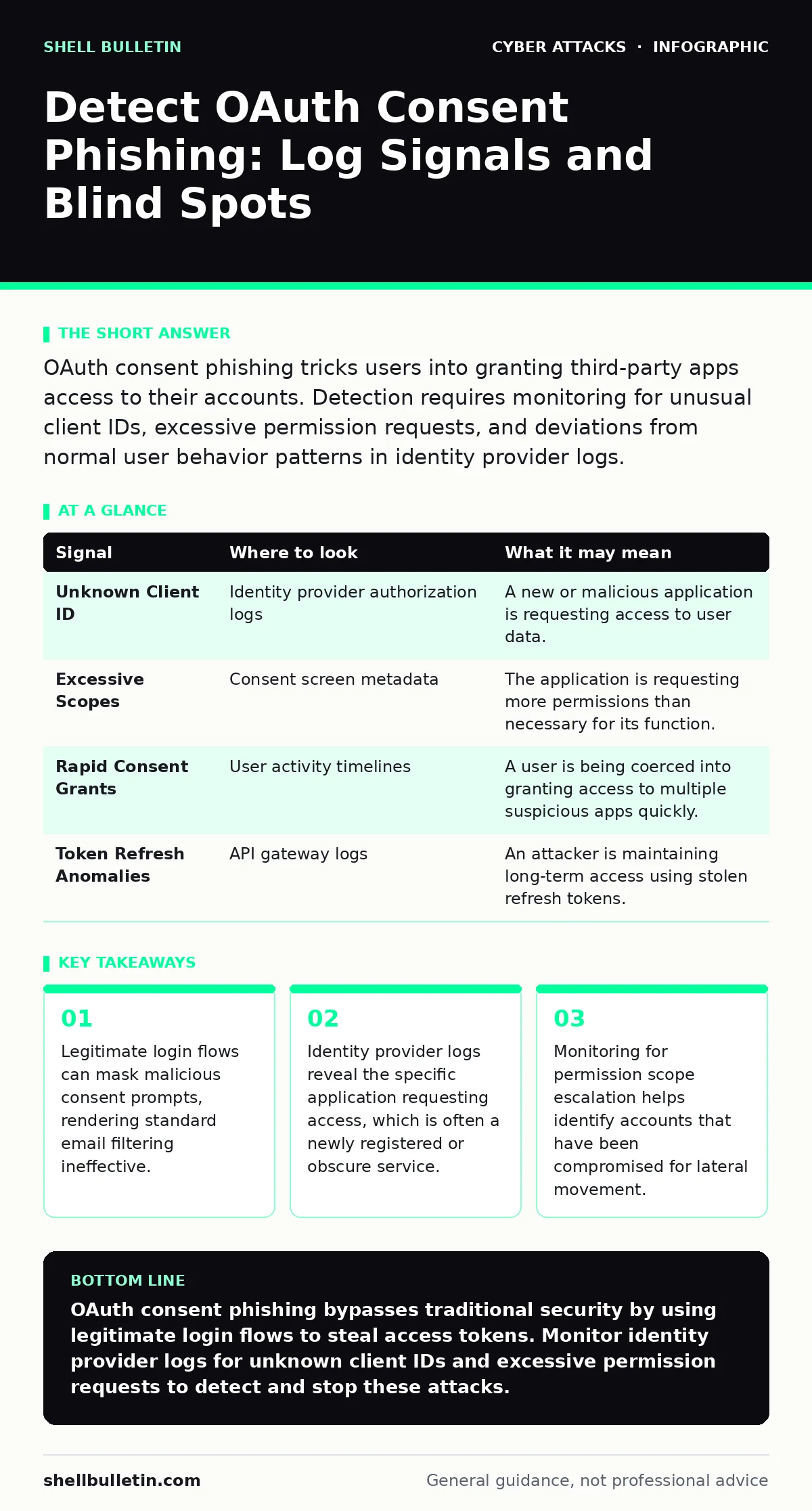
OAuth consent phishing tricks users into granting third-party apps access to their accounts. Detection requires monitoring for unusual client IDs, excessive permission requests, and deviations from normal user behavior patterns in identity provider logs.
The Mechanics of Consent Manipulation
OAuth consent phishing exploits the trust users place in identity providers. Instead of creating a fake login page, the attacker registers a legitimate application with the provider. They then send a link that triggers the real authentication server. The user logs in with their credentials, which remain secure. However, the subsequent screen asks for permission to share data. The attacker mimics a well-known service or uses urgent language to force a quick "Allow" click. This grants the attacker an access token without ever seeing the password.
This method bypasses defenses that look for fake URLs or credential harvesting. The traffic goes to the legitimate provider domain. The login succeeds, so Multi-Factor Authentication passes. The breach occurs at the permission layer, not the authentication layer. Understanding this distinction is the first step in detection. You are not looking for failed logins; you are looking for successful but anomalous authorizations.
Signal Detection in Identity Logs
Your identity provider logs are the primary source of truth. Most teams monitor for failed attempts or geographic anomalies. OAuth phishing requires a different lens. You must track every authorization event. Look for the client ID associated with the request. A client ID is a unique identifier for the application seeking access. If the ID belongs to an application you do not recognize or have not vetted, flag it immediately.
Check the requested scopes. Scopes define what data the application can access, such as email content or profile information. A simple app asking for full administrative rights is a red flag. Compare the scope against the known functionality of the application. If the request seems disproportionate, investigate further. This data often sits in raw logs that are not analyzed by default security information and event management rules.
| Signal | Where to look | What it may mean |
|---|---|---|
| Unknown Client ID | Identity provider authorization logs | A new or malicious application is requesting access to user data. |
| Excessive Scopes | Consent screen metadata | The application is requesting more permissions than necessary for its function. |
| Rapid Consent Grants | User activity timelines | A user is being coerced into granting access to multiple suspicious apps quickly. |
| Token Refresh Anomalies | API gateway logs | An attacker is maintaining long-term access using stolen refresh tokens. |
Behavioral Anomalies and Context
Technical logs provide the "what," but user behavior provides the "why." OAuth phishing often relies on social engineering. The user may feel pressured to act quickly. This pressure creates a distinct pattern in their digital footprint. You might see a sudden spike in authorization requests from a single user. This is unusual for most business environments. Normal users do not typically approve dozens of new applications in a short period.
Context matters. Did the user receive an email prompting this action? If so, the email might have passed through your filters because it contained no malware or links to known phishing sites. It contained a link to a legitimate identity provider. This highlights a gap in standard email filtering. The threat is not in the attachment or the link destination, but in the user's decision at the consent screen.
Application Registry Verification
Maintain a strict inventory of authorized applications. Many organizations allow open registration for third-party apps. This convenience creates risk. Attackers can register apps with generic names that look legitimate. You must regularly audit the registry of connected applications in your identity provider. Look for apps that were recently created but have high usage.
Check the developer information. Legitimate vendors usually provide clear contact details and a verifiable website. If the developer information is missing, vague, or points to a private domain, investigate. Revoke access for any application that cannot be verified. This is a manual process but it reduces the attack surface significantly. It prevents attackers from using previously registered apps to harvest tokens from new victims.
Token Lifecycle Management
Once an attacker obtains consent, they receive access tokens and refresh tokens. Access tokens expire quickly. Refresh tokens allow the application to obtain new access tokens without user interaction. This is where the persistence lies. The attacker can use the refresh token to maintain access long after the initial phishing event.
Monitor for token refresh patterns. If an application is refreshing tokens at odd hours or from unusual IP addresses, it may be compromised. Implement short expiration times for refresh tokens where possible. This forces the attacker to re-engage the user or find new tokens. It reduces the window of opportunity for data exfiltration. This approach adds friction for legitimate apps but significantly increases security for your environment.
Common Blind Spots in Defense
Many teams focus heavily on network segmentation and perimeter defenses. OAuth phishing operates entirely within the application layer. It does not cross network boundaries in the traditional sense. It uses the intended API pathways. This means traditional intrusion detection systems may miss it entirely. The traffic looks like normal API calls.
Another blind spot is the assumption that Multi-Factor Authentication stops all account compromise. In OAuth phishing, the user successfully authenticates. The MFA passes. The compromise is the consent, not the credential. This distinction is often missed in incident response plans. Teams may reset passwords and re-issue MFA devices, but this does not revoke the access tokens the attacker already holds. You must explicitly revoke authorized applications in the identity provider to stop the bleed.
Integrating with Existing Hygiene
This threat fits into the broader picture of cyber hygiene. It requires a shift from perimeter thinking to identity thinking. You must treat permissions as sensitive assets. Regularly review who has access to what. Educate users on what permissions they are granting. Make them aware that "Allow" is a security decision, not just a formality.
This approach complements other defenses. Strong email authentication helps reduce the initial vector, but it does not stop the consent prompt. Account takeover prevention focuses on credentials, but OAuth attacks bypass credential storage. By focusing on the consent layer, you address a gap that other measures leave open. This layered approach ensures that even if one defense fails, another remains.
Key takeaways
- Legitimate login flows can mask malicious consent prompts, rendering standard email filtering ineffective.
- Identity provider logs reveal the specific application requesting access, which is often a newly registered or obscure service.
- Monitoring for permission scope escalation helps identify accounts that have been compromised for lateral movement.
OAuth consent phishing bypasses traditional security by using legitimate login flows to steal access tokens. Monitor identity provider logs for unknown client IDs and excessive permission requests to detect and stop these attacks.
Frequently asked questions
Can multi-factor authentication prevent OAuth consent phishing?
No, because the user successfully authenticates with MFA. The attack exploits the permission grant step, not the login step, so MFA will pass as expected.
How do I revoke access for a compromised application?
Log into your identity provider admin console, find the user account, and remove the authorization for the specific application. This invalidates existing tokens immediately.
Should I disable third-party app registration entirely?
Disabling registration may impact productivity. Instead, enforce a vetting process where IT reviews new app requests before granting organization-wide access.
Does email filtering help detect this type of attack?
Standard email filtering often misses these attacks because the links point to legitimate domains. You need to analyze the content of the email and the subsequent user behavior, not just the URL reputation.
How this guide was produced: written by the Shell Bulletin editorial team with AI assistance, checked against the public references listed below, and reviewed when the facts change. See our editorial policy or report an error.