Multi-Factor Authentication Setup for Small Teams
Multi-factor authentication blocks credential theft even when passwords are compromised, offering high security with minimal operational overhead for small teams.
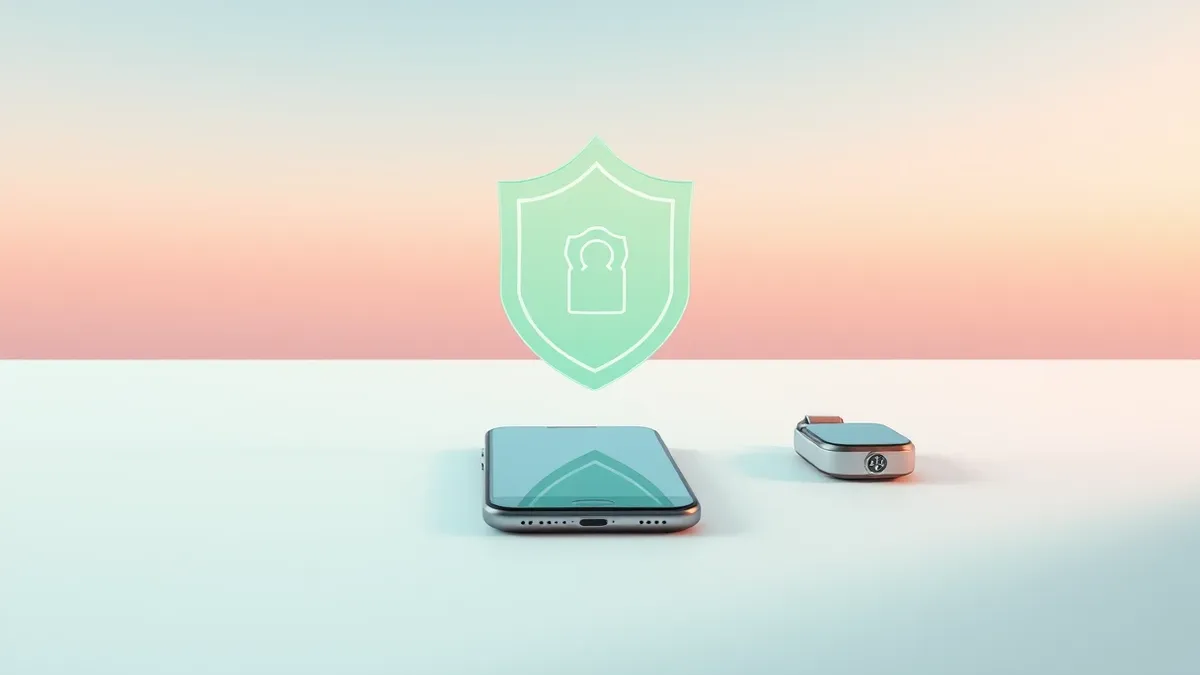
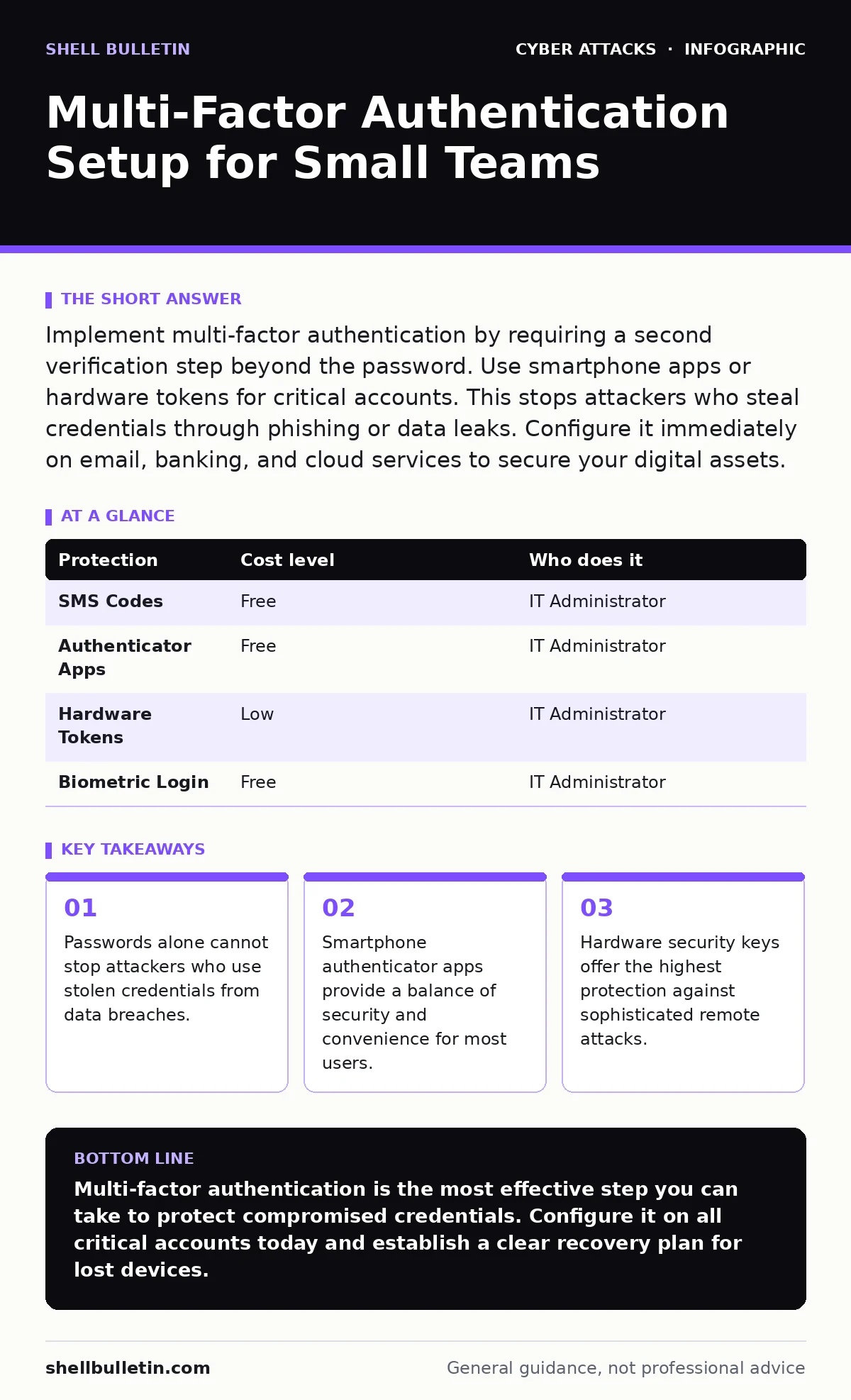
Implement multi-factor authentication by requiring a second verification step beyond the password. Use smartphone apps or hardware tokens for critical accounts. This stops attackers who steal credentials through phishing or data leaks. Configure it immediately on email, banking, and cloud services to secure your digital assets.
Why Passwords Fail at Small Scale
Small organizations often believe that having few employees reduces the risk of cyber attacks. This assumption is incorrect. Attackers target small businesses because they typically lack dedicated security teams. The barrier to entry for an attacker is low. They do not need to hack your server directly. They only need one valid password.
Passwords are vulnerable to several well-known techniques. An attacker might use password spraying, which involves trying a common password against thousands of usernames to avoid triggering account lockouts. Even a strong password can fail if the user reuses it across multiple services. If one service suffers a data leak, the attacker tests those credentials elsewhere. Multi-factor authentication breaks this chain. It requires something the user has, in addition to something the user knows.
The Mechanics of Verification
Multi-factor authentication adds a layer of verification that an attacker cannot easily replicate. The first factor is the password. The second factor must be distinct. Common methods include a code sent via SMS, a code generated by an app, or a physical hardware token. Each method has different strengths and weaknesses.
SMS codes are convenient but vulnerable to SIM swapping attacks, where an attacker tricks a mobile carrier into transferring your phone number to a device they control. Authenticator apps generate time-based one-time passwords locally on the device. These codes are not transmitted over cellular networks, making them resistant to interception. Hardware tokens, such as USB security keys, provide cryptographic proof of identity. They are the most secure option but require physical possession.
Affordable Implementation Strategies
Implementing multi-factor authentication does not require expensive software licenses. Most modern cloud services include this feature by default. You can enable it on email providers, cloud storage platforms, and accounting software. The cost is often zero. The investment is in time and training.
For teams that cannot use smartphones, voice calls can serve as a secondary factor. This is less secure than an app but better than nothing. Some organizations use email as a second factor. This is risky. If the attacker compromises the email account, they can reset other passwords. Avoid using email as the sole second factor for critical systems.
| Protection | Cost level | Who does it |
|---|---|---|
| SMS Codes | Free | IT Administrator |
| Authenticator Apps | Free | IT Administrator |
| Hardware Tokens | Low | IT Administrator |
| Biometric Login | Free | IT Administrator |
What to Delegate to Providers
Small teams often lack the expertise to configure security settings correctly. You should delegate the technical configuration to a managed service provider or an IT consultant. They can ensure that settings align with best practices. They can also handle the initial rollout and user support.
When hiring an IT provider, ask specific questions about their experience with identity management. Do not accept vague assurances. You need to know how they handle account recovery and what happens if an employee leaves the company.
- What is your process for enrolling new users in multi-factor authentication?
- How do you handle account recovery if a user loses their second factor?
- Can you demonstrate how you monitor for failed login attempts?
- What is your protocol for decommissioning accounts when an employee departs?
Handling Edge Cases and Recovery
The biggest risk in multi-factor authentication is user lockout. If an employee loses their phone, they cannot access their accounts. This causes operational downtime. You must establish a clear recovery process before this happens. Print backup codes and store them in a secure location. These codes act as a one-time password to regain access.
Do not store backup codes in the same device as the authenticator app. If the device is lost or stolen, the attacker may find the codes. Use a physical safe or a secure digital vault. Train employees on how to use these codes. Run a drill where an employee simulates a lost device scenario. This reveals gaps in your procedure.
See also: Detect OAuth Consent Phishing: Log Signals and Blind Spots · Combo Lists: How Recycled Credentials Threaten Small Business Data
Integrating with Email Security
Email is the primary target for many attacks. Attackers use vishing to trick users into revealing credentials. They also use email filtering bypass techniques to get malicious messages into the inbox. Multi-factor authentication protects the account itself, but it does not stop the phishing attempt.
You must combine multi-factor authentication with email authentication protocols like SPF, DKIM, and DMARC. These protocols verify that emails claiming to come from your domain actually originate from your servers. This prevents attackers from sending fake emails that look like they are from your company. It reduces the likelihood that an employee will trust a fraudulent login request.
Hardware Tokens for Critical Accounts
For accounts that hold sensitive financial data or administrative controls, use hardware security keys. These devices connect via USB or Bluetooth. They perform a cryptographic challenge-response protocol. This means the key proves its identity without sending any secret data over the network.
This method is immune to eavesdropping attacks. An attacker cannot intercept the transaction. It is also immune to phishing. The key will only sign a request for the domain it was registered with. If an attacker creates a fake login page, the hardware key will refuse to authenticate. This provides a level of security that apps and SMS cannot match.
The cost of a hardware key is low compared to the cost of a breach. Purchase keys for administrators and finance staff. Store spare keys in a secure location. This ensures that you can maintain access even if a primary key is lost.
Key takeaways
- Passwords alone cannot stop attackers who use stolen credentials from data breaches.
- Smartphone authenticator apps provide a balance of security and convenience for most users.
- Hardware security keys offer the highest protection against sophisticated remote attacks.
Multi-factor authentication is the most effective step you can take to protect compromised credentials. Configure it on all critical accounts today and establish a clear recovery plan for lost devices.
Frequently asked questions
Is SMS multi-factor authentication secure enough?
SMS is better than no second factor, but it is vulnerable to SIM swapping and interception. Use an authenticator app or hardware token for higher security.
What happens if I lose my phone?
You can regain access using pre-generated backup codes. Store these codes securely. Without them, you may need to contact support for account recovery.
Do I need multi-factor authentication for all accounts?
Prioritize accounts that store sensitive data or provide administrative access. Email, banking, and cloud services should always have it enabled.
Can attackers bypass multi-factor authentication?
Attackers can bypass it through social engineering or if they intercept the second factor in real-time. Hardware tokens are the most resistant to these methods.
How this guide was produced: written by the Shell Bulletin editorial team with AI assistance, checked against the public references listed below, and reviewed when the facts change. See our editorial policy or report an error.