Shoulder Surfing Prevention Checklist for Shared Spaces
Physical observation bypasses encryption, making your entry of credentials the single weakest link in any digital security posture regardless of software strength.
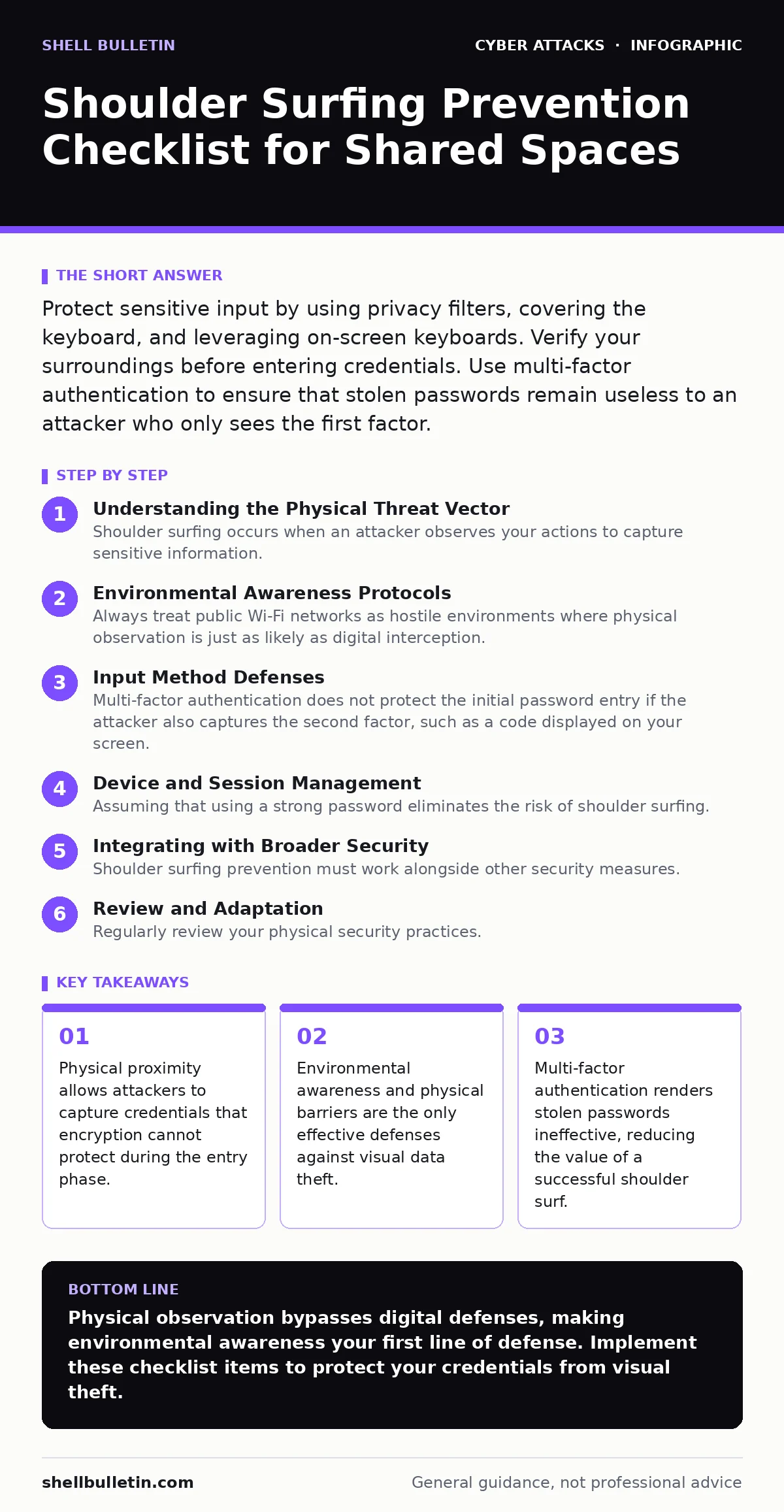
Protect sensitive input by using privacy filters, covering the keyboard, and leveraging on-screen keyboards. Verify your surroundings before entering credentials. Use multi-factor authentication to ensure that stolen passwords remain useless to an attacker who only sees the first factor.
Understanding the Physical Threat Vector
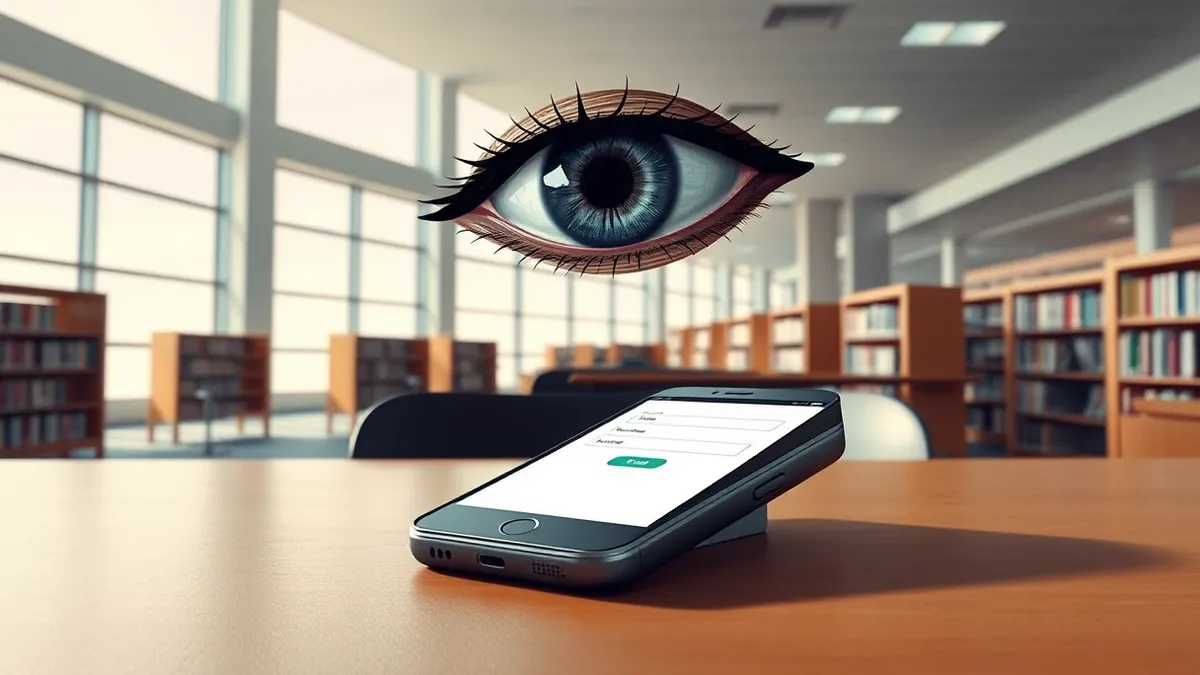
Shoulder surfing occurs when an attacker observes your actions to capture sensitive information. This method bypasses technical controls like encryption and firewalls because the data is exposed before it enters the system. You face this risk in coffee shops, airports, and open-plan offices. The attacker does not need to touch your device. They only need line of sight or a recording device. This threat remains relevant because human behavior is difficult to secure with software alone.
Environmental Awareness Protocols
- Scan the perimeter before sitting down: Identify potential observers and adjust your seating to face a wall or use your body as a shield.
- Position screens away from high-traffic areas: Ensure your monitor does not reflect sensitive data into the eyes of passersby or people in adjacent seats.
- Use a privacy filter: Install a polarized screen filter that restricts the viewing angle to directly in front of the display, hiding content from side angles.
- Cover the keyboard while typing: Use your hand or a palm rest to block the view of your fingers pressing keys, especially when entering passwords.
Input Method Defenses
- Use an on-screen keyboard: Type passwords by clicking letters on the screen rather than pressing physical keys to disrupt pattern recognition and keylogging.
- Enable virtual keyboard randomization: If your OS supports it, use a feature that shuffles key positions to prevent attackers from memorizing your finger movements.
- Avoid repeating password patterns: Change the order of keystrokes slightly if you must type the same password multiple times in a shared space.
- Utilize password managers: Let the manager auto-fill credentials so you never manually type sensitive strings into visible fields.
Authentication Layering
- Enforce multi-factor authentication: Require a second form of verification so that a stolen password alone cannot grant access to your accounts.
- Use hardware security keys: Physical keys that must be plugged in or tapped provide protection that visual observation cannot bypass.
- Avoid SMS-based verification: Use authenticator apps instead of text messages, which can be intercepted through SIM swapping or physical phone theft.
Device and Session Management
- Lock screens automatically: Configure your device to lock after a short period of inactivity to prevent unauthorized access if you step away.
- Clear browser history and cookies: Regularly remove stored session data to prevent attackers from hijacking active sessions if they gain physical access.
- Disable auto-login features: Require manual authentication for every session to ensure that no one can access your account without your direct input.
See also: Multi-Factor Authentication Setup for Small Teams · Password Leaks Myths: What Credential Theft Actually Means for Your Business
Behavioral Best Practices
- Avoid discussing sensitive topics aloud: Verbal information can be captured by nearby microphones or eavesdroppers, complementing visual data theft.
- Shred physical documents: Destroy any paper containing passwords or security codes immediately after use to prevent dumpster diving attacks.
- Train staff on awareness: Conduct regular drills to help employees recognize and respond to potential shoulder surfing attempts in real-time.
Integrating with Broader Security
Shoulder surfing prevention must work alongside other security measures. For instance, password spraying attacks often rely on stolen credentials from various sources, including physical observation. By securing the entry point, you reduce the pool of valid passwords available for such attacks. Additionally, a strong security culture ensures that employees understand the risks of shared spaces and adhere to these protocols consistently.
Review and Adaptation
Regularly review your physical security practices. Technology changes, but human behavior remains the constant variable. Update your checklist as new threats emerge. Consider the trade-offs between convenience and security. For example, using a privacy filter may reduce screen brightness, but it significantly enhances visual security. Balance these factors to create a sustainable security posture.
Final Checklist Verification
- Verify privacy filter installation: Ensure the filter is properly aligned and functioning correctly.
- Test multi-factor authentication: Confirm that backup codes and alternative methods are accessible and secure.
- Audit seating arrangements: Check that your workspace minimizes exposure to potential observers.
Key takeaways
- Physical proximity allows attackers to capture credentials that encryption cannot protect during the entry phase.
- Environmental awareness and physical barriers are the only effective defenses against visual data theft.
- Multi-factor authentication renders stolen passwords ineffective, reducing the value of a successful shoulder surf.
Physical observation bypasses digital defenses, making environmental awareness your first line of defense. Implement these checklist items to protect your credentials from visual theft.
Frequently asked questions
Does a privacy filter protect against cameras?
Privacy filters restrict the viewing angle, making it difficult for cameras positioned at an angle to capture screen content, but they do not protect against direct frontal recording.
Is an on-screen keyboard safer than a physical one?
On-screen keyboards prevent keylogging malware and disrupt pattern recognition for visual observers, but they may be slower to use and can still be recorded if the screen is visible.
How often should I change my password if I use multi-factor authentication?
Multi-factor authentication reduces the urgency of frequent password changes, but you should still update passwords periodically or if you suspect they have been compromised.
Can I use my phone to type passwords on a public computer?
Yes, typing on your phone and pasting into the field prevents the public computer from capturing keystrokes and reduces the risk of shoulder surfing if you shield your phone screen.
How this guide was produced: written by the Shell Bulletin editorial team with AI assistance, checked against the public references listed below, and reviewed when the facts change. See our editorial policy or report an error.