Prevent Unsecured Cloud Databases: Priority Controls That Actually Work
Most database leaks stem from forgotten public access flags, not sophisticated hacking, making access controls your highest priority.

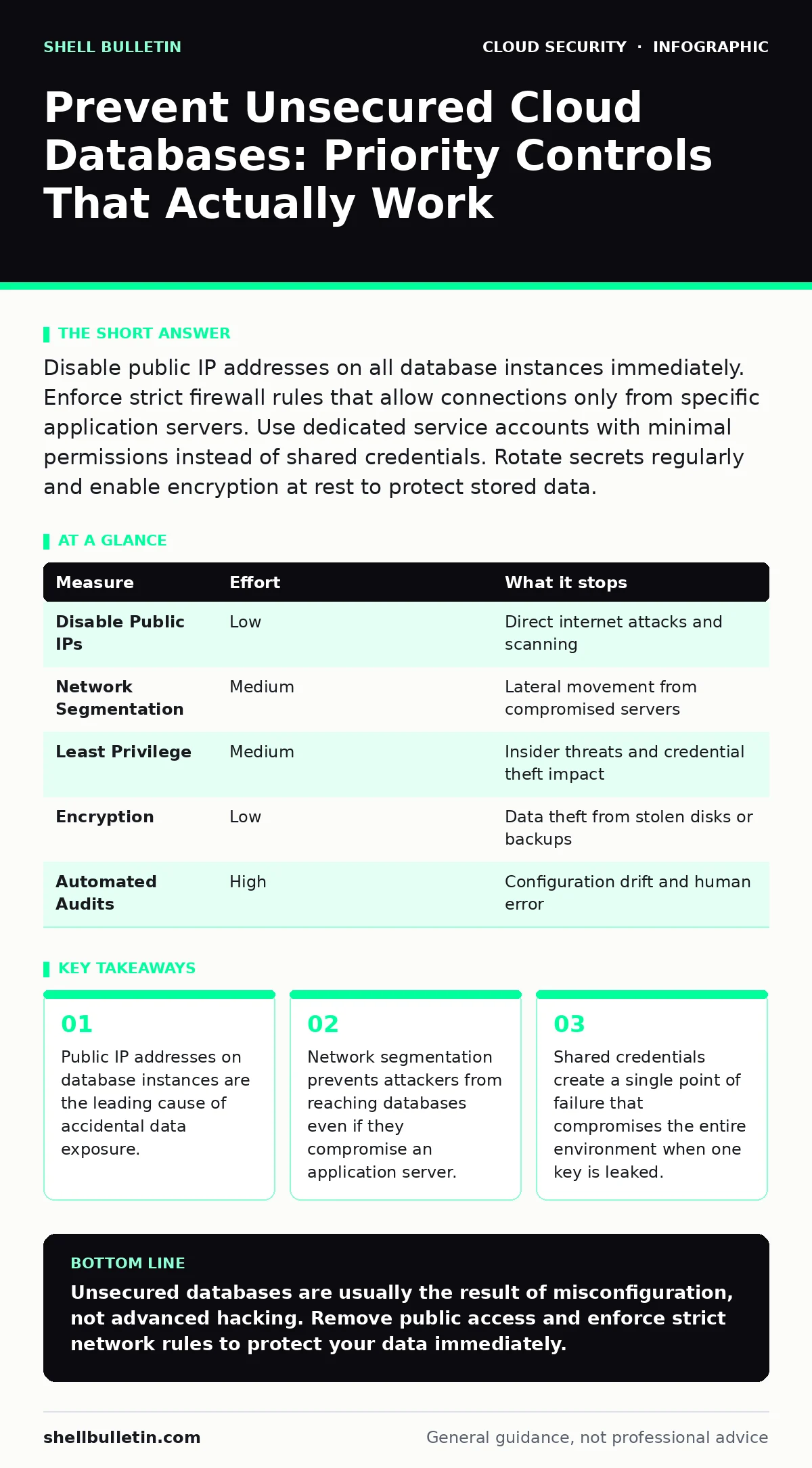
Disable public IP addresses on all database instances immediately. Enforce strict firewall rules that allow connections only from specific application servers. Use dedicated service accounts with minimal permissions instead of shared credentials. Rotate secrets regularly and enable encryption at rest to protect stored data.
Remove Public Internet Exposure
The fastest way to secure a cloud database is to ensure it has no public IP address. Many cloud providers allow you to assign a public IP to a database instance for convenience during testing. This creates a direct path from the internet to your data. If you leave this enabled, anyone can attempt to scan your IP for open ports and known vulnerabilities.
Imagine you deploy a test database with public access to verify a connection string. You forget to disable the public IP before moving to production. A scanner finds the port open within minutes. You do not need a sophisticated attacker to exploit this mistake. A simple script can try common default credentials and gain entry.
Revoke public IP assignments for all production database instances. Use private IP addresses within your virtual network. This forces all traffic to pass through your internal network boundaries. It eliminates the risk of direct internet-based attacks. You must configure your application servers to connect to this private address.
Enforce Strict Network Segmentation
Once public access is removed, you must control who can talk to the database within your network. Network segmentation divides your cloud environment into isolated zones. This prevents lateral movement if an attacker compromises one part of your system. Without segmentation, a breach in a web server often leads directly to the database.
Use security groups or network access control lists to define rules. These rules specify which source IP addresses are allowed to connect to your database ports. You should restrict access to only the specific servers that need to read or write data. Do not allow broad ranges like 0.0.0.0/0 or entire subnets unless absolutely necessary.
This measure stops attackers who have breached your application layer. They cannot simply pivot to the database because the network rules block their connection. You must audit these rules regularly. Misconfigurations here are a major source of cloud misconfigurations that lead to data loss.
Implement Least Privilege Identity Management
Shared credentials are a hidden cost in many small organizations. Teams often share a single database username and password for ease of access. This practice makes it impossible to track who performed which action. If that credential is leaked, an attacker has full access to everything the account can touch.
Replace shared credentials with individual service accounts. Each application or user should have its own identity. Assign permissions based on the principle of least privilege. This means granting only the specific rights needed to perform a task. For example, a reporting tool should have read-only access, not full administrative rights.
Workload identity helps automate this process by linking cloud resources to specific identities. This reduces the need for manual credential management. You should disable unused accounts immediately. Dormant accounts often become targets because they are not monitored for unusual activity.
Enable Encryption at Rest and in Transit
Encryption protects your data if physical access is gained or if backups are stolen. Encryption at rest ensures that data stored on disks is unreadable without the correct keys. Encryption in transit protects data moving between your application and the database. Without these, a stolen drive or intercepted network packet reveals your data in plain text.
You must manage the encryption keys properly. Many cloud providers offer managed key services. These services handle key rotation and storage for you. If you manage keys yourself, you must ensure they are stored securely and rotated regularly. Lost keys mean lost data, regardless of how secure your database is.
Suppose an attacker gains access to your storage bucket where backups are kept. If the backups are encrypted, the attacker cannot read them. This adds a layer of defense that does not rely on network security. It ensures that data remains protected even if other controls fail.
Automate Configuration Audits
Manual checks are prone to error and fatigue. You might configure a database securely today, but a developer could change settings tomorrow. Automated tools continuously monitor your environment for deviations from security standards. They alert you when someone opens a port or disables encryption.
Use frameworks like CIS Benchmarks to define your security baseline. These benchmarks provide a set of best practices for securing cloud resources. You can configure automated tools to check your databases against these standards daily. This catches drift before it becomes a breach.
Ephemeral infrastructure makes this even more critical. Resources that spin up and down frequently are hard to track manually. Automation ensures that every new instance meets your security requirements. It removes the human element from compliance checks.
| Measure | Effort | What it stops |
|---|---|---|
| Disable Public IPs | Low | Direct internet attacks and scanning |
| Network Segmentation | Medium | Lateral movement from compromised servers |
| Least Privilege | Medium | Insider threats and credential theft impact |
| Encryption | Low | Data theft from stolen disks or backups |
| Automated Audits | High | Configuration drift and human error |
See also: DevSecOps vs DevOps: How to Integrate Security Without Slowing Delivery · What Is Immutable Infrastructure: A Static Security Model
What Does Not Work
Many believe that hiding their database behind a complex port number is sufficient. This is security through obscurity. It provides no real protection against determined attackers or automated scanners. They will find the port eventually.
Another common mistake is assuming that cloud providers secure the database software. Providers secure the underlying infrastructure, but you are responsible for configuring the database itself. You must apply patches, set permissions, and manage access.
Finally, do not rely on perimeter firewalls alone. Cloud environments are dynamic. Instances come and go. Static firewall rules often become outdated. You need dynamic security controls that adapt to your environment.
Immediate Action Checklist
You can reduce your risk significantly today by taking three specific steps. Do not wait for a full security overhaul. Start with these high-impact actions.
- Audit all database instances and remove public IP addresses. Ensure they are only accessible via private networks.
- Review security groups and restrict database port access to specific application server IPs. Remove any broad or unused rules.
- Identify any shared database credentials and replace them with individual service accounts. Disable any accounts that are no longer needed.
Key takeaways
- Public IP addresses on database instances are the leading cause of accidental data exposure.
- Network segmentation prevents attackers from reaching databases even if they compromise an application server.
- Shared credentials create a single point of failure that compromises the entire environment when one key is leaked.
Unsecured databases are usually the result of misconfiguration, not advanced hacking. Remove public access and enforce strict network rules to protect your data immediately.
Frequently asked questions
Can I use a VPN to secure my cloud database?
A VPN can help secure remote access, but it does not protect the database if it is publicly accessible. You still need to remove public IPs and enforce network segmentation.
How often should I rotate database credentials?
Rotate credentials regularly, especially after personnel changes or security incidents. Automated tools can help manage this process without disrupting operations.
Do I need to encrypt data if my network is secure?
Yes, encryption at rest protects your data if physical media is stolen or if backups are compromised. It provides defense in depth beyond network security.
What is the biggest mistake businesses make with cloud databases?
Leaving default settings unchanged, particularly public access flags. Many providers allow public access by default for ease of setup, which creates immediate risk.
How this guide was produced: written by the Shell Bulletin editorial team with AI assistance, checked against the public references listed below, and reviewed when the facts change. See our editorial policy or report an error.