Cloud Misconfigurations Explained: Why Default Settings Expose Data
Most data leaks occur not because hackers break through walls, but because owners leave the back door unlocked by keeping factory default settings.

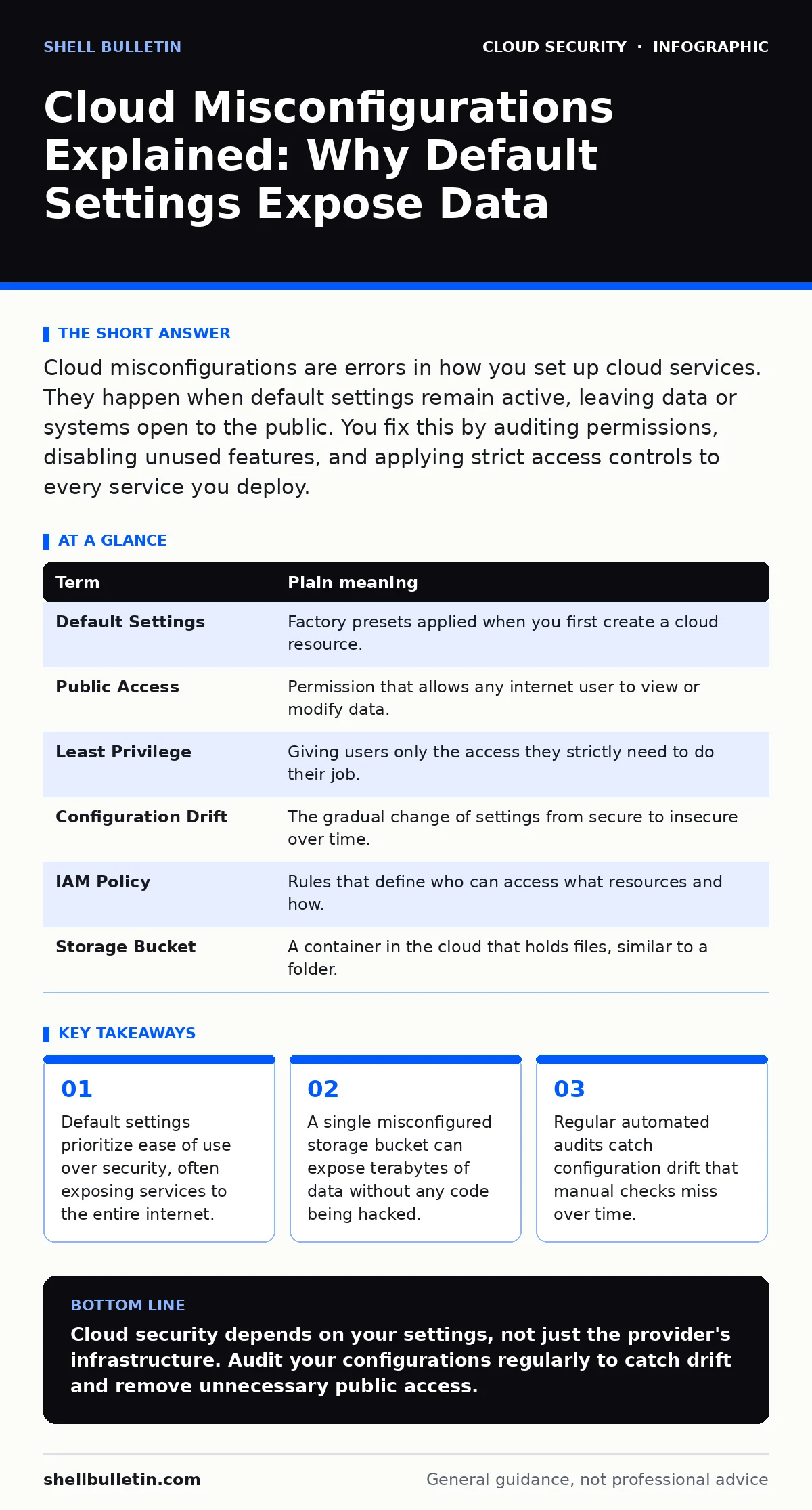
Cloud misconfigurations are errors in how you set up cloud services. They happen when default settings remain active, leaving data or systems open to the public. You fix this by auditing permissions, disabling unused features, and applying strict access controls to every service you deploy.
The House Key Analogy
Imagine you buy a high-tech house with a smart lock. The manufacturer installs it with a default code of 1-2-3-4 so you can enter immediately. This is convenient for the first day. It is disastrous for the tenth year. Most cloud misconfigurations happen because you keep that factory default code. You assume the house is secure because it has walls. The walls are irrelevant if the door is unlocked.
What Is a Misconfiguration?
A misconfiguration is a mistake in how a system is set up. It is not a bug in the software. It is a choice you made, or failed to make, during setup. In cloud computing, services come with default settings designed for quick testing. These settings often allow anyone on the internet to read or write data. If you do not change these settings before going live, you have created a misconfiguration.
| Term | Plain meaning |
|---|---|
| Default Settings | Factory presets applied when you first create a cloud resource. |
| Public Access | Permission that allows any internet user to view or modify data. |
| Least Privilege | Giving users only the access they strictly need to do their job. |
| Configuration Drift | The gradual change of settings from secure to insecure over time. |
| IAM Policy | Rules that define who can access what resources and how. |
| Storage Bucket | A container in the cloud that holds files, similar to a folder. |
The Hidden Cost of Convenience
Cloud providers make it easy to spin up resources. You click a button, and a server appears. This speed creates a hidden cost. Security becomes an afterthought because the default path is insecure. You might think that because you are on a major cloud platform, your data is safe. This is a common error. The platform secures the hardware. You must secure the software and data you place on it.
Imagine you rent a storage unit. The company locks the gate to the lot. That is their job. You must lock your specific unit. If you leave your unit door open, the gate lock does not help you. Cloud security works the same way. The provider secures the cloud. You secure what is in the cloud.
Why Defaults Are Dangerous
Default settings are designed for functionality, not protection. A database might start with a public IP address so you can connect to it from anywhere. This is useful for testing. It is dangerous for production. If you do not restrict access, anyone can scan the internet for open ports. They will find your database. They will read your data. This is how unsecured cloud databases become public news stories.
The Problem of Drift
Configurations change over time. This is called configuration drift. You might tighten security today. Then a developer adds a new feature next week. They might open a port to make testing easier. They forget to close it. The system is now less secure than it was yesterday. Manual checks cannot catch this. You need automated tools to monitor changes. This is why CIS Benchmarks are useful. They provide a standard list of secure settings to compare against.
See also: DevSecOps vs DevOps: How to Integrate Security Without Slowing Delivery · What Is Immutable Infrastructure: A Static Security Model
Access Control Mistakes
The most common error is giving too much permission. You might give a user "admin" rights to the entire account. This violates the principle of least privilege. If that user’s account is stolen, the attacker controls everything. You should create specific roles. A developer needs access to code, not billing. A support agent needs access to tickets, not servers. Review these roles regularly. This approach aligns with zero trust network access principles, where no user is trusted by default.
Storage and Endpoint Errors
File storage is a frequent target. A misconfigured storage bucket can leak customer records. This happens when the bucket is set to "public read." You might intend for only your app to read it. The setting allows anyone. Similarly, private endpoints can help. They move traffic off the public internet. This reduces the chance of accidental exposure. You must ensure these endpoints are correctly configured. An error here can still expose data.
How to Secure Your Setup
You can reduce risk with simple habits. Do not rely on memory. Use automation. Here are three steps to start today.
- Audit Public Resources: Use your cloud provider’s tools to find any resources open to the internet. Close them immediately unless they must be public.
- Enforce Least Privilege: Check every user and service account. Remove broad permissions. Grant only what is needed for specific tasks.
- Enable Logging: Turn on activity logs for all services. You cannot fix what you cannot see. Logs show who changed what and when.
Beyond Single Clouds
If you use multiple providers, the risk increases. You have different interfaces and different defaults. This complexity leads to errors. This is the challenge of multi-cloud security. You must apply the same standards everywhere. Do not assume one provider is safer than another. They all have default settings that must be changed.
The Reality of Protection
No setting makes you immune. Attackers adapt. New services have new defaults. You must stay active. Security is not a one-time task. It is a continuous process. You must review, test, and update. This is similar to container runtime security, where you monitor applications while they run. Static checks are not enough. You need dynamic monitoring.
Final Thoughts on Control
You control the configuration. The cloud provider does not. They provide the tools. You must use them correctly. Read the documentation. Understand the defaults. Change them. Monitor the changes. This discipline protects your data. It also protects your reputation. A leak caused by a simple mistake is harder to explain than a sophisticated attack.
Key takeaways
- Default settings prioritize ease of use over security, often exposing services to the entire internet.
- A single misconfigured storage bucket can expose terabytes of data without any code being hacked.
- Regular automated audits catch configuration drift that manual checks miss over time.
Cloud security depends on your settings, not just the provider's infrastructure. Audit your configurations regularly to catch drift and remove unnecessary public access.
Frequently asked questions
What is the most common cloud misconfiguration?
Leaving storage containers or databases publicly accessible due to default settings.
How do I find misconfigurations in my account?
Use built-in cloud security tools to scan for resources open to the internet.
Can I automate configuration checks?
Yes, most providers offer services that continuously monitor and alert on insecure settings.
Do managed services prevent misconfigurations?
They reduce some risks, but you still control access and data settings that can be misconfigured.
How this guide was produced: written by the Shell Bulletin editorial team with AI assistance, checked against the public references listed below, and reviewed when the facts change. See our editorial policy or report an error.