Container Runtime Security: Low-Cost Controls That Actually Work
Most container breaches occur after deployment, meaning image scanning alone fails to stop attackers who compromise the running environment through misconfigurations.

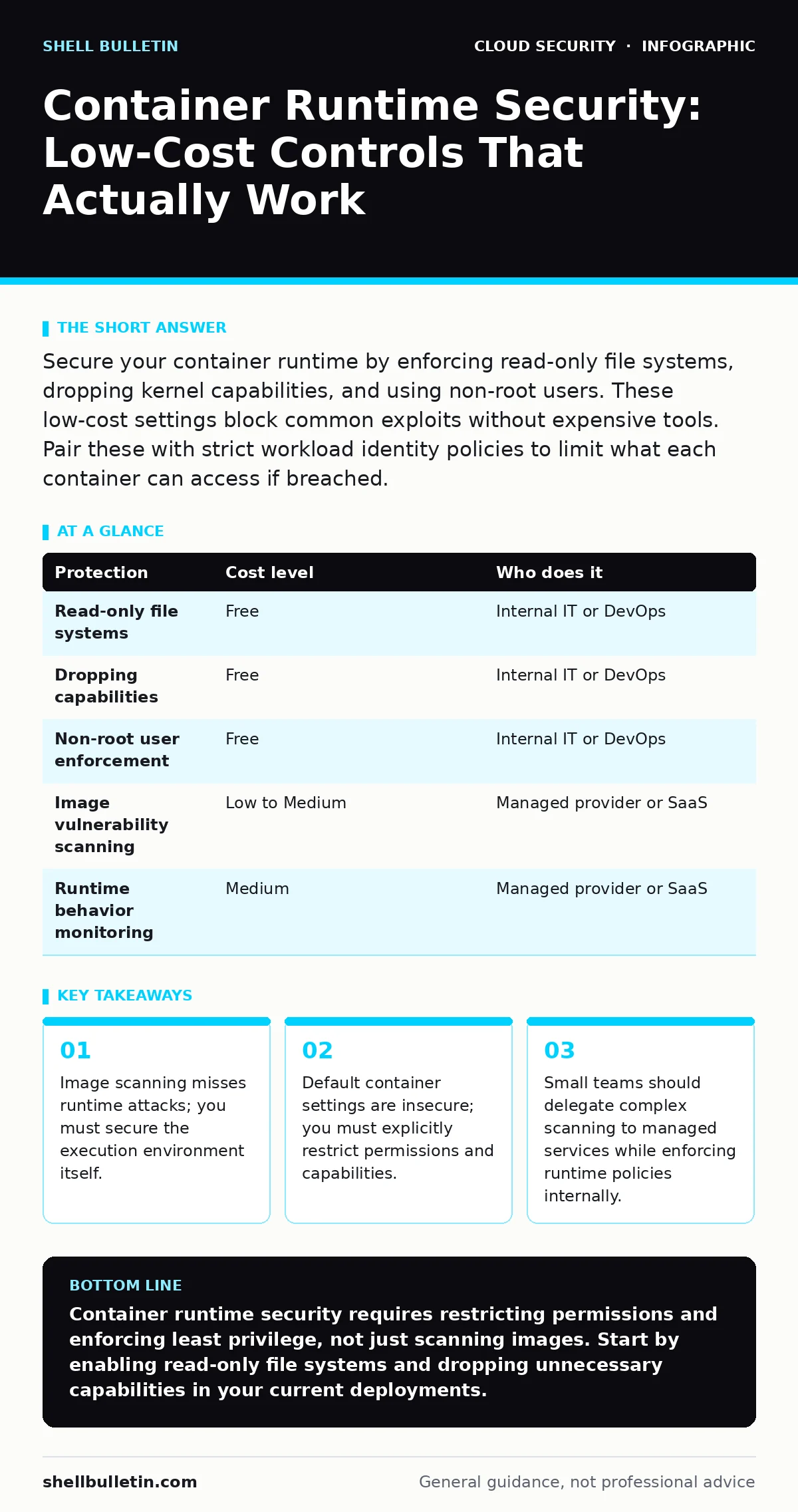
Secure your container runtime by enforcing read-only file systems, dropping kernel capabilities, and using non-root users. These low-cost settings block common exploits without expensive tools. Pair these with strict workload identity policies to limit what each container can access if breached.
The Runtime Gap in Small Business Security
Most small businesses focus heavily on container image scanning. This process checks the static file that builds your application for known vulnerabilities. It is a necessary step, but it is not sufficient. Scanning tells you what is inside the box before you open it. It does not tell you what happens once the box is open and running.
Attackers often bypass image integrity by exploiting the runtime environment. The runtime is the layer that executes your container code on the host machine. If this layer is misconfigured, an attacker can escape the container and access the underlying server. For small teams, this gap is dangerous because you likely lack the dedicated security staff to monitor runtime behavior in real time.
You must shift your focus from just checking images to restricting what those images can do when they are alive. This approach reduces your attack surface significantly. It prevents an attacker from doing damage even if they find a way into your application.
Why Default Settings Are Dangerous
Containers share the host operating system kernel. This is their primary advantage for efficiency. It is also their primary risk. By default, many container runtimes grant broad permissions to the processes inside them. These defaults assume a trusted environment. Your production environment is not trusted.
Imagine a database container that needs to write logs. If you give it full write access to the filesystem, it can also overwrite system binaries. If an attacker compromises the database, they now control the host. This is a privilege escalation path. You must apply the principle of least privilege. This means giving each container only the permissions it strictly needs to function.
Read-only file systems are a simple control. They prevent any process inside the container from modifying files on the disk. This stops attackers from installing malware or changing configuration files. You must designate specific temporary directories for data that needs to change. This limits the blast radius of a compromise.
Affordable Controls for Limited Resources
You do not need expensive enterprise security suites to secure your runtime. Many of the most effective controls are built into standard container runtimes like Docker or containerd. These are free to use. The cost is in the configuration effort.
Dropping kernel capabilities is one such control. Linux capabilities are units of power. Containers often run with more capabilities than they need. For example, a web server does not need the ability to mount filesystems or modify network settings. By explicitly dropping these capabilities, you remove the tools an attacker would use to escalate privileges.
Using non-root users is another critical step. Running processes as the root user gives them administrative control over the container. If the process is compromised, the attacker is root. Instead, define a specific user with limited rights in your container image. This user should only be able to read application files and listen on the required network port.
| Protection | Cost level | Who does it |
|---|---|---|
| Read-only file systems | Free | Internal IT or DevOps |
| Dropping capabilities | Free | Internal IT or DevOps |
| Non-root user enforcement | Free | Internal IT or DevOps |
| Image vulnerability scanning | Low to Medium | Managed provider or SaaS |
| Runtime behavior monitoring | Medium | Managed provider or SaaS |
What to Delegate to Providers
Small businesses often struggle with the volume of security data. Scanning every image for every vulnerability generates noise. You do not need to analyze every finding manually. Delegate the detection of known vulnerabilities to your cloud provider or a specialized service.
Most cloud platforms offer managed container services. These services often include automated image scanning. They check your images against databases of known flaws. You can set alerts for critical issues. This allows you to focus on fixing high-risk problems rather than chasing low-risk ones.
Do not delegate policy enforcement. You must define what is allowed in your environment. The provider can tell you that an image has a flaw. They cannot decide if that flaw is acceptable for your business context. You must enforce the runtime restrictions mentioned earlier. This ensures that even if a flawed image slips through, it cannot cause significant harm.
Integrating With Broader Security Practices
Container security does not exist in a vacuum. It must align with your broader cloud security strategy. For instance, cloud misconfigurations are a common entry point. If your storage buckets are public, securing the container runtime does not help. You must ensure that all data stores are private and access-controlled.
Consider workload identity as part of your runtime security. This mechanism allows containers to assume specific roles when accessing cloud resources. Instead of embedding API keys in your code, the container requests temporary credentials. This reduces the risk of credential theft. If a container is compromised, the attacker only gets limited, time-bound access.
You should also review your approach to ephemeral infrastructure. Containers are often short-lived. This is a security advantage. It means that compromised instances are destroyed quickly. However, it also means you cannot rely on patching running instances. You must rebuild and redeploy images. This requires a robust CI/CD pipeline.
See also: DevSecOps vs DevOps: How to Integrate Security Without Slowing Delivery · What Is Immutable Infrastructure: A Static Security Model
Questions for Your IT Provider
If you outsource your container management, you need to verify their security practices. Do not assume that managed services are secure by default. Ask specific questions about runtime protections.
- Do you enforce read-only file systems on all production containers?
- How do you manage kernel capabilities for container workloads?
- What is your process for scanning images before deployment?
- Do you monitor for anomalous runtime behavior, such as unexpected network connections?
- How do you handle zero trust network access between container services?
These questions reveal whether your provider understands runtime security. If they cannot answer them clearly, you may need to adjust your contract or find a new partner.
The Hidden Cost of Complexity
Adding security controls increases operational complexity. This is the hidden cost. Every restriction you add must be tested. If you block a necessary capability, your application may fail. This requires careful debugging.
For small teams, this trade-off is significant. You must balance security with speed. Start with the highest-impact, lowest-effort controls. Read-only file systems and non-root users are easy to implement. They provide significant protection with minimal operational overhead.
As you mature, add more complex controls. Capability dropping requires understanding Linux permissions. Runtime monitoring requires analyzing logs. Do not try to implement everything at once. Prioritize based on your risk profile.
Moving Beyond Basic Defenses
Once you have secured the runtime, look at how your containers interact with other services. Private endpoints can reduce exposure by keeping traffic within your virtual network. This limits the ability of external attackers to reach your containers.
You should also consider multi-cloud security if you use more than one provider. Consistent security policies across clouds are difficult. Standardize your runtime configurations. Use infrastructure-as-code templates to apply the same security settings everywhere.
Finally, remember that security is a continuous process. New vulnerabilities appear daily. Your images will need regular updates. Your policies will need refinement. Stay informed about changes in container runtimes and operating systems.
Key takeaways
- Image scanning misses runtime attacks; you must secure the execution environment itself.
- Default container settings are insecure; you must explicitly restrict permissions and capabilities.
- Small teams should delegate complex scanning to managed services while enforcing runtime policies internally.
Container runtime security requires restricting permissions and enforcing least privilege, not just scanning images. Start by enabling read-only file systems and dropping unnecessary capabilities in your current deployments.
Frequently asked questions
Do I need a separate tool to secure container runtimes?
No, most secure configurations are built into standard runtimes. You only need external tools if you require advanced behavioral monitoring or automated compliance reporting.
How do I know which capabilities to drop?
Start by dropping all capabilities and then add back only those your application explicitly requires. Test thoroughly to ensure functionality is not broken.
Is it safe to use public container images?
It is risky. Public images may contain malware or outdated dependencies. Prefer building your own images from trusted base layers or using verified images from reputable registries.
What happens if I forget to update my container images?
Your containers will remain vulnerable to known exploits. Regular updates are necessary to patch security holes. Automate this process where possible.
How this guide was produced: written by the Shell Bulletin editorial team with AI assistance, checked against the public references listed below, and reviewed when the facts change. See our editorial policy or report an error.