Prevent Cloud Account Hijacking: 12-Point Security Checklist
Most account takeovers succeed because attackers exploit weak identity policies and stale permissions rather than breaking encryption algorithms.

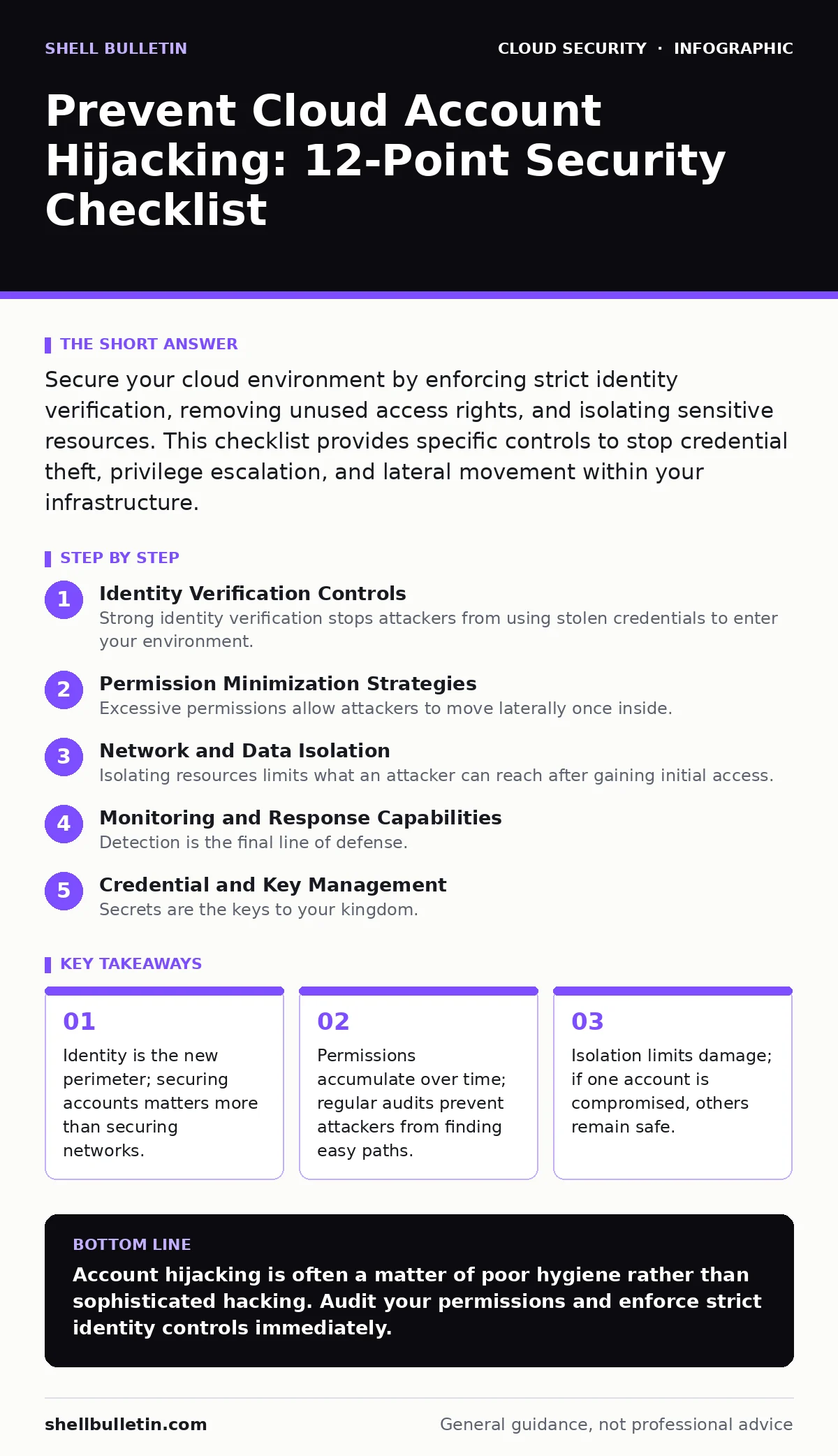
Secure your cloud environment by enforcing strict identity verification, removing unused access rights, and isolating sensitive resources. This checklist provides specific controls to stop credential theft, privilege escalation, and lateral movement within your infrastructure.
Identity Verification Controls
Strong identity verification stops attackers from using stolen credentials to enter your environment. You must enforce these controls on every user account, including service accounts and administrative profiles.
- Enforce multi-factor authentication: This adds a second layer of proof, making stolen passwords useless for login attempts.
- Disable legacy authentication protocols: Older protocols like Basic Auth lack modern security features and are common attack vectors.
- Require phishing-resistant MFA for admins: Standard SMS codes can be intercepted; hardware keys or FIDO2 tokens resist social engineering.
Imagine an attacker steals a password through a phishing email. Without multi-factor authentication, they gain immediate access. With it, they are blocked unless they also possess the physical token or biometric data. This single control prevents the majority of initial breaches.
Permission Minimization Strategies
Excessive permissions allow attackers to move laterally once inside. You should grant the least privilege necessary for each role and review these grants regularly. This reduces the blast radius of any single compromised account.
- Remove unused IAM roles: Unused accounts are invisible targets that attackers scan for and exploit without triggering alerts.
- Implement just-in-time access: Temporary privileges reduce the window of opportunity for attackers to abuse long-term credentials.
- Separate admin and user duties: Dedicated admin accounts prevent accidental or malicious changes to security configurations.
Many organizations assign broad permissions to simplify onboarding. This creates hidden risks. An attacker who compromises a standard user account with admin rights can instantly disable security logs or create new backdoor accounts. Keeping duties separate ensures that even if a user account is hijacked, the attacker cannot change core security settings.
Network and Data Isolation
Isolating resources limits what an attacker can reach after gaining initial access. You should design your cloud architecture to assume that some accounts will eventually be compromised. This mindset drives better segmentation.
- Use private endpoints: These keep traffic within the cloud provider’s network, preventing exposure to the public internet.
- Segment VPCs by function: Separate databases, web servers, and admin tools into different networks to block lateral movement.
- Restrict outbound traffic: Block unnecessary connections to external servers to prevent data exfiltration and command-and-control communication.
Refer to our guide on private endpoints for detailed configuration steps. By keeping sensitive data behind private interfaces, you remove it from the public attack surface. Even if an attacker controls a public-facing web server, they cannot directly query your internal databases. This separation is a critical defense against data theft.
Monitoring and Response Capabilities
Detection is the final line of defense. You need to know when something unusual happens and respond quickly. Passive monitoring is insufficient; you must have automated alerts and clear response procedures.
- Enable cloud trail logging: Record all API calls to create an audit trail for forensic analysis and threat detection.
- Set up anomalous behavior alerts: Detect logins from new locations or unusual API usage patterns that indicate compromise.
- Automate response actions: Automatically disable compromised accounts or block suspicious IPs to limit damage speed.
Consider the scenario where an attacker gains access to a development account. If you rely on manual reviews, they may operate for weeks. Automated alerts trigger immediate investigation. This speed is vital for containing incidents before they escalate into major breaches.
See also: What Is Immutable Infrastructure: A Static Security Model · Cloud Incident Response: 8 Critical Questions Answered
Credential and Key Management
Secrets are the keys to your kingdom. Poor management of API keys, passwords, and certificates leads to direct account compromise. You must treat these secrets as high-value assets.
- Rotate credentials regularly: Frequent rotation limits the value of any stolen key or password.
- Scan repositories for secrets: Prevent accidental exposure by detecting keys in code repositories before they are committed.
- Use managed secret stores: Centralize secret management to enforce access controls and audit usage.
Hardcoding credentials in source code is a common mistake. Attackers scan public repositories for these leaks. Once found, they use the keys to access your cloud resources directly. Using managed secret stores ensures that credentials are never exposed in plain text and can be rotated without code changes.
Refer to our guide on zero trust network access for strategies on verifying every request. This approach complements credential management by ensuring that even valid credentials are not enough without proper context and authorization.
Key takeaways
- Identity is the new perimeter; securing accounts matters more than securing networks.
- Permissions accumulate over time; regular audits prevent attackers from finding easy paths.
- Isolation limits damage; if one account is compromised, others remain safe.
Account hijacking is often a matter of poor hygiene rather than sophisticated hacking. Audit your permissions and enforce strict identity controls immediately.
Frequently asked questions
What is the first sign of a cloud account hijacking?
Unexpected API calls, logins from unfamiliar locations, or sudden changes to security configurations are early indicators of compromise.
How often should I review cloud permissions?
Review permissions quarterly or after significant personnel changes to ensure access rights remain appropriate and minimal.
Can multi-factor authentication stop all account takeovers?
No, but it significantly raises the barrier. Attackers may still succeed through session hijacking or social engineering if MFA is not phishing-resistant.
Why is logging important for cloud security?
Logging provides visibility into account activity, enabling detection of malicious behavior and supporting forensic investigations after an incident.
How this guide was produced: written by the Shell Bulletin editorial team with AI assistance, checked against the public references listed below, and reviewed when the facts change. See our editorial policy or report an error.