Cloud Least Privilege: Stop Over-Granting Access Rights Now
Most cloud breaches occur because administrators grant permanent, broad permissions that remain active long after the original project ends.

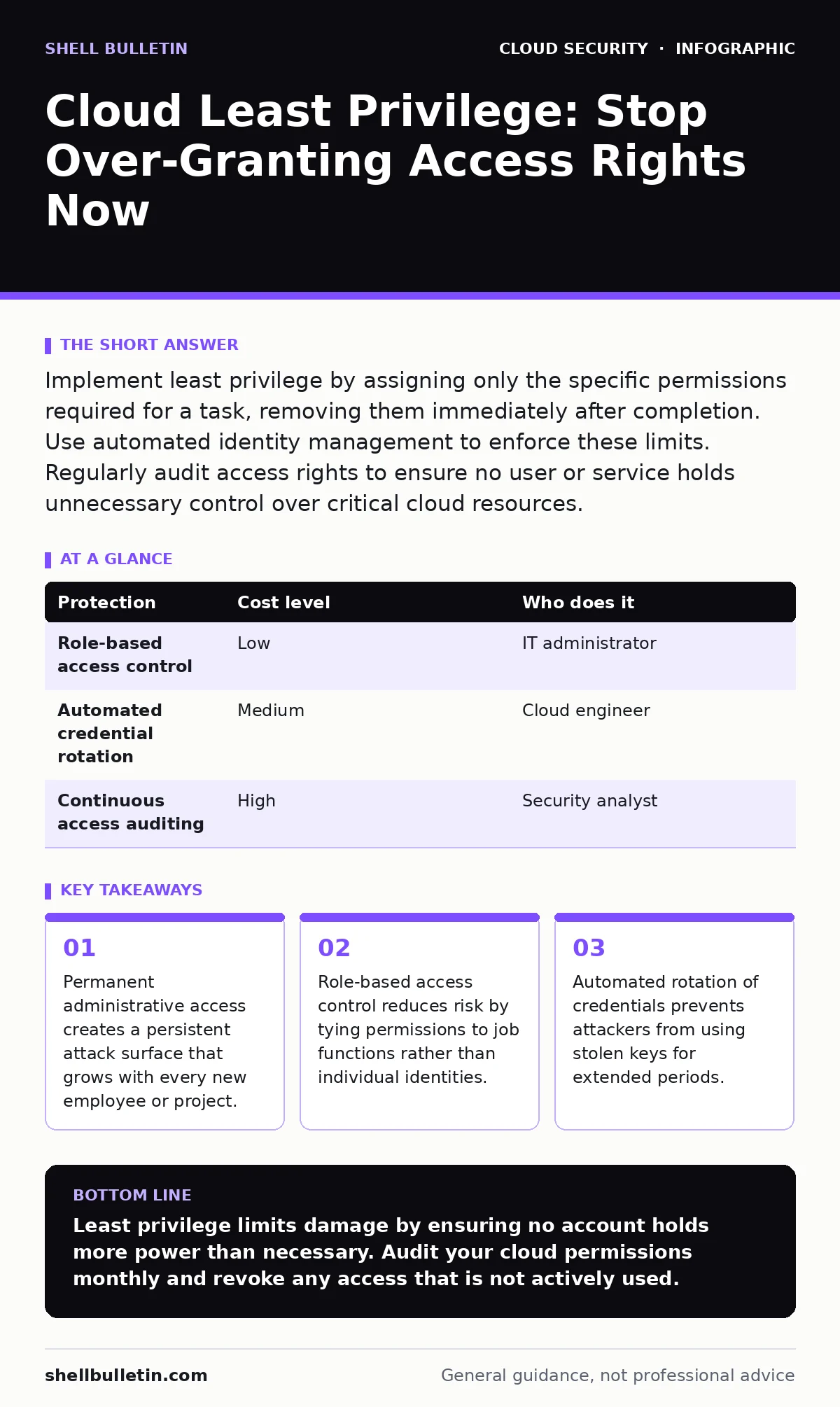
Implement least privilege by assigning only the specific permissions required for a task, removing them immediately after completion. Use automated identity management to enforce these limits. Regularly audit access rights to ensure no user or service holds unnecessary control over critical cloud resources.
Why Least Privilege Matters at Small Scale
Small organizations often skip strict access controls because they lack dedicated security teams. This assumption leads to dangerous accumulation of permissions. When you hire someone for a specific task, you often give them broad access to avoid friction. This friction avoidance becomes a security liability. Every extra permission increases the blast radius of a potential breach. If an attacker compromises a low-level account with excessive rights, they can move laterally to critical systems.
Imagine a scenario where a developer needs temporary access to a production database. Granting permanent admin rights seems efficient. It is not. It creates a backdoor that persists after the developer moves to a different role. Small teams rely on trust, but trust does not stop automated malware. You must treat every account as potentially compromised. Limiting permissions ensures that even if credentials are stolen, the damage remains contained.
The Hidden Cost of Broad Permissions
Broad permissions create a hidden technical debt. Each service account, user account, or application identity holds a set of rights. Over time, these rights accumulate. Employees change roles, projects end, and contractors leave. The permissions rarely follow. You end up with a cloud environment where dozens of identities have access to resources they no longer need. This sprawl makes auditing impossible.
Reviewing permissions manually takes hours. Most small businesses cannot afford this time investment. Consequently, permissions drift. The risk is not just external attackers. Internal errors also exploit broad permissions. A script with write access to the entire storage layer can accidentally delete months of data during a routine update. Least privilege protects against both malice and mistake. It forces a discipline that prevents accidental destruction.
Practical Steps for Implementation
Start by mapping your cloud resources to job functions. Define what each role needs to do. A marketing analyst needs read access to reporting dashboards. They do not need write access to infrastructure configurations. Create distinct roles for each function. Assign users to these roles instead of granting individual permissions. This approach simplifies management. When an employee leaves, you revoke their role assignment. All associated permissions vanish simultaneously.
Use time-limited access for elevated privileges. If an administrator needs to perform a maintenance task, grant temporary admin rights for one hour. After the hour, the system automatically revokes the access. This mechanism reduces the window of opportunity for attackers. You can implement this through cloud-native identity providers. These tools allow you to set expiration dates on permission grants. They also log every access request. Audit these logs monthly to identify anomalies.
| Protection | Cost level | Who does it |
|---|---|---|
| Role-based access control | Low | IT administrator |
| Automated credential rotation | Medium | Cloud engineer |
| Continuous access auditing | High | Security analyst |
Managing Service Accounts and Applications
Humans are not the only users in your cloud. Applications and scripts also require access. These service accounts often receive permanent, high-level permissions to ensure reliability. This practice is dangerous. If an application is compromised, the attacker inherits all its permissions. You must apply least privilege to service identities as well.
Define the exact API calls each application needs. If a billing script only needs to read invoice data, it should not have write access to customer profiles. Use workload identity mechanisms to bind permissions to specific workloads rather than static keys. This approach allows the cloud provider to verify the identity of the workload dynamically. It eliminates the need to store long-lived credentials in configuration files. Storing credentials in code is a common mistake that leads to exposure on public repositories.
Automating Permission Review
Manual reviews are unsustainable. You need automation to enforce least privilege continuously. Configure your cloud environment to flag permissions that have not been used in 90 days. These dormant permissions are prime targets for attackers. They often go unnoticed because no one is actively using the account. An automated system can disable these permissions or alert the administrator.
Integrate identity governance into your deployment pipeline. Every new resource creation should require a justification for its permissions. This step adds friction but prevents sprawl. You can use infrastructure as code to define permissions declaratively. This method ensures that the actual permissions match the intended permissions. Drift detection tools compare the live environment against the code repository. They alert you when someone manually changes permissions outside the approved process.
See also: DevSecOps vs DevOps: How to Integrate Security Without Slowing Delivery · What Is Immutable Infrastructure: A Static Security Model
Questions for Your IT Provider
If you outsource your cloud management, you must verify their security practices. Many providers focus on uptime and cost, neglecting access control. Ask specific questions to ensure they implement least privilege. Do not accept vague answers about "security best practices." You need concrete evidence of their processes.
- How do you define and document roles for each client environment?
- What is your process for revoking access when staff changes occur?
- Do you use automated tools to detect and remove unused permissions?
- How do you manage service account credentials for applications?
- Can you provide a sample audit report showing permission drift?
Integrating with Broader Security Strategy
Least privilege does not exist in isolation. It works best when combined with other security controls. For instance, zero trust network access ensures that every request is verified, regardless of its origin. This approach complements least privilege by adding identity verification to every connection. You should also consider private endpoints to restrict network access to your resources. This limits the attack surface further.
Regularly review your data residency policies to ensure compliance with local regulations. While this seems unrelated, access controls must respect legal boundaries. If data cannot leave a specific region, permissions must enforce this constraint. Similarly, monitor for exposed Kubernetes dashboards or unsecured cloud databases. These are common entry points that bypass access controls entirely. Securing the perimeter allows least privilege to focus on internal threats.
Final Considerations for Small Teams
Implementing least privilege requires a cultural shift. Your team must accept that access requests will be scrutinized. This scrutiny slows down initial setup but accelerates long-term security. You build a foundation that scales with your business. As you add more users and resources, the automated controls handle the complexity. You avoid the chaos of manual permission management.
Start with a pilot project. Choose one critical application and apply strict permissions. Measure the impact on productivity and security. Adjust the process based on feedback. Then expand to other systems. This gradual approach reduces resistance and allows you to refine your policies. Remember, security is not a one-time project. It is a continuous process of verification and adjustment.
Key takeaways
- Permanent administrative access creates a persistent attack surface that grows with every new employee or project.
- Role-based access control reduces risk by tying permissions to job functions rather than individual identities.
- Automated rotation of credentials prevents attackers from using stolen keys for extended periods.
Least privilege limits damage by ensuring no account holds more power than necessary. Audit your cloud permissions monthly and revoke any access that is not actively used.
Frequently asked questions
How often should I review cloud permissions?
Review permissions at least quarterly. Automate the detection of unused permissions to flag accounts that have not accessed resources in 90 days. This frequency balances security with administrative overhead.
Does least privilege slow down development?
It adds initial friction but prevents long-term delays caused by security incidents. Developers learn to request specific permissions upfront. This clarity reduces guesswork and prevents accidental misconfigurations during deployment.
Can I use least privilege with legacy applications?
Legacy apps often require broad permissions due to hardcoded credentials. You must refactor these applications to use service accounts. This process may take time, but it is necessary to reduce risk. Isolate legacy apps in separate network segments if refactoring is delayed.
What happens if an employee is fired suddenly?
Disable their account immediately. With role-based access control, this single action revokes all permissions. Ensure your identity provider syncs with your HR system to automate this process. This prevents former employees from accessing sensitive data.
How this guide was produced: written by the Shell Bulletin editorial team with AI assistance, checked against the public references listed below, and reviewed when the facts change. See our editorial policy or report an error.