Detect Password Cracking: Hidden Log Signals and Blind Spots
Successful attacks often bypass alerts by mimicking legitimate login patterns, making behavioral anomalies the only reliable detection method.

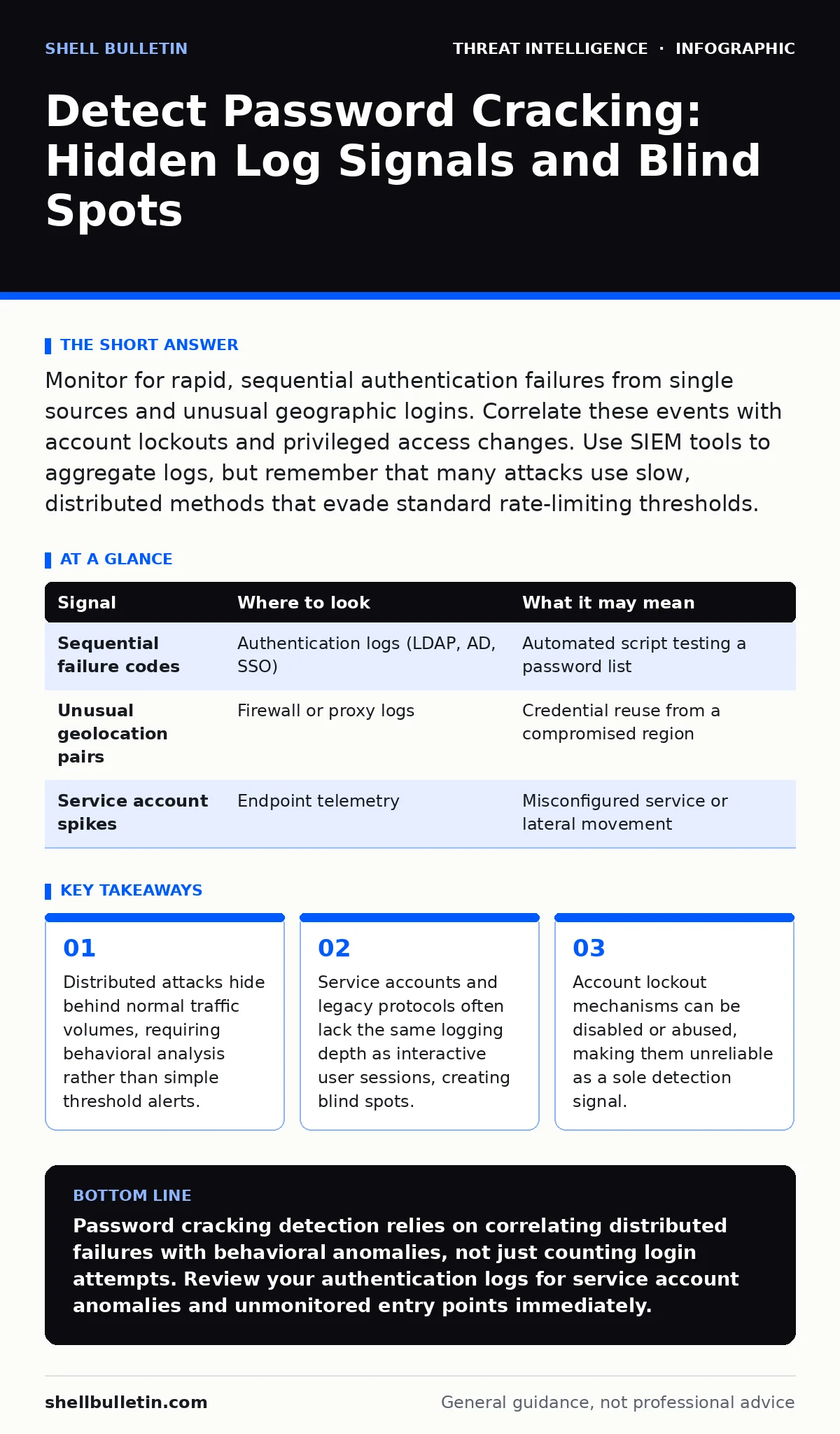
Monitor for rapid, sequential authentication failures from single sources and unusual geographic logins. Correlate these events with account lockouts and privileged access changes. Use SIEM tools to aggregate logs, but remember that many attacks use slow, distributed methods that evade standard rate-limiting thresholds.
The Anatomy of Distributed Attempts
Password cracking is no longer a single machine hammering a login screen. Modern attackers use botnets or cloud resources to distribute attempts across thousands of IP addresses. This technique, known as a distributed denial-of-service style attack against authentication, keeps the number of failures from any single source below your alarm thresholds. You see a few failures here, a few there, but the aggregate volume breaches accounts silently.
Imagine a scenario where an attacker uses ten thousand different IPs to try one password per minute. Each IP appears legitimate. Your firewall sees no anomaly. Your intrusion detection system sees no burst. The attack succeeds because it respects the limits designed to stop brute force, not the logic designed to stop credential stuffing. You must shift focus from volume per source to volume per target over time.
| Signal | Where to look | What it may mean |
|---|---|---|
| Sequential failure codes | Authentication logs (LDAP, AD, SSO) | Automated script testing a password list |
| Unusual geolocation pairs | Firewall or proxy logs | Credential reuse from a compromised region |
| Service account spikes | Endpoint telemetry | Misconfigured service or lateral movement |
Authentication Log Granularity
Raw logs contain the truth, but only if you parse them correctly. Most systems record success and failure, but the metadata matters. Look for the authentication method. A shift from Windows Integrated Authentication to Kerberos, or from SSO to direct password entry, often indicates an attacker who has stolen a hash but lacks the ticket.
You must also examine the source port and process ID. Legitimate logins usually originate from known services or user agents. If a login attempt comes from a command-line interface on a server that never hosts interactive sessions, it is suspicious. The specific error code matters too. A "password expired" error followed immediately by a "success" suggests the attacker knew the password was weak or expired and reset it, or that the account was already compromised.
The Lockout Paradox
Account lockout policies are a double-edged sword. They stop rapid guessing but create a denial-of-service vector for attackers. An attacker may intentionally lock out an administrator account to delay detection while they work on other targets. You might see a sudden spike in lockouts for high-privilege accounts. This is not just noise; it is a smokescreen.
When an account locks out, the attack often pauses. The attacker waits for the lockout duration to expire, then resumes. If you only alert on the lockout event, you miss the resume. You need to correlate the lockout time with subsequent activity. If the account unlocks and immediately logs in from a new location or device, that is the critical moment. The lockout is the warning; the post-lockout login is the breach.
Service Account Anomalies
Service accounts are often ignored in monitoring because they are not human users. They do not have "normal" behavior in the same way. A database service account logging in from a web server is expected. The same account logging in from a user workstation is not. Attackers frequently target service accounts because they often have higher privileges and weaker password rotation policies.
These accounts rarely trigger password complexity alerts. They may use static passwords that never expire. If you see a service account failing to authenticate, do not assume it is a misconfiguration. It could be an attacker trying to guess the static password. Once guessed, the attacker gains persistent access that is hard to detect because the account is always "active." You must monitor service accounts with the same rigor as human users, focusing on source and destination rather than frequency.
Endpoint and Network Correlation
Logs from the authentication server tell you who tried to log in. Logs from the endpoint tell you what happened next. If you see a failed login on the domain controller, check the endpoint telemetry for process creation. Did a PowerShell script run immediately after the failure? Did a remote desktop session initiate?
Network logs provide the bridge. If the authentication failure comes from an IP that has no other traffic, it is suspicious. If it comes from an IP that is also scanning ports or exfiltrating data, the connection is clear. You need to join these datasets. A SIEM tool can help, but only if you have the right detection use cases configured. Without correlation, each log is an isolated fact. With correlation, they form a narrative.
See also: Detect Clone Phishing: Log Signals, Tool Gaps and Blind Spots · Implement Detection Use Cases: A Practical Step-by-Step Guide
Common Blind Spots in Detection
The most dangerous blind spot is the assumption that all logins are logged equally. Legacy systems, IoT devices, and third-party integrations often lack detailed logging. An attacker may bypass your main identity provider by exploiting a weaker, unmonitored entry point. Another blind spot is the lack of monitoring for password reset flows. Attackers often use the "forgot password" feature to reset credentials, bypassing brute force entirely. This action looks like a normal user request.
You also often miss attacks on non-standard ports. If your SSH or RDP services run on non-default ports, your filters may not apply. Attackers know this and target these services specifically. You must ensure that your logging and monitoring rules apply to all authentication services, regardless of port or protocol. Check your configuration for any services that are excluded from security metrics.
Building a Resilient Detection Strategy
Detecting password cracking requires a shift from perimeter defense to behavioral analysis. You cannot block every attempt, so you must detect the pattern. Start by establishing a baseline for normal authentication behavior. What is the average number of failures per user per hour? What are the usual source IPs? Deviations from this baseline are your primary signal.
Integrate this data with your broader security operations. If you have SOC playbooks, update them to include password cracking scenarios. Ensure that your incident response team knows how to distinguish between a user forgetting their password and an automated attack. Use tactics, techniques and procedures (TTPs) frameworks to structure your detection rules. This ensures you are looking for attacker behavior, not just system noise. Regularly test your detection with simulated attacks to verify that your alerts are firing correctly.
Key takeaways
- Distributed attacks hide behind normal traffic volumes, requiring behavioral analysis rather than simple threshold alerts.
- Service accounts and legacy protocols often lack the same logging depth as interactive user sessions, creating blind spots.
- Account lockout mechanisms can be disabled or abused, making them unreliable as a sole detection signal.
Password cracking detection relies on correlating distributed failures with behavioral anomalies, not just counting login attempts. Review your authentication logs for service account anomalies and unmonitored entry points immediately.
Frequently asked questions
How long should I keep authentication logs for detection?
Retain logs for at least ninety days to detect slow, distributed attacks that span weeks or months.
Can I detect cracking if I use multi-factor authentication?
MFA reduces success rates, but attackers still attempt to crack the first factor. Monitor for MFA fatigue attacks and bypass attempts.
What is the difference between brute force and credential stuffing?
Brute force tries many passwords for one account. Credential stuffing tries one known password pair across many accounts.
Should I disable account lockouts to improve detection?
No, but you can use a higher threshold or short duration to balance security and availability while monitoring for lockout abuse.
How this guide was produced: written by the Shell Bulletin editorial team with AI assistance, checked against the public references listed below, and reviewed when the facts change. See our editorial policy or report an error.