Detect Host Header Injection: Logs, Signals, and Hidden Blind Spots
Host header injection often bypasses WAF rules by exploiting internal routing logic, making log analysis of mismatched origins the most reliable detection method.

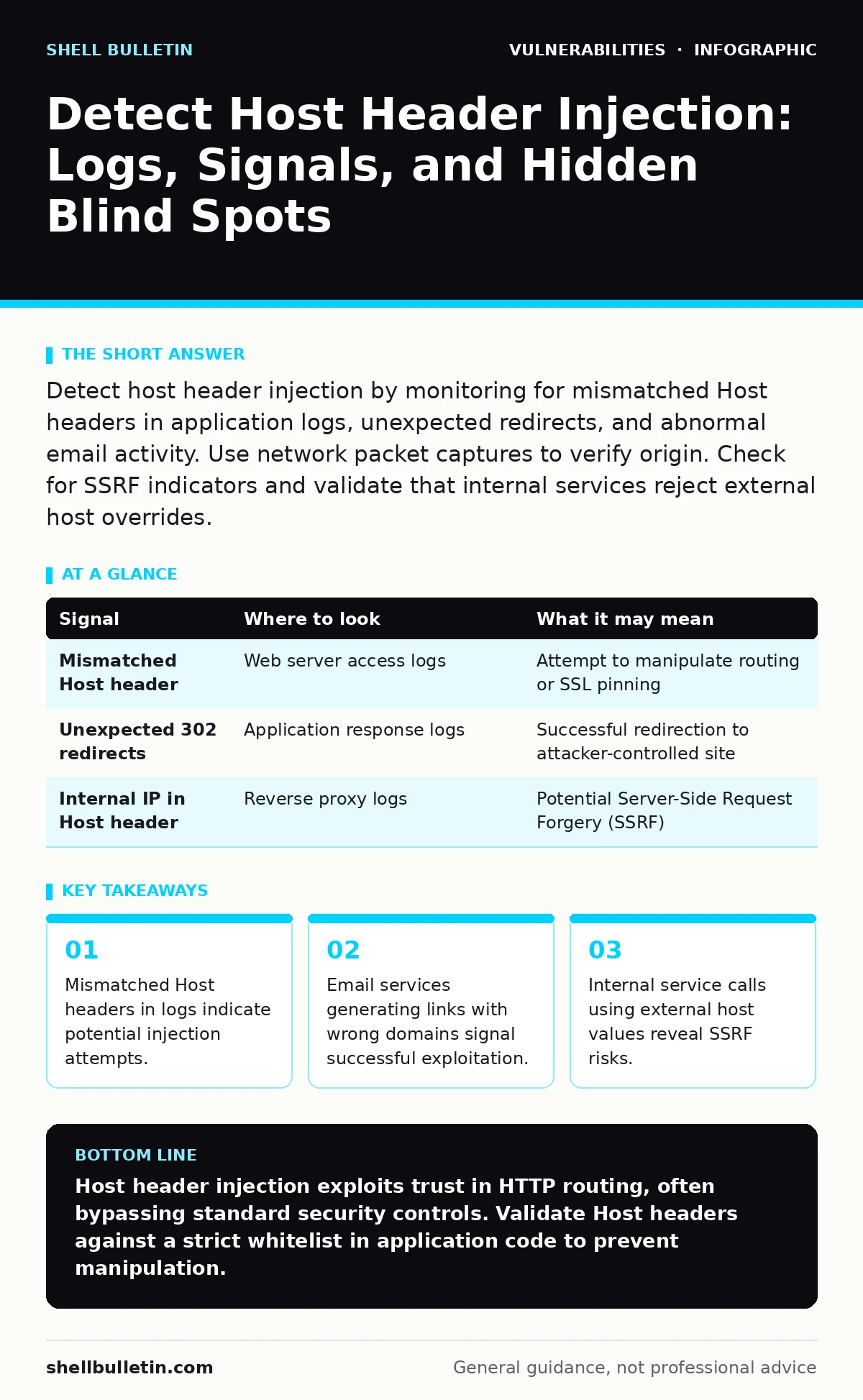
Detect host header injection by monitoring for mismatched Host headers in application logs, unexpected redirects, and abnormal email activity. Use network packet captures to verify origin. Check for SSRF indicators and validate that internal services reject external host overrides.
Identifying Host Header Manipulation in Access Logs
Host header injection occurs when an attacker modifies the HTTP Host header to manipulate application behavior. You must examine your web server access logs for discrepancies between the requested URI and the Host header value. Look for requests where the Host header contains an IP address, a non-standard domain, or a domain that does not match your application’s primary domain. These mismatches often indicate an attempt to bypass canonicalization checks or redirect traffic.
Standard web servers log the Host header value. If you see a request for example.com but the Host header is attacker.com, your application may be using that foreign host for routing. This is a primary indicator of injection. You should also look for requests where the Host header is missing or empty, as some applications default to unsafe behaviors when this header is absent.
| Signal | Where to look | What it may mean |
|---|---|---|
| Mismatched Host header | Web server access logs | Attempt to manipulate routing or SSL pinning |
| Unexpected 302 redirects | Application response logs | Successful redirection to attacker-controlled site |
| Internal IP in Host header | Reverse proxy logs | Potential Server-Side Request Forgery (SSRF) |
Analyzing Application Behavior for Redirection
When an application uses the Host header to construct URLs, it can inadvertently redirect users to malicious sites. You must monitor for unexpected 301 or 302 redirects in your application logs. These redirects often occur after login attempts or password reset flows. If a user clicks a link and lands on a different domain than expected, the application likely used the injected Host header to generate the redirect URL.
Check your application’s source code for places where it reads the Host header. If the code uses this value to build absolute URLs without validation, you have a vulnerability. The application trusts the client-provided host value. This trust allows attackers to specify any domain. The result is a redirect that appears legitimate because it originates from your server.
Monitoring Email and Notification Services
Host header injection often targets email services that generate links based on the request context. You must monitor outgoing emails for links that point to unexpected domains. If a password reset email contains a link to evil.com instead of example.com, the application likely used an injected Host header to construct the link. This is a common attack vector for phishing campaigns.
Check your email service logs for recipients who received emails with mismatched domains. These logs often contain the original request context, including the Host header value. By correlating email timestamps with web server logs, you can identify the specific request that triggered the malicious email. This correlation helps you understand the scope of the compromise.
Detecting Server-Side Request Forgery (SSRF) Indicators
Some applications use the Host header to determine internal service endpoints. You must monitor for requests to internal services that originate from external clients. If an external request causes your application to call an internal service using an attacker-supplied Host value, you may have an SSRF vulnerability. This allows attackers to access internal resources or bypass network restrictions.
Look for logs showing connections to internal IP addresses from public-facing servers. These connections often occur when the application trusts the Host header to route internal requests. You should also monitor for unusual DNS lookups initiated by your application. If your application resolves domains that are not part of its normal operation, an attacker may be using the Host header to trigger these lookups.
Using Network Tools for Deep Inspection
Standard logs may not capture all aspects of host header injection. You must use network packet captures to inspect raw HTTP requests. Tools like Wireshark allow you to see the exact headers sent by clients. This visibility helps you identify sophisticated attacks that evade log filtering. You can filter for HTTP requests and examine the Host header field directly.
Compare the Host header in the packet capture with the value logged by your web server. If they differ, your logging configuration may be stripping or modifying headers. This discrepancy can hide injection attempts. You should also monitor for requests that use non-standard ports or protocols. These anomalies often indicate attempts to bypass security controls.
See also: Detect Password Cracking: Hidden Log Signals and Blind Spots · Detect Clone Phishing: Log Signals, Tool Gaps and Blind Spots
Common Blind Spots in Detection Efforts
Many organizations miss host header injection because they focus on traditional attack vectors. You must recognize that this attack exploits trust in the HTTP protocol rather than application logic errors. Standard vulnerability scanners often fail to detect this issue because it requires context-aware testing. The scanner must simulate the application’s behavior to identify the risk.
Another blind spot is the assumption that web application firewalls (WAFs) block all header manipulations. WAFs can be configured to allow certain host values for legitimate purposes. Attackers exploit these exceptions. You must review your WAF rules regularly to ensure they cover all expected host values. Unused or overly permissive rules create opportunities for injection.
Integrating Detection into Vulnerability Management
Host header injection requires a specific approach to vulnerability management. You must include header validation in your code review processes. Developers often overlook the security implications of using the Host header. Training teams to recognize this risk reduces the likelihood of introduction. You should also integrate automated tests that check for host header manipulation.
Regularly update your security advisories to reflect new findings related to host header injection. These advisories help your team stay informed about emerging techniques. You should also coordinate with your risk-based vulnerability management program to prioritize fixes. Applications that handle sensitive data or perform internal routing are higher risk. Addressing these first reduces the overall impact of potential exploits.
Key takeaways
- Mismatched Host headers in logs indicate potential injection attempts.
- Email services generating links with wrong domains signal successful exploitation.
- Internal service calls using external host values reveal SSRF risks.
Host header injection exploits trust in HTTP routing, often bypassing standard security controls. Validate Host headers against a strict whitelist in application code to prevent manipulation.
Frequently asked questions
Can a web application firewall stop host header injection?
A WAF can block known malicious patterns, but it may not catch all variations. You must configure specific rules to validate Host header values against a whitelist for effective protection.
How does host header injection differ from cross-site scripting (XSS)?
Host header injection manipulates server-side routing and URL generation, while XSS injects client-side scripts. Host header injection affects how the server processes requests, whereas XSS affects how the browser renders content.
Should I disable the Host header entirely?
No, the Host header is required for HTTP/1.1 and virtual hosting. Instead of disabling it, you must validate its value against a strict list of allowed domains to prevent abuse.
What is the relationship between host header injection and SSRF?
Host header injection can lead to SSRF if the application uses the Host header to determine internal service endpoints. This allows attackers to force the server to make requests to internal resources.
How this guide was produced: written by the Shell Bulletin editorial team with AI assistance, checked against the public references listed below, and reviewed when the facts change. See our editorial policy or report an error.