Implement Detection Use Cases: A Practical Step-by-Step Guide
Map threats to your data, build specific alerts, and validate them to stop attacks before they cause damage.

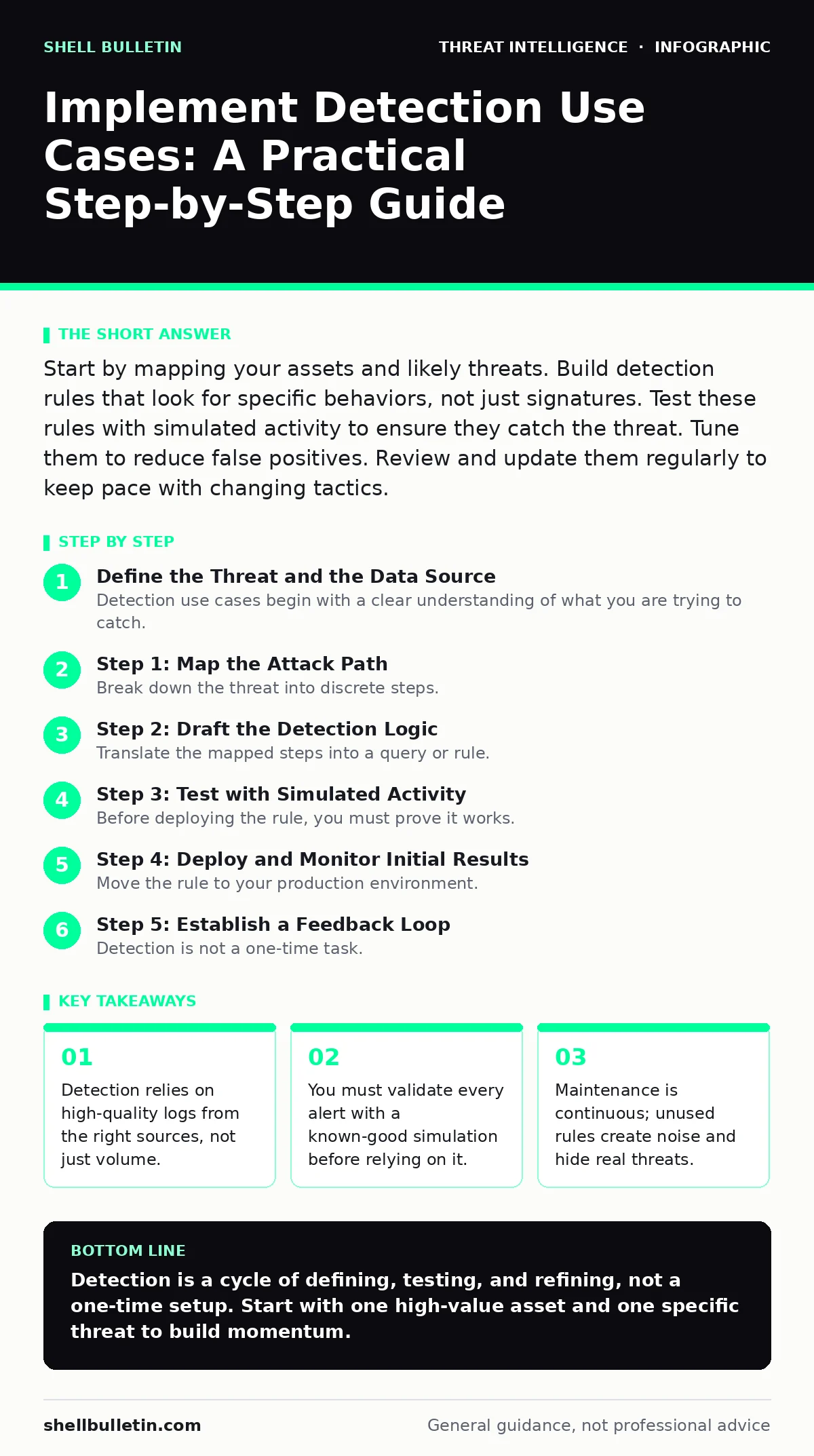
Start by mapping your assets and likely threats. Build detection rules that look for specific behaviors, not just signatures. Test these rules with simulated activity to ensure they catch the threat. Tune them to reduce false positives. Review and update them regularly to keep pace with changing tactics.
Define the Threat and the Data Source
Detection use cases begin with a clear understanding of what you are trying to catch. A use case is a specific scenario where an attacker performs a recognizable action, such as logging in from an unusual location or accessing sensitive files at odd hours. You cannot detect what you do not define.
Identify the critical assets in your environment. These might include customer databases, intellectual property repositories, or administrative accounts. Determine which threats pose the greatest risk to these assets. If you protect everything equally, you protect nothing effectively. Focus on the high-value targets that an attacker would prioritize.
Next, verify that you have the necessary telemetry. Telemetry is the raw data generated by your systems, such as login attempts, file changes, or network connections. If your security tools do not collect logs for the activity you want to monitor, you cannot build a detection rule for it. Enable logging for all critical endpoints and servers. Ensure this data flows into your central monitoring platform.
Step 1: Map the Attack Path
Break down the threat into discrete steps. An attack is rarely a single event; it is a sequence of actions. For example, an attacker might first scan for open ports, then exploit a vulnerability, and finally install malware. Map each of these steps to a specific indicator.
An indicator is a sign of activity, such as a specific process name or a known malicious IP address. However, indicators alone are often insufficient because attackers change them frequently. Focus on behaviors instead. A behavior is an action that is unusual for a specific context, such as a user account running a command prompt for the first time.
Document the expected normal behavior for your environment. This baseline helps you distinguish between routine operations and malicious activity. If remote logins are common for your support team, a remote login is not an anomaly. If they are rare, it is a significant signal. Define the boundaries of normality for each critical system.
Step 2: Draft the Detection Logic
Translate the mapped steps into a query or rule. This logic tells your monitoring system what to look for. For instance, you might write a rule that triggers when a user accesses more than fifty files in one minute. This threshold is arbitrary and must be tuned to your specific environment.
Use standard query languages supported by your platform. These languages allow you to filter, aggregate, and correlate data. You can combine multiple weak signals into a strong alert. A single failed login is normal; ten failed logins followed by a successful one from a new device is suspicious.
Avoid overly broad rules. A rule that alerts on every file change will generate noise that drowns out real threats. Be specific about the conditions. Include filters for user roles, time of day, and asset type. The goal is precision, not volume. Every alert should require investigation.
Step 3: Test with Simulated Activity
Before deploying the rule, you must prove it works. Use a safe, controlled method to simulate the attack behavior. This is often called purple teaming or detection engineering testing. You generate the exact activity your rule is designed to catch.
If your rule looks for unauthorized file deletion, delete a test file using a test account. Check if the alert fires. If it does not, your logic is flawed. If it does, check the details. Does the alert provide enough context for an analyst to respond? It should include the user, the time, and the affected asset.
Step 4: Deploy and Monitor Initial Results
Move the rule to your production environment. Start with a low-impact setting if possible, such as logging the event without sending an immediate notification. This allows you to observe the rule’s behavior in real-time without causing alert fatigue.
Monitor the alerts for a defined period. Look for false positives. A false positive is an alert that triggers on benign activity. If your rule alerts on every software update, it is too noisy. Adjust the thresholds or add exclusions. For example, exclude the service account that runs automated updates.
Once the false positive rate is acceptable, enable full alerting. Assign the alerts to the appropriate team. Ensure they have the procedures to investigate and respond. A detection rule without a response plan is useless.
See also: What Is Endpoint Telemetry and How It Secures Your Devices · Detect Clone Phishing: Log Signals, Tool Gaps and Blind Spots
Step 5: Establish a Feedback Loop
Detection is not a one-time task. Attackers change their tactics, and your environment evolves. You must regularly review your detection rules. Look for rules that have not fired in months. These may be obsolete or broken.
Analyze the alerts that did fire. Were they true threats? Did the response time meet your goals? Use this data to refine your logic. If a rule consistently generates noise, rewrite it or disable it. If a new threat emerges, create a new use case.
Verification Checklist for Rollout
Use this checklist to ensure your detection use case is ready for production.
- The threat scenario is clearly defined with specific steps.
- All required log sources are enabled and feeding data correctly.
- The detection logic uses behavioral indicators, not just static signatures.
- The rule has been tested with simulated activity and triggered correctly.
- False positives have been identified and filtered out.
- A response playbook exists for analysts to follow when the alert fires.
- The rule is assigned to a specific team or individual for ownership.
Ongoing Maintenance and Tuning
Keep your detection program alive by scheduling regular reviews. Quarterly reviews are a good starting point. During these reviews, assess the performance of each rule. Remove rules that no longer align with your risk profile.
Update your rules when your infrastructure changes. If you migrate to a new cloud provider, your log formats may change. Your detection logic must adapt. If you introduce new applications, add them to your baseline of normal behavior.
Train your analysts on the new rules. They need to understand what the rule looks for and why it matters. This context helps them investigate faster and more accurately. A well-trained team is the final layer of your detection strategy.
Key takeaways
- Detection relies on high-quality logs from the right sources, not just volume.
- You must validate every alert with a known-good simulation before relying on it.
- Maintenance is continuous; unused rules create noise and hide real threats.
Detection is a cycle of defining, testing, and refining, not a one-time setup. Start with one high-value asset and one specific threat to build momentum.
Frequently asked questions
How do I choose which threats to detect first?
Focus on threats that target your most valuable assets and have a high likelihood of success. Ignore low-risk threats until your core detections are stable.
What if I don't have enough data to build a rule?
Enable logging for the relevant systems first. You cannot detect what you do not see. Prioritize logs that show user activity and system changes.
How often should I tune my detection rules?
Review rules monthly for noise and quarterly for relevance. Tune immediately if a rule generates excessive false positives or misses a known threat.
Can I automate the response to these alerts?
Automation is possible for clear, high-confidence alerts. For ambiguous alerts, keep human analysts in the loop to prevent accidental disruption.
How this guide was produced: written by the Shell Bulletin editorial team with AI assistance, checked against the public references listed below, and reviewed when the facts change. See our editorial policy or report an error.