FortiGate Vulnerability Response: Containment and Recovery Steps
Isolating the firewall before patching prevents lateral movement, but network segmentation determines whether you can maintain business operations during the remediation window.
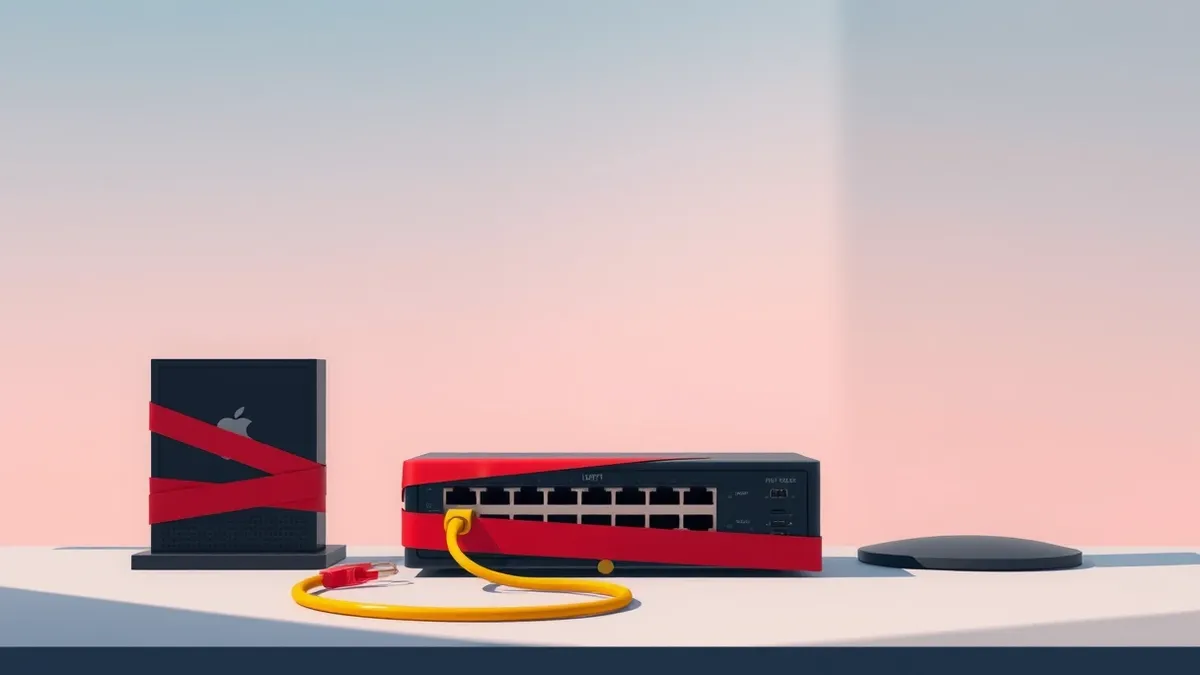
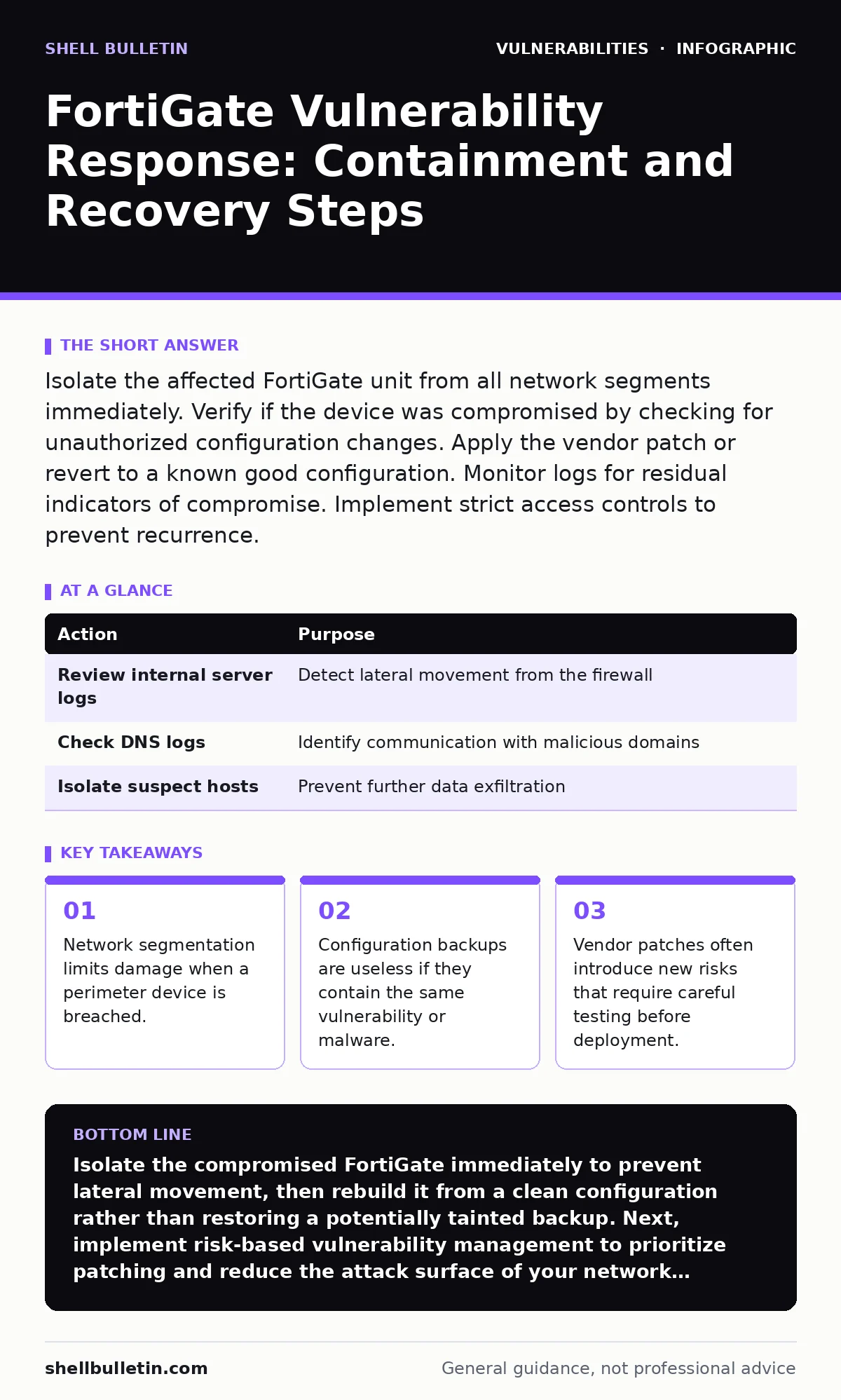
Isolate the affected FortiGate unit from all network segments immediately. Verify if the device was compromised by checking for unauthorized configuration changes. Apply the vendor patch or revert to a known good configuration. Monitor logs for residual indicators of compromise. Implement strict access controls to prevent recurrence.
First hour
The immediate priority is stopping the attacker from moving deeper into your network. A compromised firewall acts as a bridge between the internet and your internal systems. You must cut that bridge before attempting to fix the device.
- Disconnect the FortiGate from all network interfaces. If physical disconnection is impossible, use the command line interface to shut down all administrative and data interfaces.
- Preserve the current state. Export configuration files, system logs, and session tables. These files are your primary evidence for determining the scope of the breach.
- Check for unauthorized changes. Look for new administrator accounts, modified routing tables, or disabled security policies. These are common signs of a successful intrusion.
- Isolate the device from all network segments.
- Export system logs and configuration files.
- Document all observed anomalies and unauthorized changes.
First day
Containment shifts from the device to the network. You need to determine if the attacker used the FortiGate to access other systems. This requires analyzing traffic logs and internal host logs.
Imagine an attacker gained root access to your firewall. They could have injected malicious code into DNS responses or altered firewall rules to allow traffic to a command and control server. You must assume the worst until proven otherwise.
Review your internal servers for signs of compromise. Look for unexpected outbound connections, new user accounts, or changes to system files. If you use SAML authentication bypass techniques to test your identity provider, ensure those tests are not left enabled during an incident.
Analyze the logs for patterns. Attackers often use the compromised firewall to scan internal networks. Identify any internal hosts that communicated with the FortiGate during the suspected compromise window. Isolate these hosts for further investigation.
| Action | Purpose |
|---|---|
| Review internal server logs | Detect lateral movement from the firewall |
| Check DNS logs | Identify communication with malicious domains |
| Isolate suspect hosts | Prevent further data exfiltration |
First week
Recovery involves restoring the FortiGate to a secure state. This is not just about applying a patch. You must verify that the device is clean and that no backdoors remain.
Start by rebuilding the device from a known good configuration. Do not restore from a backup taken after the compromise. The backup may contain malicious configurations or embedded malware. Use a configuration from before the vulnerability was disclosed, or build a new one from scratch.
Apply the vendor patch. Test the patch in a lab environment before deploying it to production. Patches can introduce new bugs or break existing configurations. This is where security regression testing becomes critical. You must verify that the patch fixes the vulnerability without breaking other functionality.
- Verify the integrity of the firmware image.
- Rebuild the configuration from a clean source.
- Test the patched device in an isolated environment.
Who to tell
Communication is a critical part of incident response. You must inform stakeholders about the breach, the impact, and the steps taken to remediate it.
Tell your legal team. They can advise on regulatory requirements and potential liability. Tell your insurance provider. Cyber insurance policies often require prompt notification of incidents. Tell your customers if their data was compromised. Transparency builds trust, even when the news is bad.
Do not blame individuals. Focus on the process failures that allowed the breach to occur. This encourages a culture of learning rather than fear. Use security advisory reading skills to understand the technical details of the vulnerability and explain them in plain language to non-technical stakeholders.
How to stop a repeat
Preventing recurrence requires a shift in mindset. You must move from reactive patching to proactive risk management. This involves identifying vulnerabilities before they are exploited.
Implement risk-based vulnerability management. Prioritize patching based on the severity of the vulnerability and the exposure of the affected asset. Not all vulnerabilities are created equal. Some are easy to exploit and have severe consequences. Others are theoretical and pose little risk.
Regularly audit your configurations. Check for default passwords, unnecessary open ports, and overly permissive firewall rules. These are common entry points for attackers. Use automated tools to scan for misconfigurations and vulnerabilities on a regular basis.
Train your staff on security best practices. Human error is a major cause of breaches. Ensure that IT staff understand the importance of timely patching and secure configuration management.
The hidden cost of speed
Speed in patching often leads to security regression. When you rush to apply a patch, you may miss subtle configuration errors or compatibility issues. This can lead to new vulnerabilities or system instability.
Take the time to test patches thoroughly. This includes testing in a staging environment that mirrors your production environment. Verify that the patch does not introduce new vulnerabilities or break existing security controls.
Consider the trade-off between speed and stability. A patched device that crashes or blocks legitimate traffic is worse than an unpatched device that is isolated from the network. Prioritize stability and security over speed.
Beyond the firewall
A FortiGate vulnerability is a symptom of a larger problem. If your firewall is compromised, your internal defenses may also be weak. You must adopt a defense-in-depth strategy.
This means implementing multiple layers of security controls. Use host-based firewalls, intrusion detection systems, and endpoint protection. These controls can detect and block attacks that bypass the perimeter firewall.
Regularly test your defenses. Conduct penetration tests and red team exercises to identify weaknesses in your security posture. Use the results to improve your defenses and reduce your risk.
Imagine an attacker bypasses your firewall using a memory corruption bug. If you have strong internal segmentation and endpoint protection, the attacker’s movement will be limited. This reduces the impact of the breach and gives you more time to respond.
Key takeaways
- Network segmentation limits damage when a perimeter device is breached.
- Configuration backups are useless if they contain the same vulnerability or malware.
- Vendor patches often introduce new risks that require careful testing before deployment.
Isolate the compromised FortiGate immediately to prevent lateral movement, then rebuild it from a clean configuration rather than restoring a potentially tainted backup. Next, implement risk-based vulnerability management to prioritize patching and reduce the attack surface of your network infrastructure.
Frequently asked questions
How do I know if my FortiGate is vulnerable?
Check the vendor’s security advisory for known vulnerabilities affecting your firmware version. Compare your current firmware version with the list of affected versions. If your version is listed, you are vulnerable.
Can I just apply the patch and continue operations?
No. Applying a patch does not remove existing malware or backdoors. You must verify that the device is clean before returning it to service. Assume the device is compromised until proven otherwise.
What if I don’t have a clean configuration backup?
Rebuild the configuration from scratch. Use documentation and standard security guidelines to create a new configuration. This ensures that no malicious settings are restored.
How often should I update my FortiGate firmware?
Update regularly, but prioritize updates that address critical vulnerabilities. Balance the need for security with the risk of introducing new bugs. Test updates in a staging environment before deploying to production.
How this guide was produced: written by the Shell Bulletin editorial team with AI assistance, checked against the public references listed below, and reviewed when the facts change. See our editorial policy or report an error.