Verify CAPTCHA Prompts Carefully to Avoid Self-Installed Malware
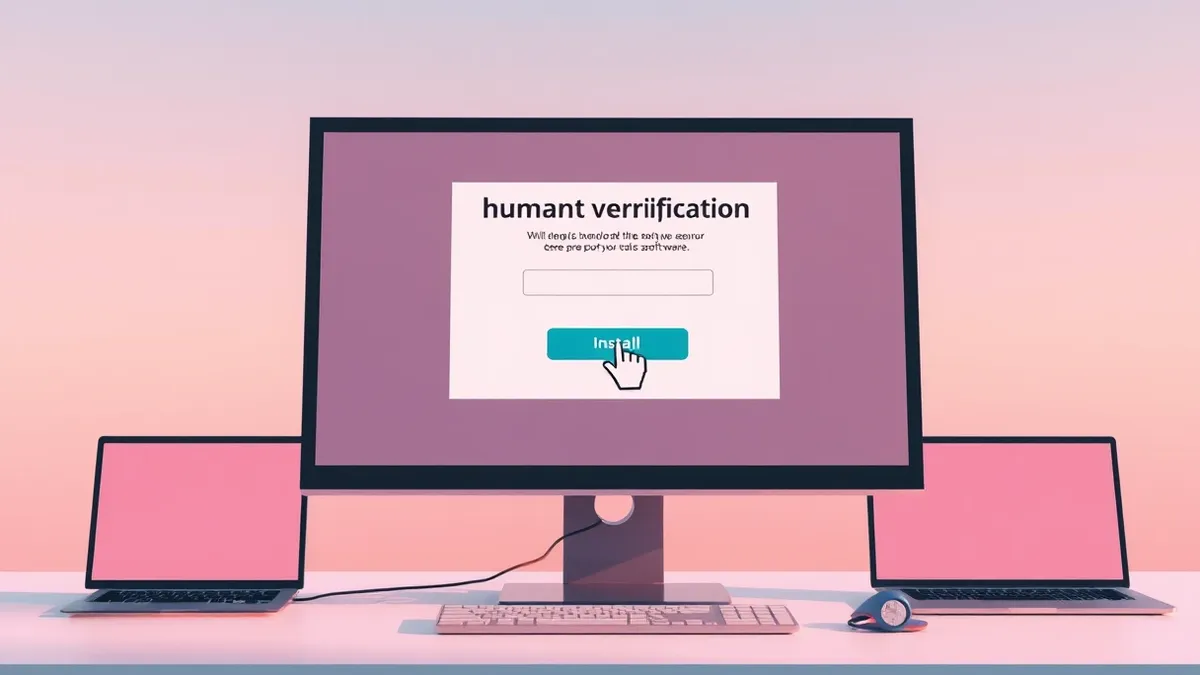
Attackers use fake human verification checks to trick users into running malicious commands or downloading software on their own devices.
Key points
- Barracuda found CAPTCHA abuse in 43% of phishing kits examined in 2025.
- Fake checks can copy malicious commands to the clipboard for users to execute.
- These pages hide content from security scanners and adapt to visitor details.
Attackers are using counterfeit human verification checks to convince users to install malware or enable malicious notifications on their own computers, according to Barracuda. This technique turns a routine security step into a direct gateway for infection, bypassing traditional defenses by relying on user compliance rather than technical exploitation.
The company identified this abuse in 43% of the phishing-kit attacks it reviewed during 2025. These fake checks serve multiple purposes for the attacker: they build false trust, filter out automated security tools, and conceal the true nature of the malicious content until the user has already engaged with the page.
How the Attack Works
An attack typically starts with an email asking the recipient to open a document, invoice, or contract. The link directs the user to a page that demands a CAPTCHA verification to access the file. Completing this check may lead to a fake Microsoft 365 login page for credential theft, trigger a malware download, or prompt the user to enable browser notifications for further spam.
Some campaigns use this verification step to initiate ClickFix attacks. The page copies a malicious command to the user’s clipboard without their knowledge. The site then instructs the victim to open a system tool, paste the text, and press Enter. This action executes the command and starts the malware infection.
Who Is Affected
Any user receiving emails with links to documents or invoices is at risk. The fake pages often imitate browser errors, failed previews, or software update notices. They may adapt to the visitor’s device, location, or timing, and some expire quickly or appear briefly, making investigation by security teams difficult after an incident occurs.
What to watch
Barracuda noted that AI and no-code tools allow attackers to create highly convincing pages. These sites can incorporate the recipient’s specific details and organizational branding. They adapt language and content to the target, making it harder for users to distinguish between legitimate verification requests and malicious traps designed to steal credentials or install software.
What made it possible
This technique exploits the user’s expectation that human verification is a standard security requirement. By mimicking trusted interfaces, attackers lower the victim’s guard and create a sense of urgency. The weakness lies in the user’s willingness to follow on-screen instructions without verifying the source. This serves the initial access stage of an intrusion, allowing adversaries to bypass automated scanning and gain control through social engineering rather than technical vulnerabilities.
Background: Malware
Malware targets small businesses because they lack layered defenses. You must isolate sensitive data, restrict software execution, and verify IT provider backup integrity. Focus on reducing the attack surface through strict access controls and regular, offline data restoration tests.
Read the full guide: Malware Defense: Practical Steps for Small Business Security
What to do and how to stay safe: Barracuda
- Check the URL of any page requesting CAPTCHA verification to ensure it belongs to a known, trusted domain.
- Avoid pasting commands from web browsers into system tools like the Windows Run dialog or terminal.
- Disable browser notifications from unfamiliar sites to prevent attackers from sending further malicious content.
- Train staff to recognize that legitimate services rarely ask users to execute system commands to access files.
Step-by-step guide: Multi-Factor Authentication Setup for Small Teams
General security guidance from the Shell Bulletin newsroom. It is not confirmed advice from the organisations named in this story.
Frequently asked questions
How do attackers use fake CAPTCHAs to install malware?
They trick users into copying malicious commands to their clipboard and pasting them into system tools, which executes the malware.
How common is this type of attack?
Barracuda found CAPTCHA abuse in 43% of the phishing-kit attacks it examined during 2025.
Can these fake pages hide from security scanners?
Yes, the CAPTCHA challenges prevent automated scanners and security testing tools from reaching the next page, limiting inspection.